Verified Excel workbook
Free 2026 Construction Unit Cost Workbook in Excel
Track construction unit cost history, allocations, variance, and open items in this free 2026 Excel workbook for US project-controls teams.
Keep historical unit-cost, planning benchmark, and allocation records in one construction project-controls workbook. Download the free Excel workbook to record the project, cost code or allocation target, vendor, worker, or asset, transaction date, quantity or hours, unit rate, source amount, status, owner, and source reference for each line.
The workbook separates user entries from calculated review outputs. It calculates extended source amount, allocated amount, budget or source variance, and open-item aging in days using information entered by your team. It supports internal cost-history tracking, not market pricing, bids, estimates, future-rate predictions, or estimate-to-budget reconciliation.
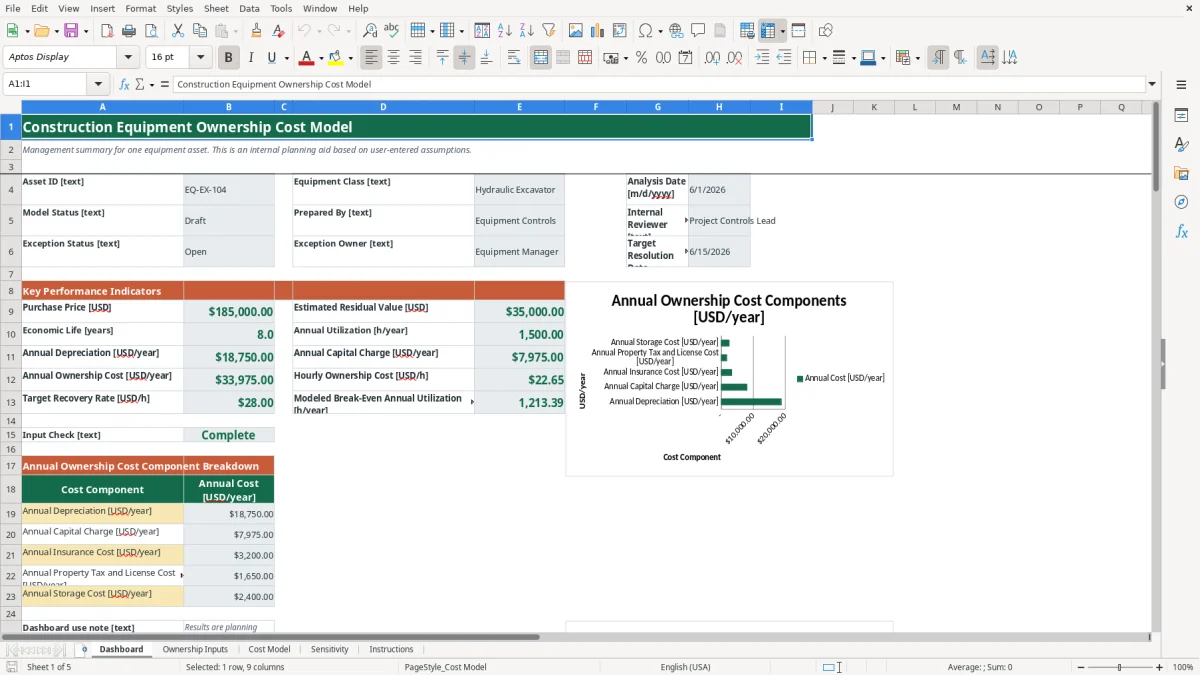
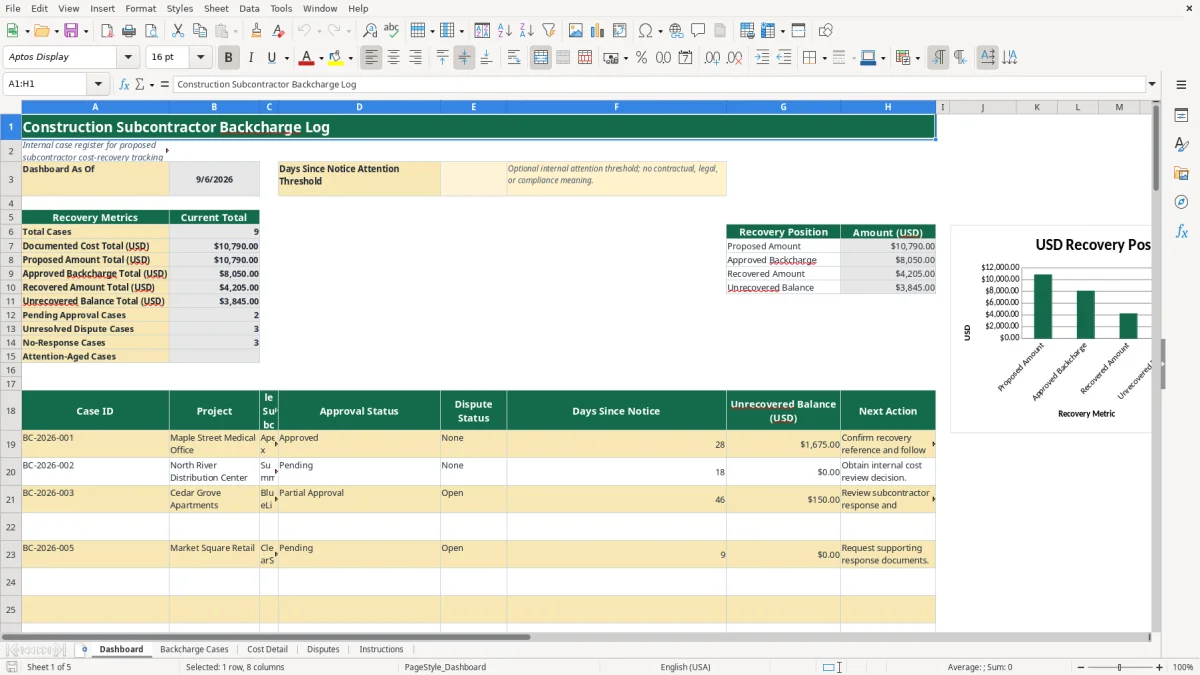
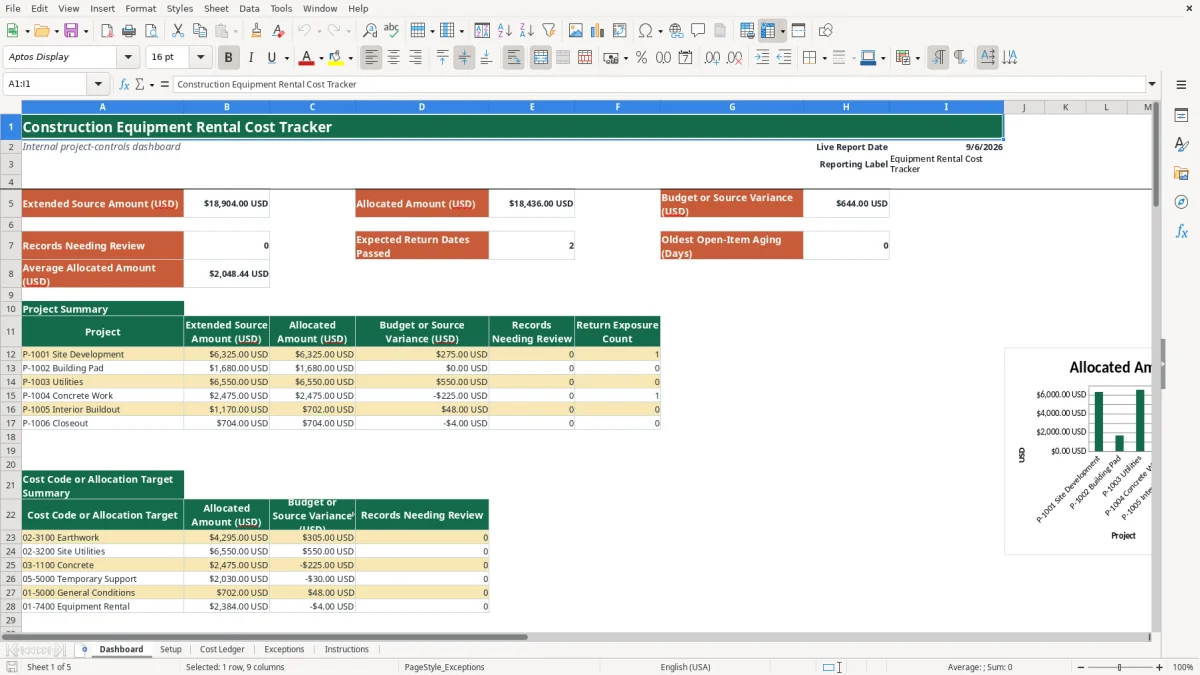
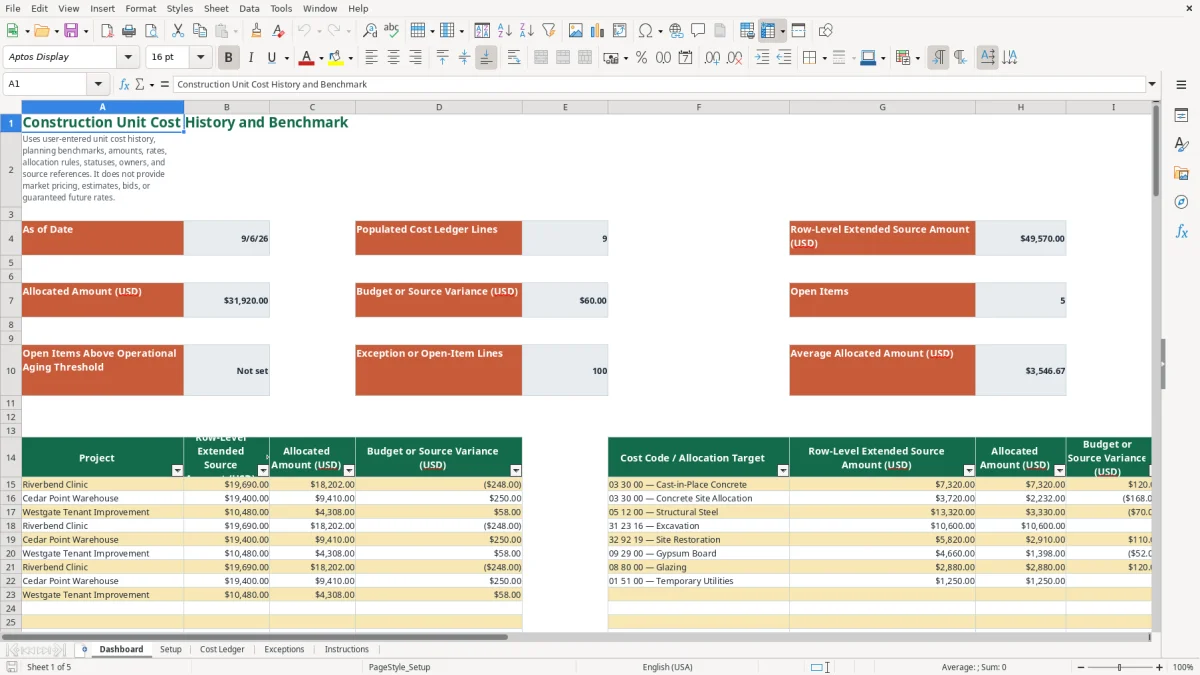
Final workbook preview
Four views generated from the verified XLSX.
How to use this workbook
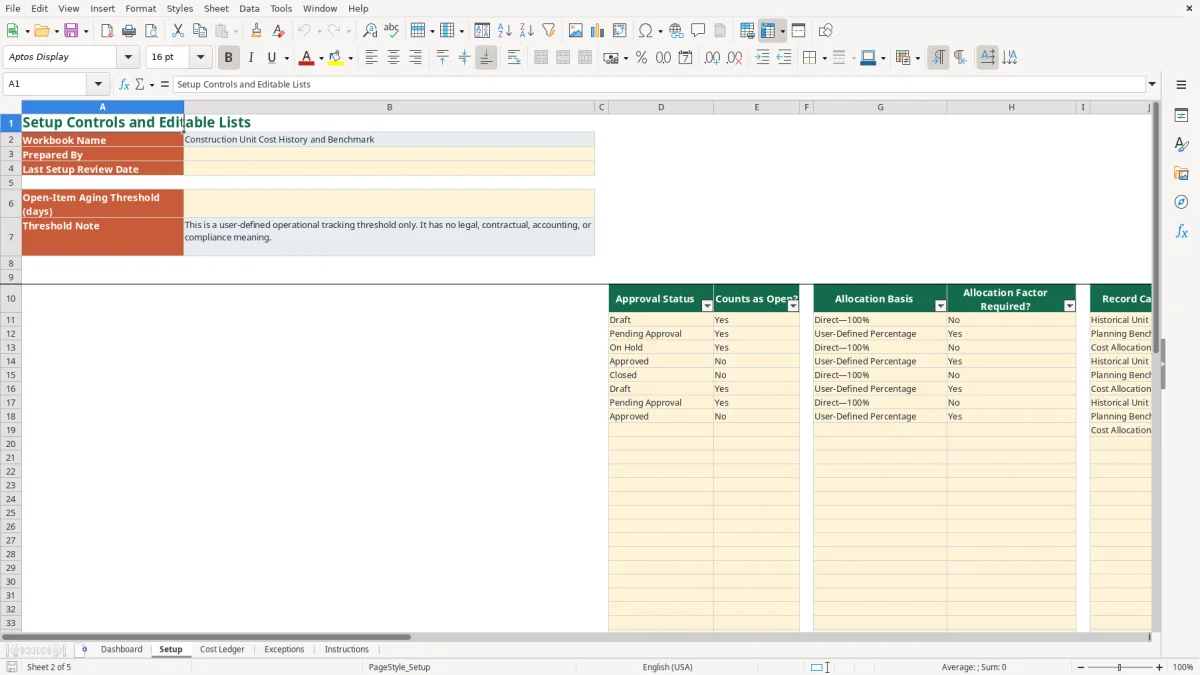
Maintain setup lists
Begin on Setup. Enter the preparer, last setup review date, and an optional open-item aging threshold in days. Maintain the available approval statuses, open-status settings, allocation bases, record categories, projects, owners, and cost codes or allocation targets. The threshold is a user-defined operational setting, not a contractual, legal, accounting, or compliance deadline.
Enter a Cost Ledger line
Enter one cost or allocation line per Cost Ledger row. Record a line ID, category, project, cost code or allocation target, vendor, worker, or asset, transaction date, unit of measure, status, owner, source reference, review date, and notes as applicable. Enter either Source Amount (USD), or Quantity or Hours and Unit Rate (USD per Unit of Measure).
Apply allocation and comparison inputs
Select Direct—100% or User-Defined Percentage. For the percentage basis, enter an allocation factor from 0% through 100%. Enter a Budget or Source Comparison Amount (USD) only when the project team has a comparison amount available. That entry supports the calculated variance; it is not independently verified.
Review outputs and exceptions
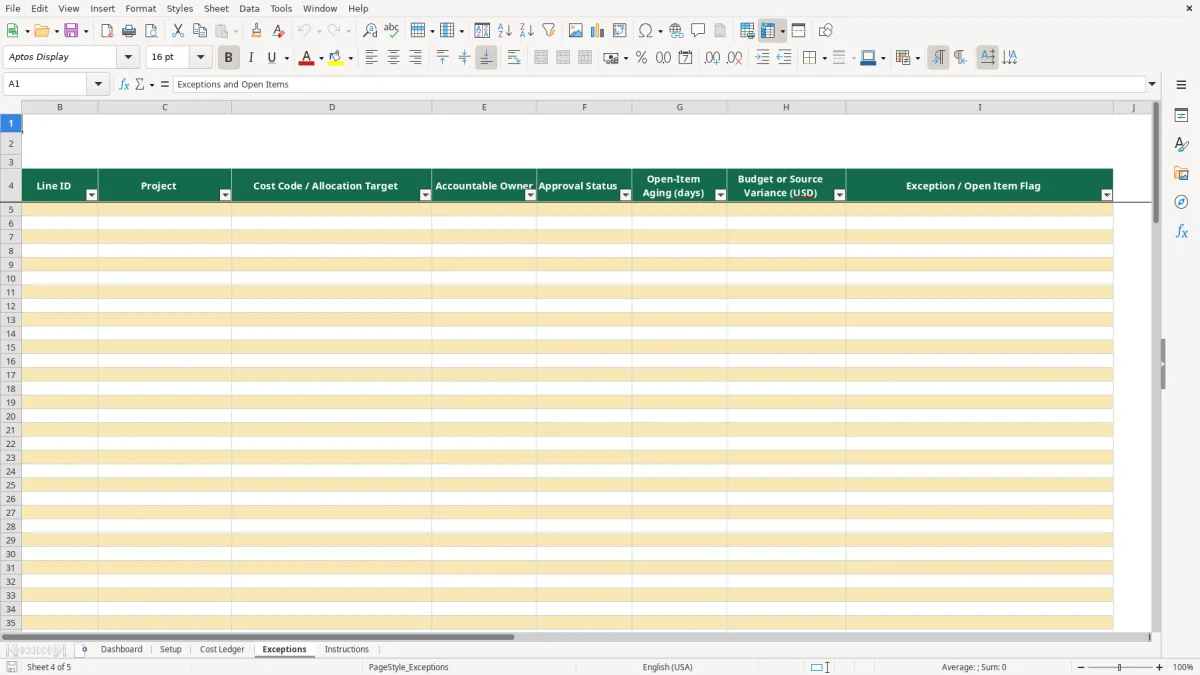
Use Dashboard to review ledger-line count, extended source amount, allocated amount, variance, open items, aging-threshold count, average allocated amount, and summaries by project and cost code. Use Exceptions for calculated input-review and open-item messages. Update the original record on Cost Ledger rather than editing the calculated exception view.
Benefits
Keep historical unit-cost, planning benchmark, and allocation lines in one ledger.
Track projects, cost codes, owners, approval statuses, and source references.
Review calculated USD amounts, variance, aging, and exception messages.
Use project-specific unit labels without converting units.
Features
Five worksheets: Dashboard, Setup, Cost Ledger, Exceptions, and Instructions.
Prepared formulas across 100 operational Cost Ledger rows.
Calculated project and cost-code USD summaries on Dashboard.
Controlled list entries for major tracking and responsibility fields.
Construction unit cost history in Excel
This construction unit cost history and benchmark Excel workbook organizes user-entered Historical Unit Cost, Planning Benchmark, and Cost Allocation records. Each Cost Ledger line can identify the related project, cost code or allocation target, vendor, worker, or asset, transaction date, accountable owner, approval status, and source reference.
The ledger provides a practical place to retain the operational details behind a number. A source reference is a tracking field only. It does not prove the source amount, payment, approval, ownership, entitlement, completeness, or accuracy of a record.
User-entered amounts and calculated allocations
Extended Source Amount (USD) is calculated from Source Amount (USD), when entered, or from Quantity or Hours multiplied by Unit Rate (USD per Unit of Measure). Source Amount takes precedence when both methods are entered. The workbook does not convert units. Enter quantity, hours, rates, and labels exactly as used by the project team, such as cubic yard, labor hour, equipment hour, square foot, pound, or load.
Allocated Amount (USD) uses the selected allocation basis. Direct—100% carries the extended source amount, while User-Defined Percentage uses the entered allocation factor. Budget or Source Variance (USD) equals allocated amount less the user-entered comparison amount. A positive result means allocated amount exceeds that comparison amount.
Open-item aging and exception review
Setup links each approval status to a Counts as Open setting. For a line with an open status and transaction date, the workbook calculates open-item aging in days from the transaction date through the current date. Dashboard reports the open-item count and the count above the optional threshold.
The Exceptions worksheet returns calculated records with input-review messages or open-item conditions, including the line ID, project, cost code or allocation target, owner, status, aging, variance, and exception flag. Review and correct the ledger record that generated the message. The calculated view is not an evidence repository or approval record.
Frequently asked questions
What information does a user enter?
Users enter a line ID, record category, project, cost code or allocation target, vendor, worker, or asset, transaction date, quantity or hours, unit of measure, unit rate, source amount, allocation basis, allocation factor, comparison amount, approval status, owner, source reference, review date, and notes. Setup provides lists for several controlled fields.
What does the Dashboard show?
Dashboard calculates the current as-of date, populated ledger-line count, total extended source amount in USD, allocated amount in USD, budget or source variance in USD, open-item count, count above the aging threshold, and average allocated amount in USD. It also summarizes calculated amounts by project and cost code or allocation target.
How many records are prepared in the workbook?
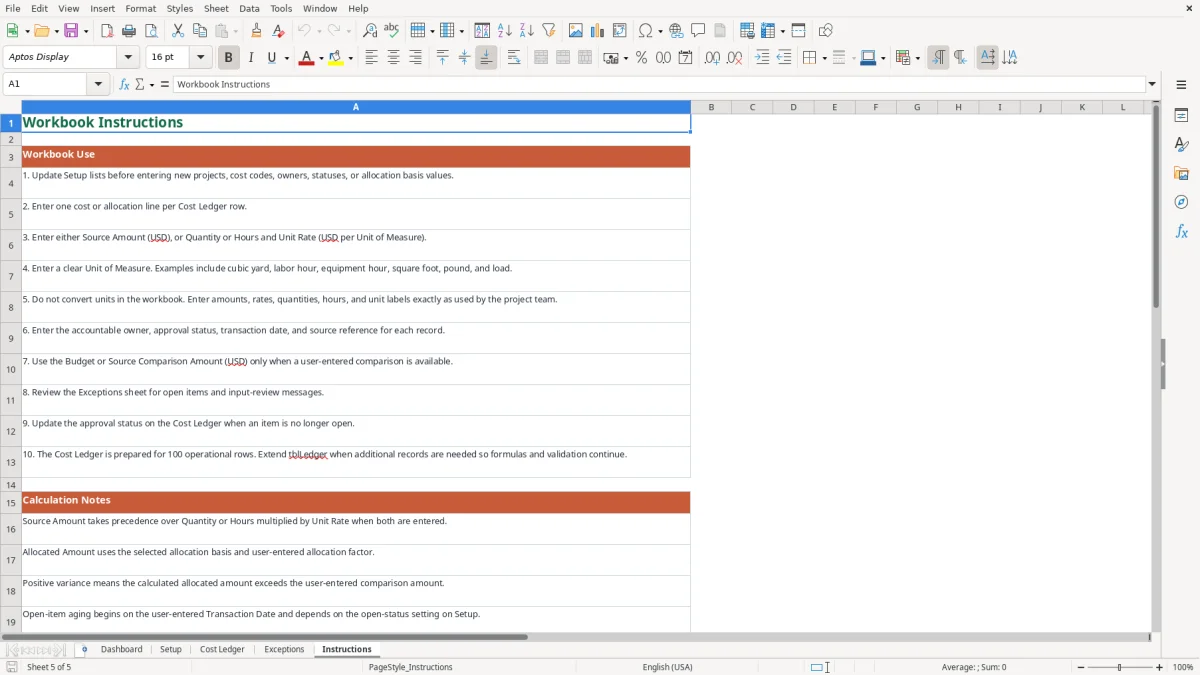
Cost Ledger is prepared for 100 operational rows, from row 2 through row 101. The Instructions worksheet directs users to extend the ledger table if more records are needed so formulas and validation can continue. The provided workbook does not establish unlimited capacity.
Does the workbook validate rates or source documents?
No. The workbook does not validate unit rates, obtain market pricing, or store source evidence. Source references do not prove accuracy, approval, payment, ownership, entitlement, or compliance. Teams remain responsible for reviewing their own entered information and supporting records.
Can it perform estimate-to-budget reconciliation?
No. This workbook tracks unit-cost history, planning benchmarks, and cost allocations. Its variance calculation compares allocated amount with a user-entered comparison amount on the same line. Estimate-to-budget reconciliation is a separate workflow and is outside this workbook’s functional scope.
Workbook file
Ready to put this workbook to work?
Download the verified XLSX, keep an untouched copy, and adapt a working copy to your project.
Download verified XLSXEditorial team
About the authors

Paige Sutton Vale
Workbook Systems Editor
Paige turns construction planning, cost-control, field, and closeout workflows into clear Excel workbook guides. She focuses on inputs, calculations, outputs, and practical limits.

Maren Ellsworth Keel
Workbook QA Reviewer
Maren reviews formula behavior, field labels, project-controls terminology, and workbook instructions so each resource stays within its documented scope.