Verified Excel workbook
Free 2026 Construction Backcharge Log Workbook in Excel
Track subcontractor backcharge cases, costs, notices, disputes, approvals, and recovery in a free 2026 Excel workbook for project controls.
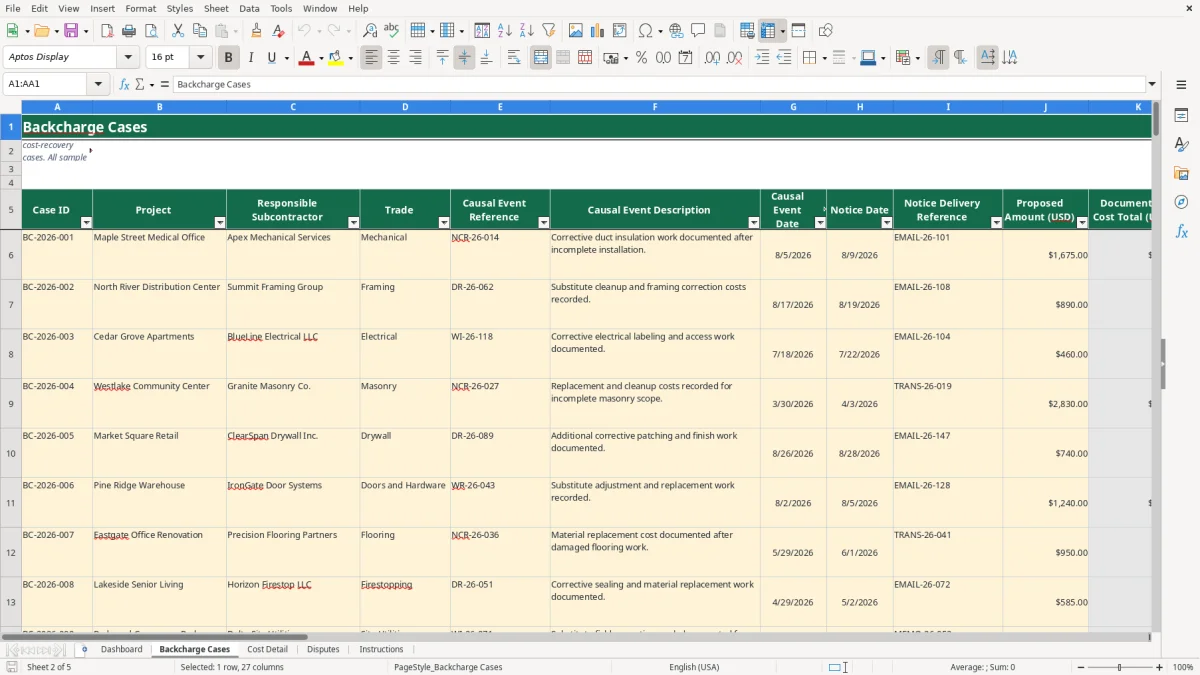
Keep proposed subcontractor cost-recovery cases organized from the causal event through recovery or dispute. Download this free Excel workbook to maintain a central register for case IDs, projects, responsible subcontractors, notice records, proposed amounts, supporting costs, approvals, and recovery references. The workflow is built around one case per event and responsible subcontractor.
The workbook separates the case register from supporting cost lines and dispute detail, so project-controls staff can review unresolved exceptions without mixing them into corrective field activity records. It is intended for internal tracking of proposed backcharges after award, not for selecting subcontractors, establishing the original subcontract buyout, or replacing accounts receivable records.
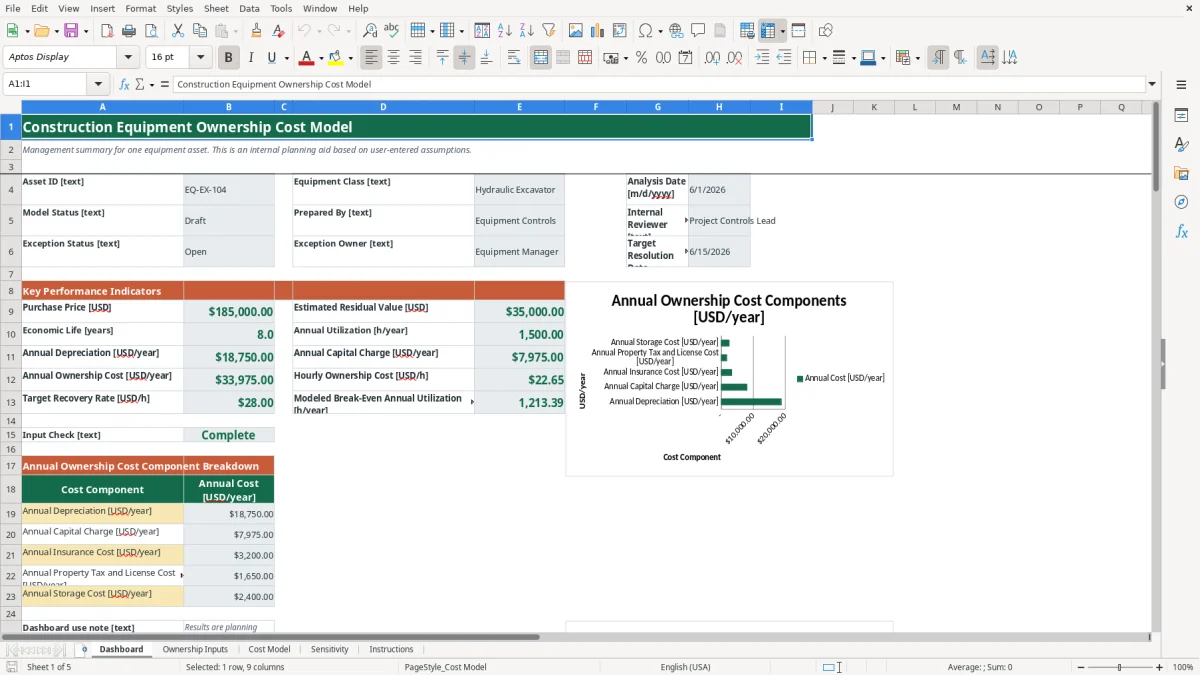
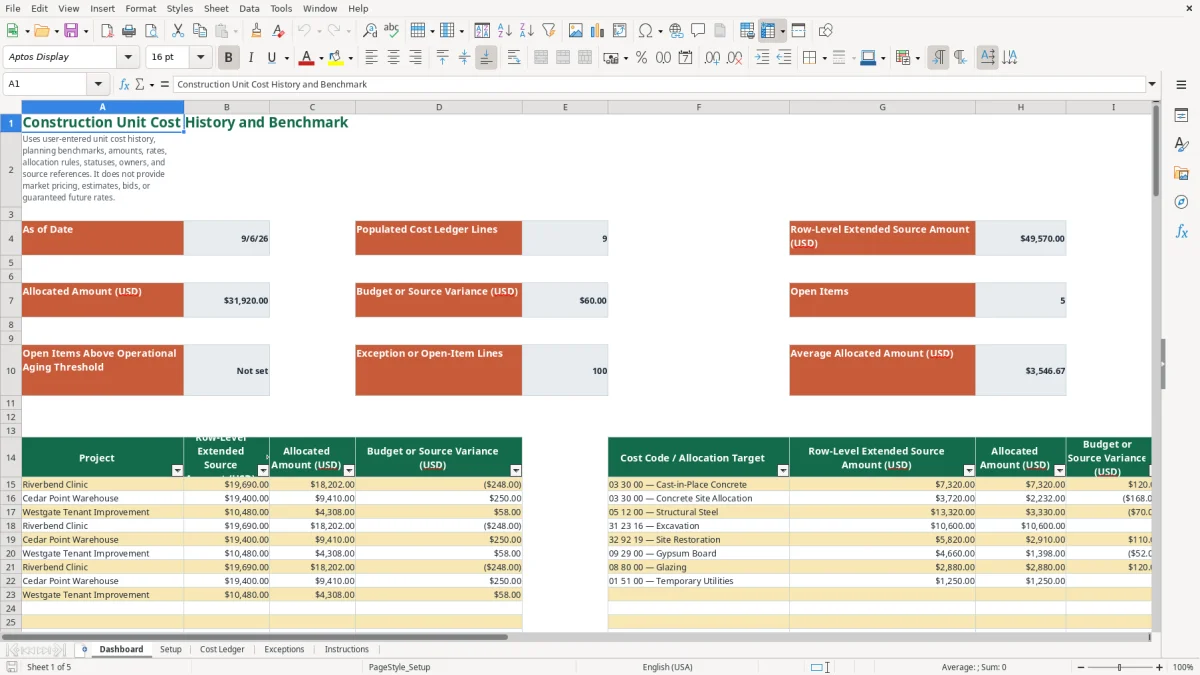
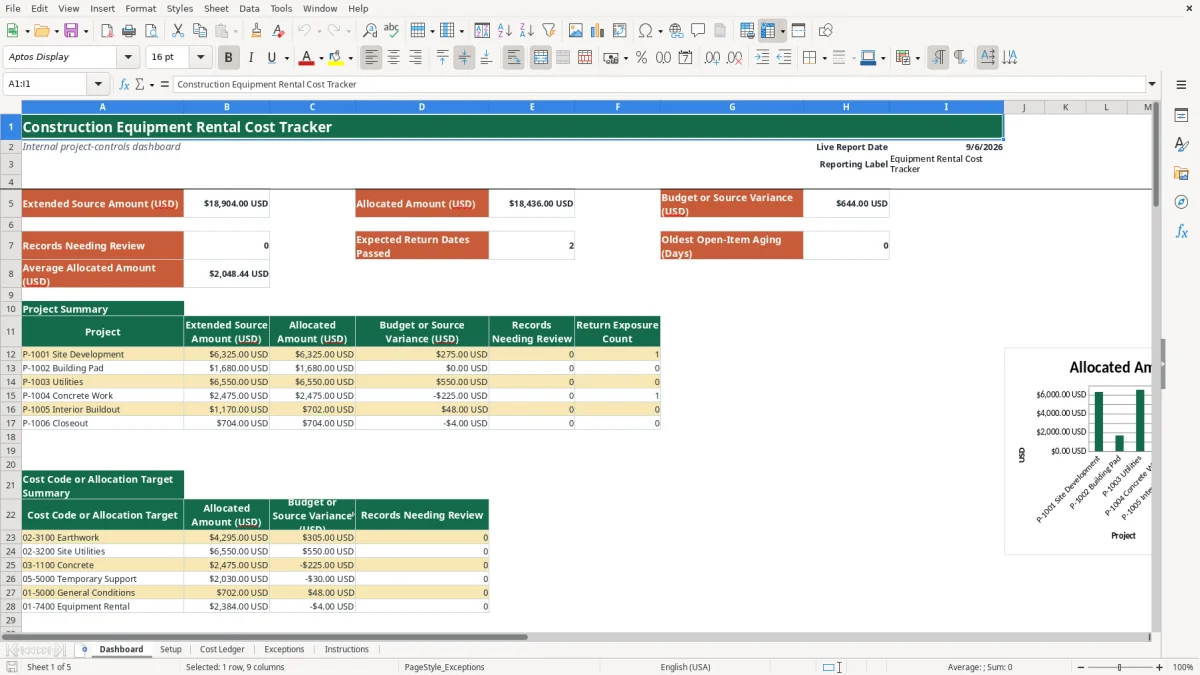
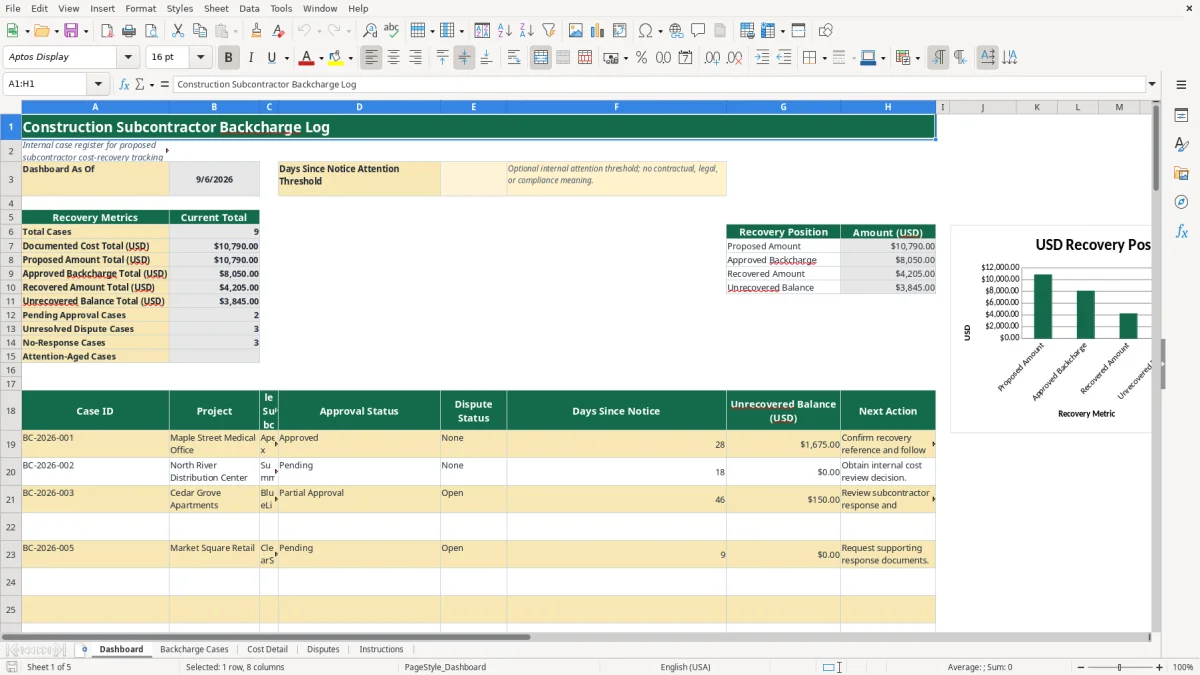
Final workbook preview
Four views generated from the verified XLSX.
How to use this workbook
Start the case register
In Backcharge Cases, enter a case ID, project, responsible subcontractor, trade, causal event reference and description, event date, notice date, and notice delivery reference. Enter the proposed amount in USD, then record the subcontractor response, approval status, dispute status, responsible owner, next action, and target resolution date as the case develops. Use dates in m/d/Y format.
Add supporting cost lines
In Cost Detail, assign each cost line to the same Case ID used in the case register. Record the cost date, category, description, source type, source reference, labor amount in USD, material amount in USD, other amount in USD, approved cost amount in USD, allocation or assumption note, review status, entered-by name, and entry date. Enter zero where an amount category has no value; the documented total remains blank if any of the three amount cells is not numeric.
Record review and recovery activity
Backcharge Cases calculates documented cost total and approved backcharge amount from linked Cost Detail lines. Enter recovered amount in USD, recovery transaction reference, and recovery date in the case register when internal recovery information is available. The workbook calculates unrecovered balance only when both approved and recovered amounts are numeric.
Manage disputes and daily attention
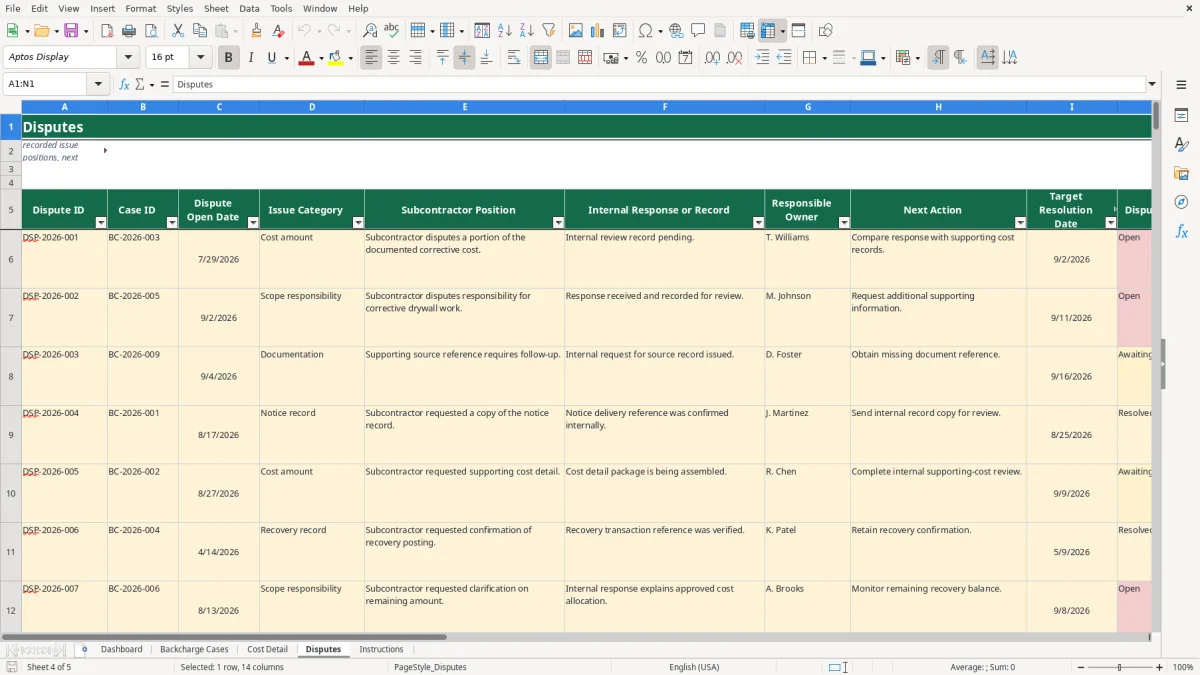
Use Disputes for the dispute open date, issue category, subcontractor position, internal response or record, owner, next action, target resolution date, status, resolution information, and related reference. Review Dashboard metrics and the unresolved-case list. Its optional days-since-notice threshold is a user-defined internal calendar-day prompt, not a contractual or payment deadline.
Benefits
Keep proposed recovery cases, notice dates, and responsible owners in one register.
Link labor, material, and other USD cost records to each case.
Review pending approvals, open disputes, and no-response cases together.
Track recovered USD amounts and remaining unrecovered balances.
Features
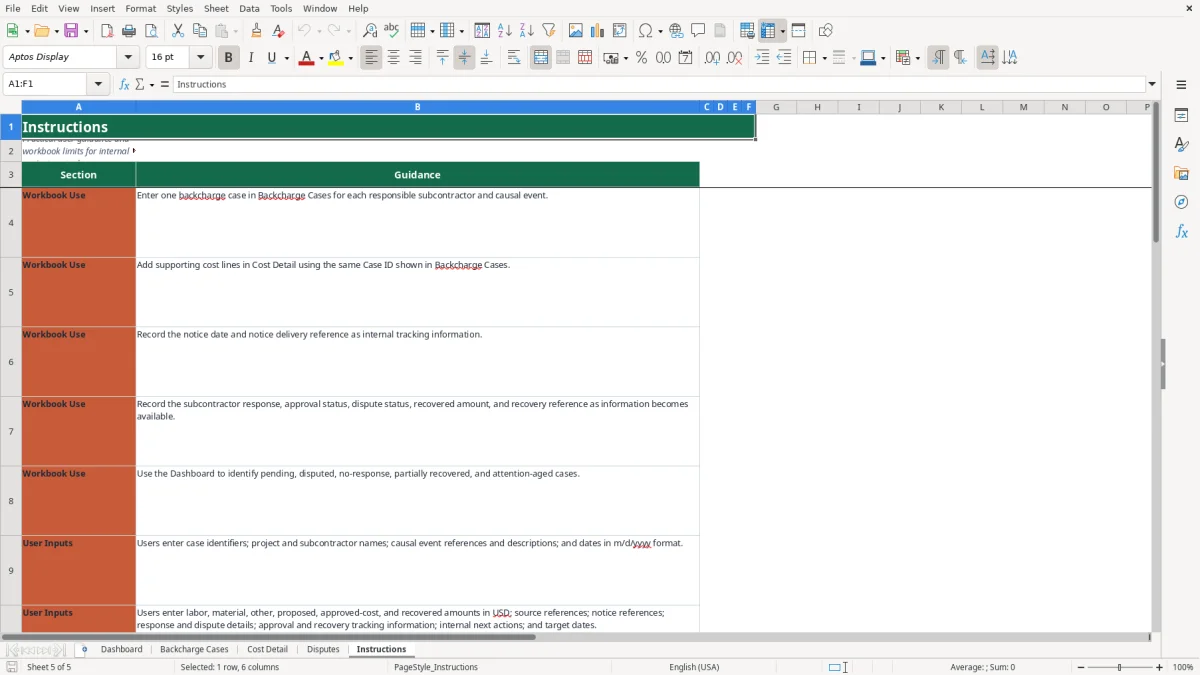
Five worksheets: Dashboard, Backcharge Cases, Cost Detail, Disputes, and Instructions.
Calculated documented cost, approved backcharge, unrecovered balance, and case-age fields.
Dropdown lists for response, approval, dispute, cost category, source type, and review status.
A recovery-position chart comparing proposed, approved, recovered, and unrecovered USD amounts.
Construction subcontractor backcharge log Excel workflow
A construction subcontractor backcharge log Excel workflow needs to connect the responsible party, causal event, notice record, documented cost, approval decision, and recovery activity. Backcharge Cases serves as the primary internal register, with columns for project, subcontractor, trade, event reference, event description, dates, amounts, response, approval, dispute status, owner, next action, and target resolution date. This keeps the case record distinct from a rework log, which tracks field corrective activity rather than a monetary recovery case.
Supporting cost documentation by case
Cost Detail provides the supporting-cost schedule. Users enter separate labor, material, and other amounts in USD, plus a source type and source reference such as an invoice, daily report, time record, work ticket, purchase record, photo record, or other user-recorded source. The worksheet calculates each documented cost total as labor plus material plus other. Linked case totals then roll into Backcharge Cases as documented cost total and approved backcharge amount.
The workbook uses user-entered cost records and allocation or assumption notes. It does not infer rates, quantities, allocation rules, or cost responsibility.
Approval, dispute, and recovery tracking
The case register separates proposed amount, calculated approved backcharge amount, recovered amount, and calculated unrecovered balance. Recovery status can show awaiting approval, not approved, withdrawn, not recovered, partially recovered, or recovered based on entered status and amounts. A data-check field can surface amount relationships that need review and a missing recovery reference when a recovered amount is entered. A possible-duplicate check compares project, responsible subcontractor, and causal event reference.
For disputed matters, the Disputes worksheet records the issue position, internal response, next action, related reference, and calculated days open. Open dispute records remain an internal tracking item, not a determination of outcome.
Dashboard review and workbook limits
Dashboard summarizes total cases and USD totals for documented cost, proposed amount, approved backcharge, recovered amount, and unrecovered balance. It also counts pending approval cases, unresolved disputes, no-response cases, and cases exceeding the optional attention threshold. The dashboard uses the current date to calculate days since notice, while resolved disputes use the entered resolution date for days open.
Prepared operational rows run from row 6 through row 109 in the three detailed registers. The Cost Detail and Disputes Case ID dropdown lists are preset with sample case IDs BC-2026-001 through BC-2026-009, so teams adding other IDs should review those lists. This is an internal controls aid; it does not determine contractual entitlement, validate notice sufficiency, certify payment, or replace accounting records.
Frequently asked questions
What information should be entered for a new backcharge case?
Enter the case ID, project, responsible subcontractor, causal event reference and description, event and notice dates, notice delivery reference, and proposed amount in USD. As information becomes available, add the subcontractor response, approval and dispute statuses, responsible owner, next action, target resolution date, recovered amount, recovery reference, and recovery date.
How are documented cost and approved backcharge amount calculated?
Each Cost Detail line calculates documented cost total from the user-entered labor amount, material amount, and other amount in USD. Backcharge Cases sums documented cost total and approved cost amount from Cost Detail lines carrying the matching Case ID. The approved backcharge amount is therefore based on linked approved cost amounts, not on the proposed amount entered in the case register.
What does unrecovered balance mean in this workbook?
Unrecovered balance is the calculated approved backcharge amount minus the user-entered recovered amount in USD. A blank result can indicate that required numeric values are not present. Review the recovery transaction reference alongside any recovered amount because the workbook can flag a missing reference for review.
Can this workbook decide whether a backcharge is valid?
No. It organizes user-entered case, cost, notice, response, approval, dispute, and recovery information for internal project-controls review. It does not decide responsibility, contractual entitlement, notice sufficiency, payment rights, or dispute outcomes. Users remain responsible for reviewing and retaining their source records, approvals, assumptions, allocation notes, and recovery references.
Workbook file
Ready to put this workbook to work?
Download the verified XLSX, keep an untouched copy, and adapt a working copy to your project.
Download verified XLSXEditorial team
About the authors

Paige Sutton Vale
Workbook Systems Editor
Paige turns construction planning, cost-control, field, and closeout workflows into clear Excel workbook guides. She focuses on inputs, calculations, outputs, and practical limits.

Maren Ellsworth Keel
Workbook QA Reviewer
Maren reviews formula behavior, field labels, project-controls terminology, and workbook instructions so each resource stays within its documented scope.
Continue exploring