Verified Excel workbook
Free 2026 Small Tools Chargeback Workbook in Excel
Control construction small-tool chargebacks with a free Excel ledger for USD allocations, variance, aging, owners, and exceptions in 2026.
Download the free Construction Small Tools Cost Chargeback Workbook in Excel to organize user-entered small-tools cost or allocation lines by project and cost code. One controlled ledger keeps the transaction date, source reference, responsible owner, approval status, allocation basis, and USD charge inputs together for internal project-controls review.
The workbook calculates extended source amount, allocated amount, budget or source variance, open-item aging in days, and exception cues. It supports chargeback record review, not physical tool custody, checkout, returns, or asset-condition tracking. Supporting invoices, receipts, purchase orders, work orders, and other evidence remain outside the workbook.
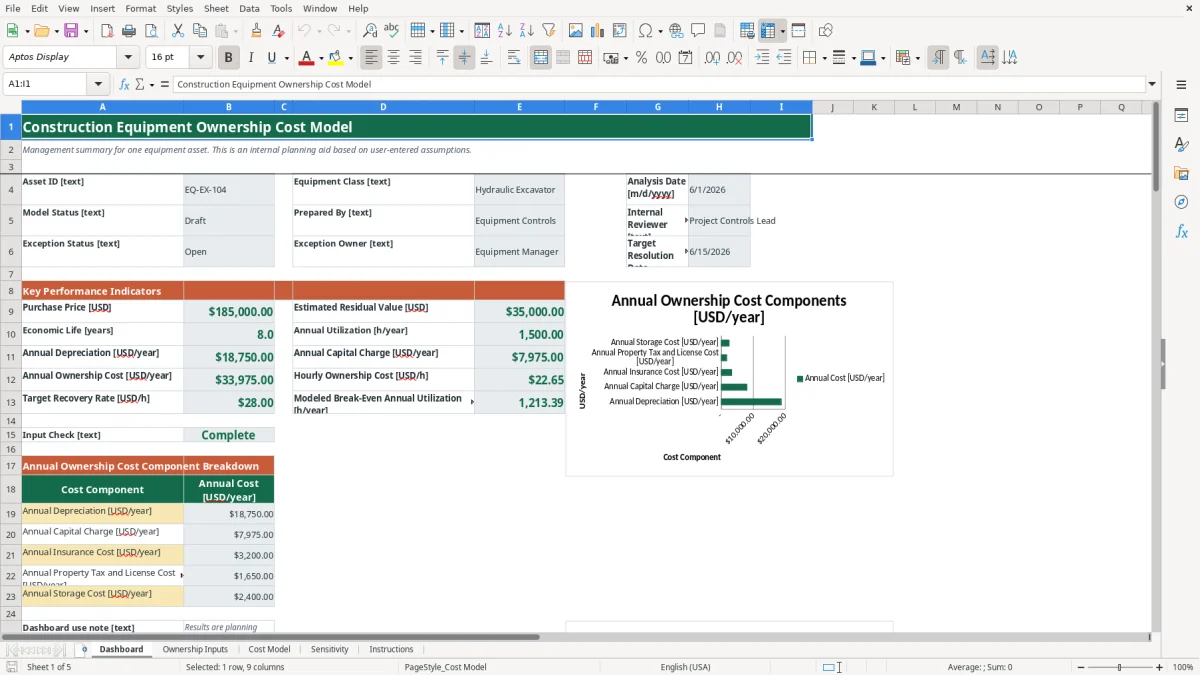
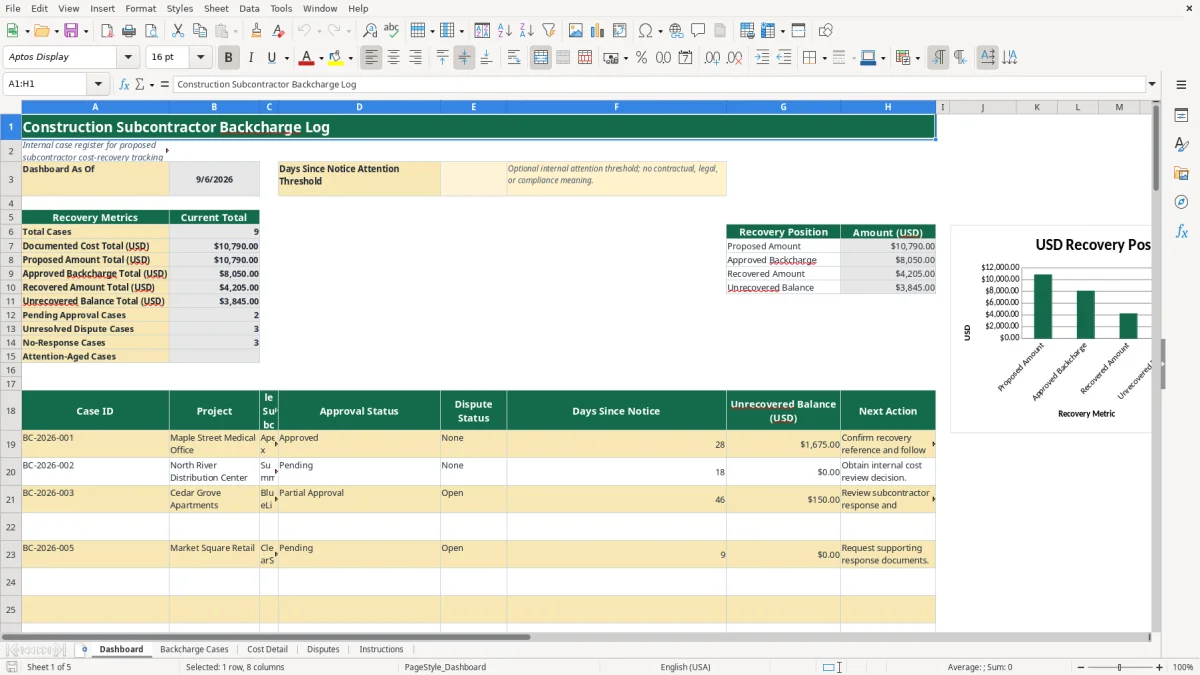
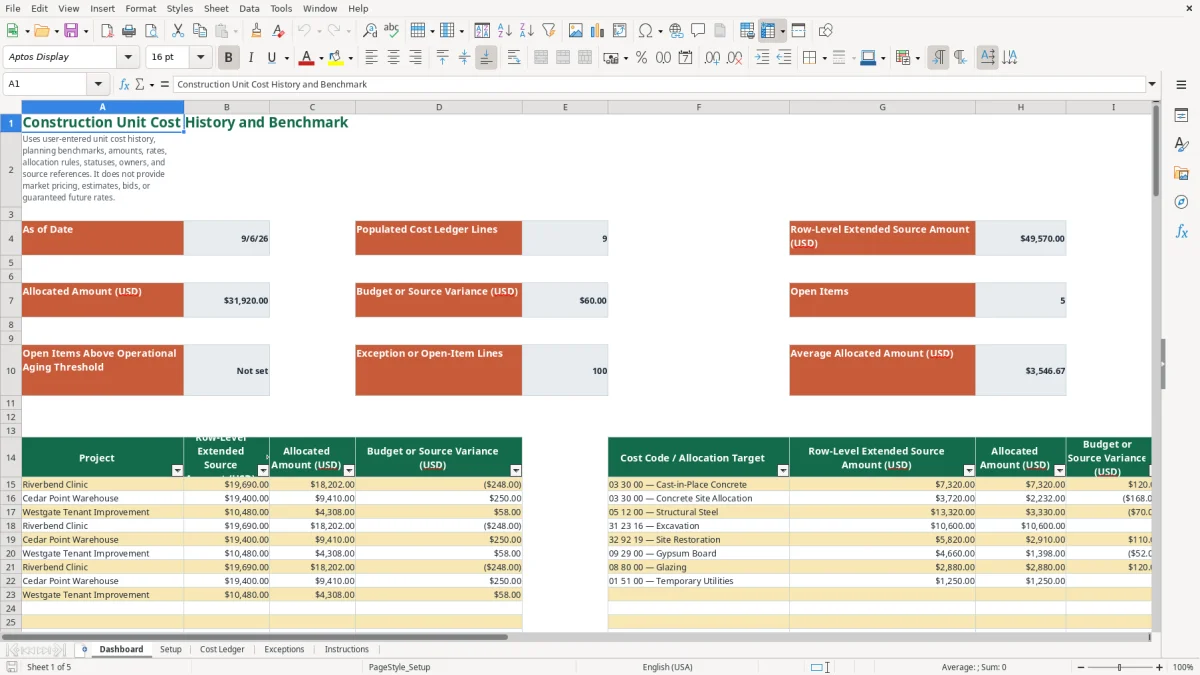
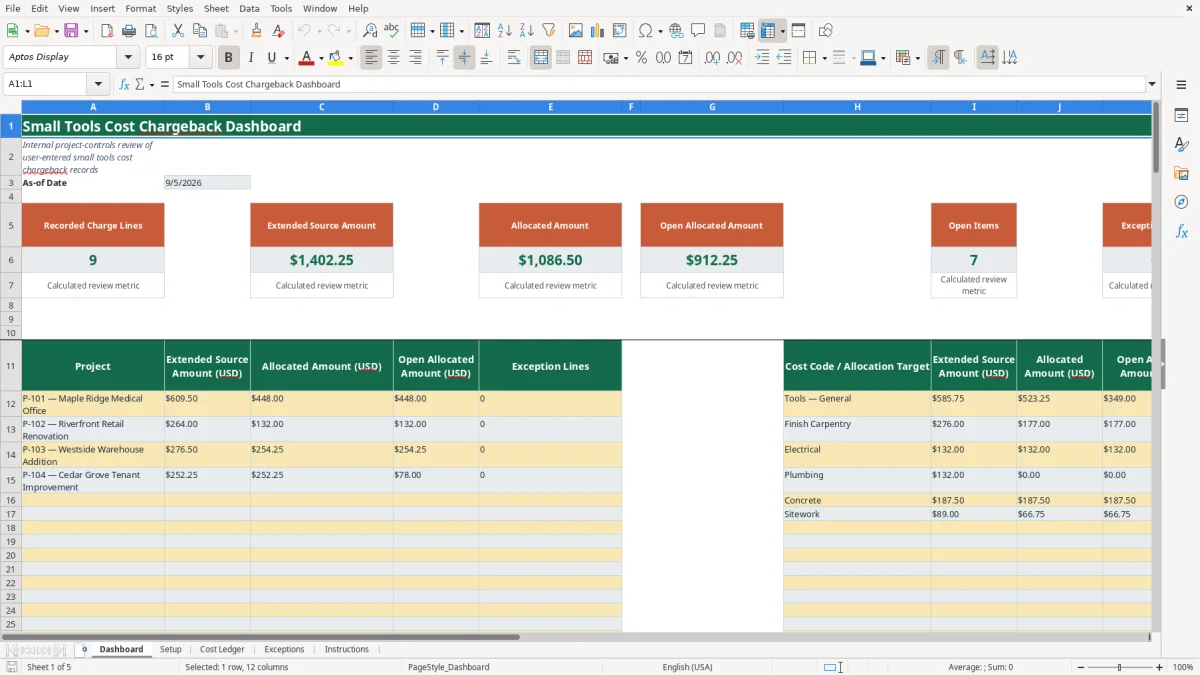
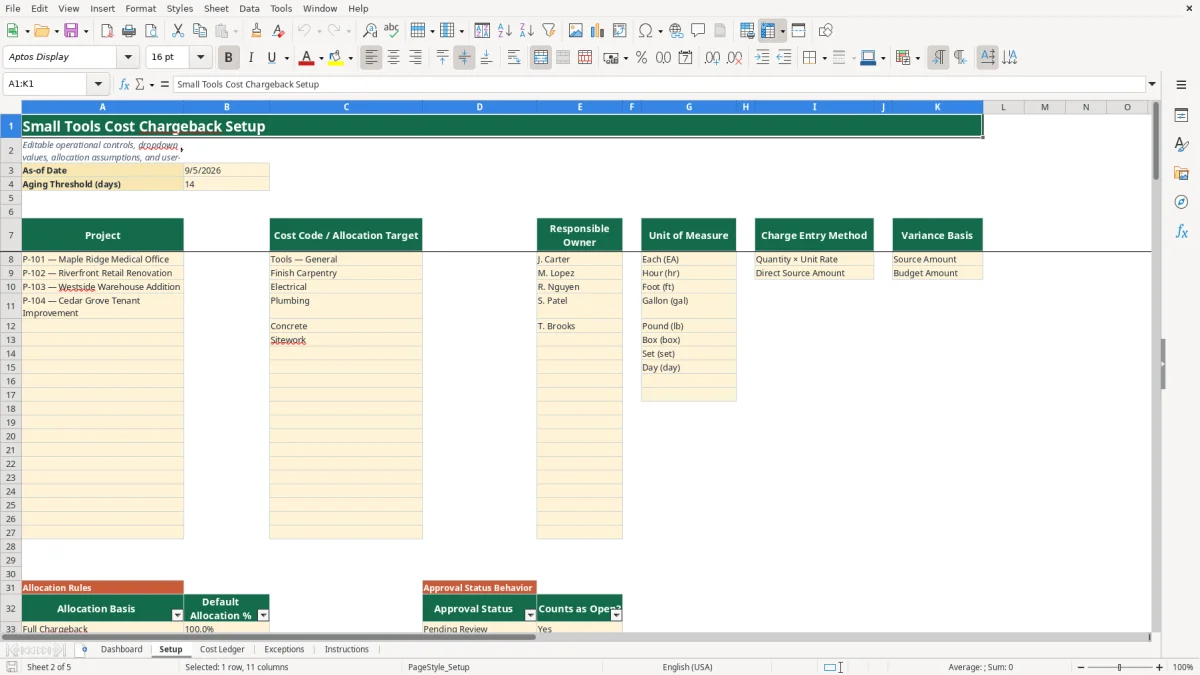
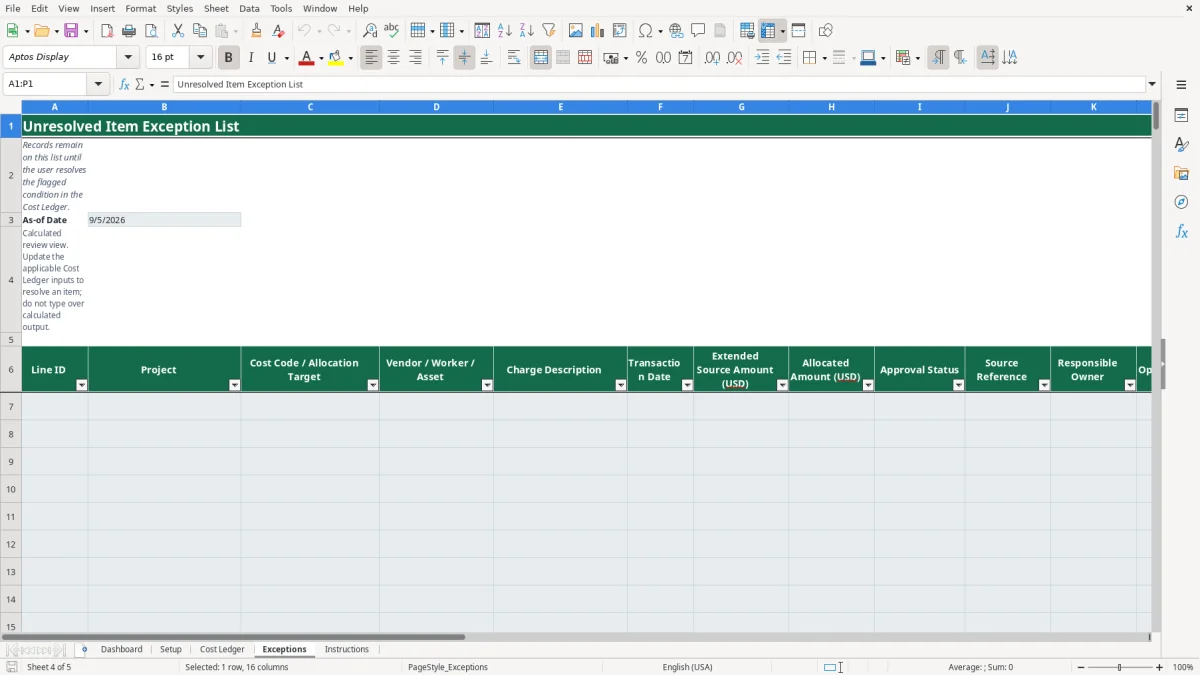
Final workbook preview
Four views generated from the verified XLSX.
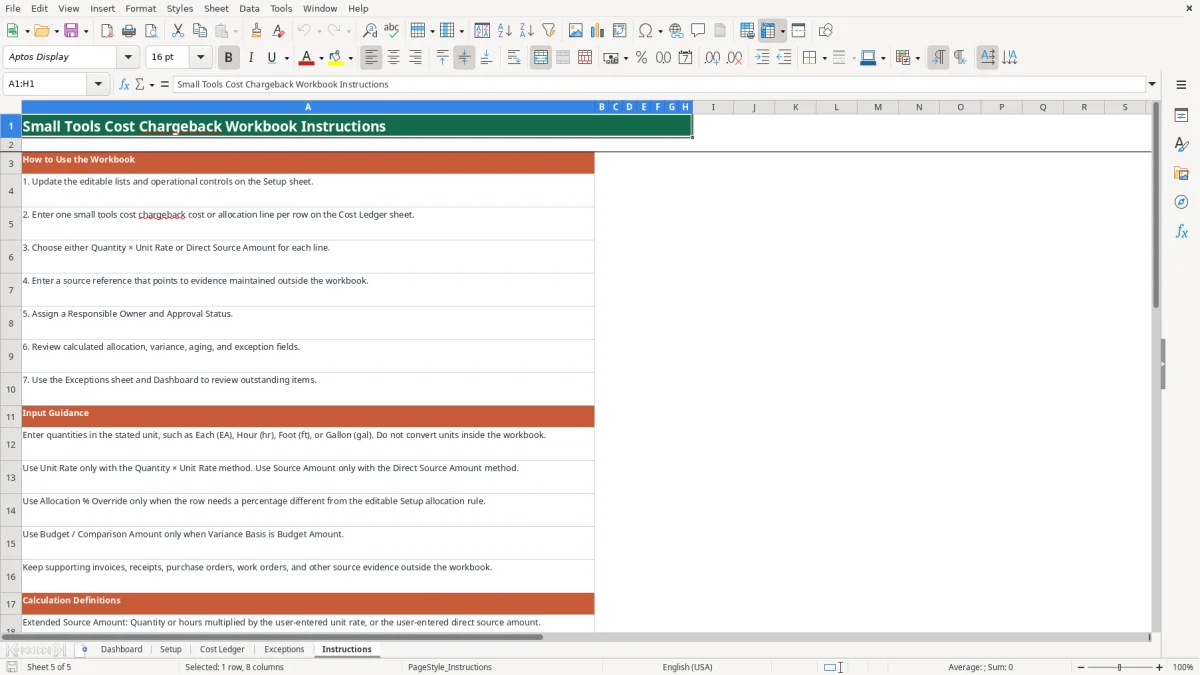
How to use this workbook
Set operating controls
Start on the Setup sheet. Enter the as-of date in m/d/Y format and set the aging threshold in days. Maintain the project, cost code or allocation target, responsible owner, unit-of-measure, charge-entry-method, variance-basis, allocation-rule, and approval-status lists that fit your internal workflow. Setup also maps each approval status to whether it counts as open.
Enter one chargeback line
Use the Cost Ledger for one small-tools cost chargeback cost or allocation line per row. Enter a line ID, project, cost code or allocation target, vendor, worker, or asset, description, transaction date, source reference, responsible owner, and approval status. Enter quantities in the stated unit, such as Each (EA), Hour (hr), Foot (ft), or Gallon (gal). Do not convert units inside the workbook.
Choose the charge and allocation method
Select Quantity × Unit Rate when you enter quantity or hours and a unit rate in USD per stated unit. Select Direct Source Amount when you enter a source amount in USD. Choose an allocation basis, or enter an allocation percentage override when that line needs a different percentage. Select Source Amount or Budget Amount as the variance basis; enter a budget or comparison amount only for Budget Amount.
Review calculated outputs
Check the calculated extended source amount, applied allocation percentage, allocated amount, variance, open-item aging, exception reason, and exception flag. Use the Exceptions sheet for unresolved flagged lines and the Dashboard for project and cost-code totals, open allocated amount, open-item counts, exception-line counts, and the project allocated-amount chart.
Benefits
Keep small-tools chargeback lines organized by project and allocation target.
Calculate USD source, allocation, and variance amounts from entered values.
Assign responsible owners, source references, and approval statuses to each line.
Review open items and incomplete records from calculated exception outputs.
Features
A Cost Ledger prepared with 150 operational entry rows.
Calculated extended source, allocated, variance, aging, and exception fields.
An Exceptions sheet that lists calculated flagged ledger records.
A Dashboard with USD totals by project and cost code or allocation target.
Construction small tools cost chargeback control
This workbook is designed for internal construction cost-control review of small-tools chargeback records. Each Cost Ledger line can identify the project, cost code or allocation target, vendor, worker, or asset, charge description, transaction date, source reference, responsible owner, and approval status. That structure gives the reviewer a practical record to discuss with the responsible party without mixing the work into a tool checkout log.
Chargeback ownership is the focus. The workbook does not record who physically checked out a tool, whether it was returned, or its condition. It also does not authorize payroll deductions or establish whether a charge is valid, payable, recoverable, or contractually allowed.
USD allocation and variance calculations
The Cost Ledger supports two user-selected charge-entry methods. With Quantity × Unit Rate, the extended source amount is the entered quantity or hours multiplied by the entered unit rate in USD per stated unit. With Direct Source Amount, the entered source amount becomes the extended source amount. The workbook does not infer a rate, quantity, unit, or source amount.
The applied allocation percentage comes from the selected Setup allocation rule unless the user enters an allocation percentage override. Allocated Amount equals Extended Source Amount multiplied by Applied Allocation %. For a Source Amount variance basis, variance equals allocated amount less extended source amount. For a Budget Amount basis, it equals allocated amount less the entered budget or comparison amount.
Open-item and exception review workflow
Open-item aging is calculated from the transaction date through the user-entered as-of date only when the selected approval status is configured as open in Setup. The Dashboard rolls up recorded charge lines, extended source amount, allocated amount, open allocated amount, open items, and exception lines. Project and cost-code or allocation-target sections support focused review of entered records.
The Exceptions sheet is a calculated review view, not a separate input register. It presents flagged lines with their source reference, owner, approval status, open-item status, aging, and exception reason. Resolve the underlying Cost Ledger inputs rather than typing over calculated exception output. Exception cues can identify incomplete information, disputed status, or aging above the user-defined threshold.
Frequently asked questions
What information do I enter for each chargeback line?
Enter the line ID, project, cost code or allocation target, vendor, worker, or asset, charge description, transaction date, charge method, allocation basis, approval status, source reference, and responsible owner. Depending on the selected method, also enter quantity or hours and unit rate, or a direct source amount. All amounts are entered and calculated in USD.
How does the workbook calculate the allocated amount?
The workbook first calculates the extended source amount from the selected charge-entry method. It then applies either the allocation percentage override or the default percentage associated with the selected allocation basis in Setup. The calculation uses your entered amounts and allocation rules; it does not supply assumptions or decide the correct percentage.
What makes an item open or flagged as an exception?
Whether an item is open depends on the selected approval status and its user-maintained Setup behavior. Open-item aging uses the transaction date and as-of date. A calculated exception flag can result from missing project, allocation target, transaction date, charge amount, allocation information, a disputed condition, or aging above the operating threshold.
Does the workbook store receipts or approve chargebacks?
No. Source references can point to invoices, receipts, purchase orders, work orders, or other evidence maintained outside the workbook. The workbook is an internal project-controls aid and does not approve charges, certify accuracy, establish entitlement, authorize payment, or determine accounting, tax, payroll, insurance, contract, legal, audit, or compliance treatment.
Workbook file
Ready to put this workbook to work?
Download the verified XLSX, keep an untouched copy, and adapt a working copy to your project.
Download verified XLSXEditorial team
About the authors

Paige Sutton Vale
Workbook Systems Editor
Paige turns construction planning, cost-control, field, and closeout workflows into clear Excel workbook guides. She focuses on inputs, calculations, outputs, and practical limits.

Maren Ellsworth Keel
Workbook QA Reviewer
Maren reviews formula behavior, field labels, project-controls terminology, and workbook instructions so each resource stays within its documented scope.