Verified Excel workbook
Free 2026 Construction Takeoff Workbook in Excel
Free 2026 construction takeoff Workbook in Excel for entered dimensions, waste, optional USD costs, and item and area summaries.
Download this Free 2026 Workbook in Excel to organize a construction material takeoff from measurements and assumptions entered by your team. The Takeoff worksheet accepts area, assembly, item, unit, length, width, height, count, coverage factor, waste percentage, and optional unit cost in USD. Its formulas calculate base quantity, order quantity, and an optional extended cost.
The workbook contains Dashboard, Setup, Takeoff, Item Roll-Up, and Instructions worksheets. It supports pre-purchase quantity preparation by area, assembly, item, and unit. It does not interpret drawings, measure plans or images, certify quantities, create a bid, round to purchase increments, or replace estimator review.
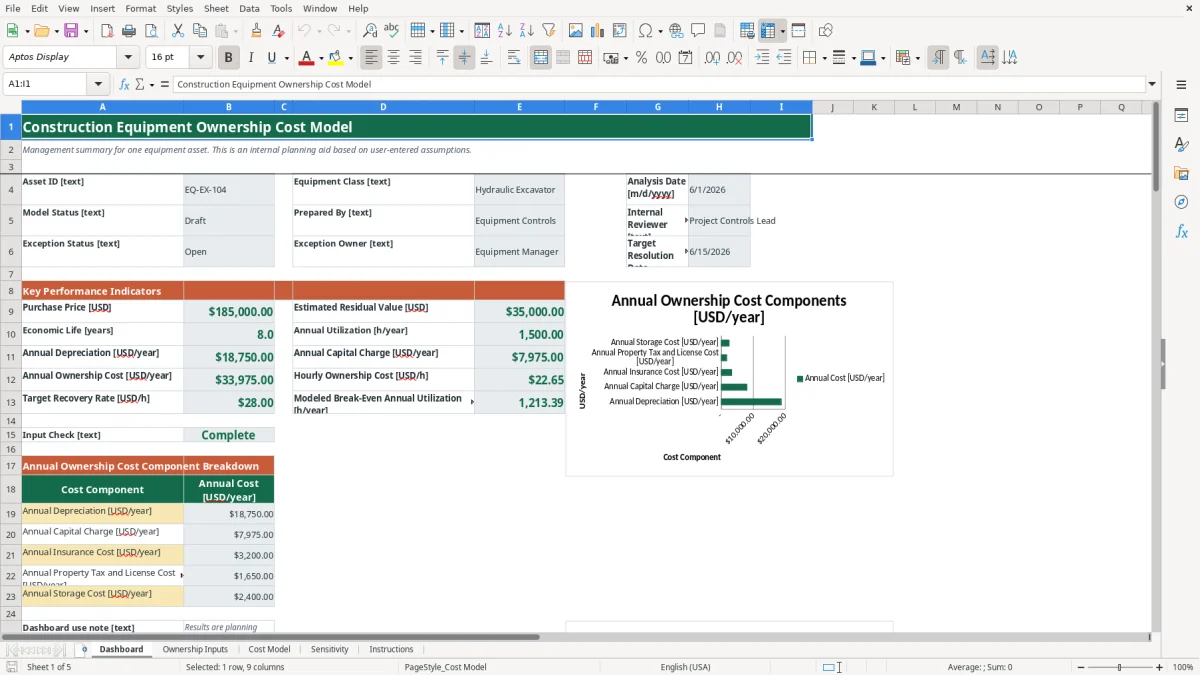
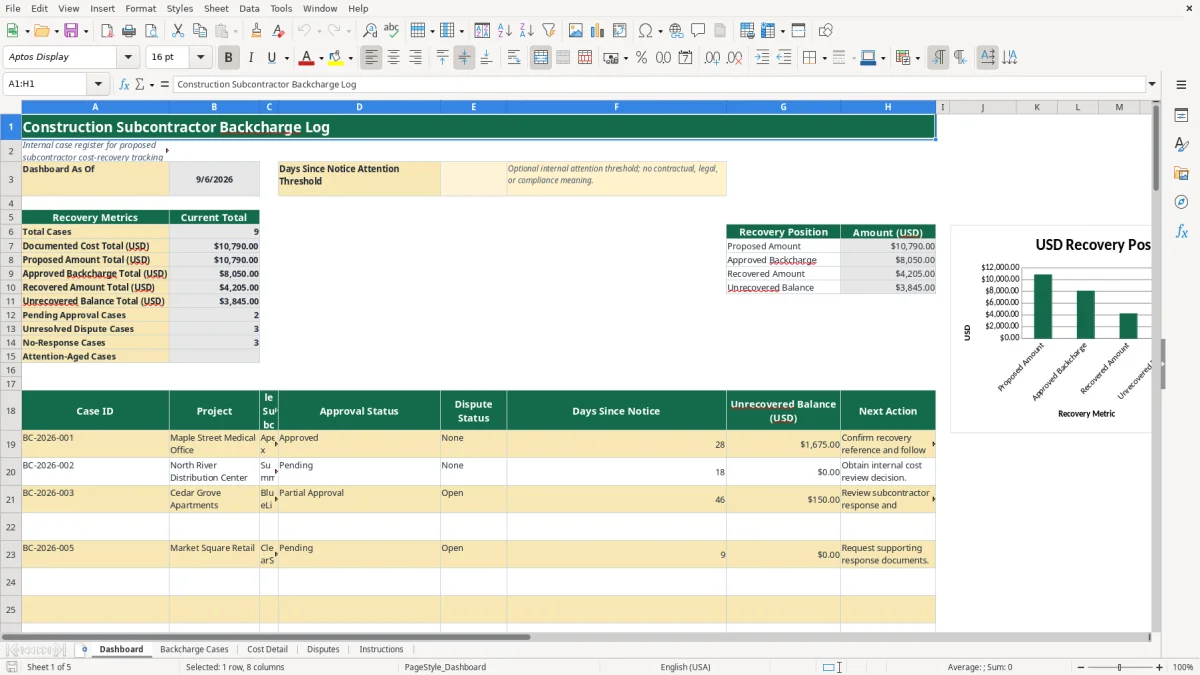
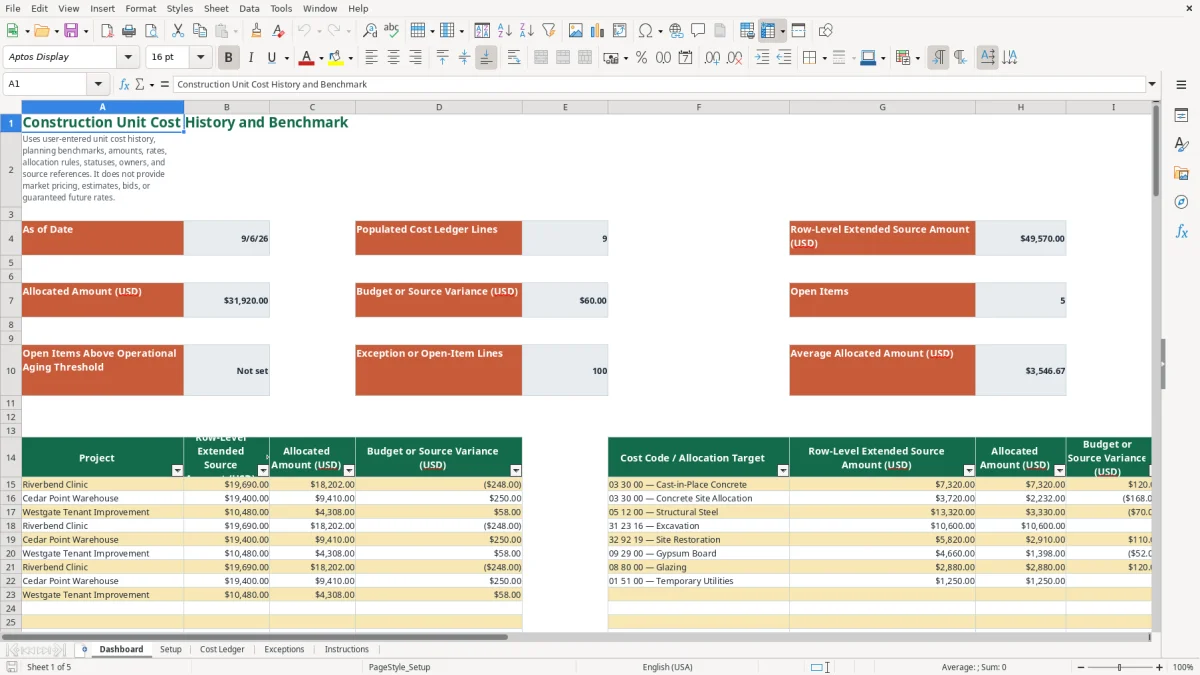
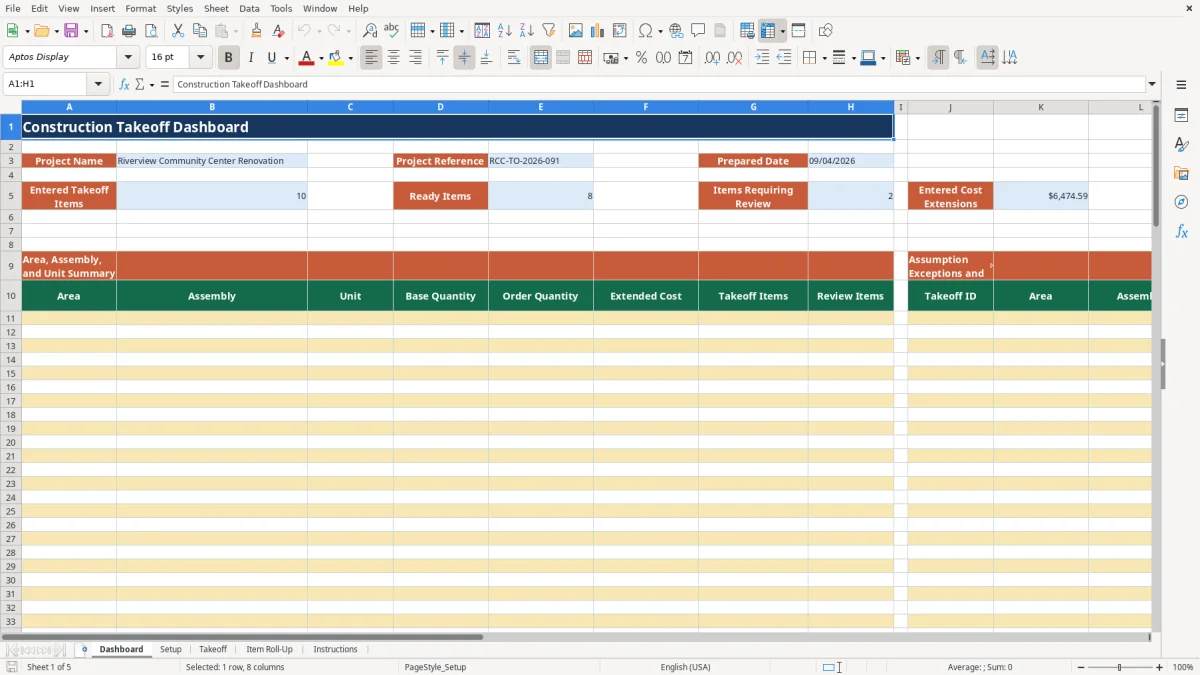
Final workbook preview
Four views generated from the verified XLSX.
How to use this workbook
Set up the project record
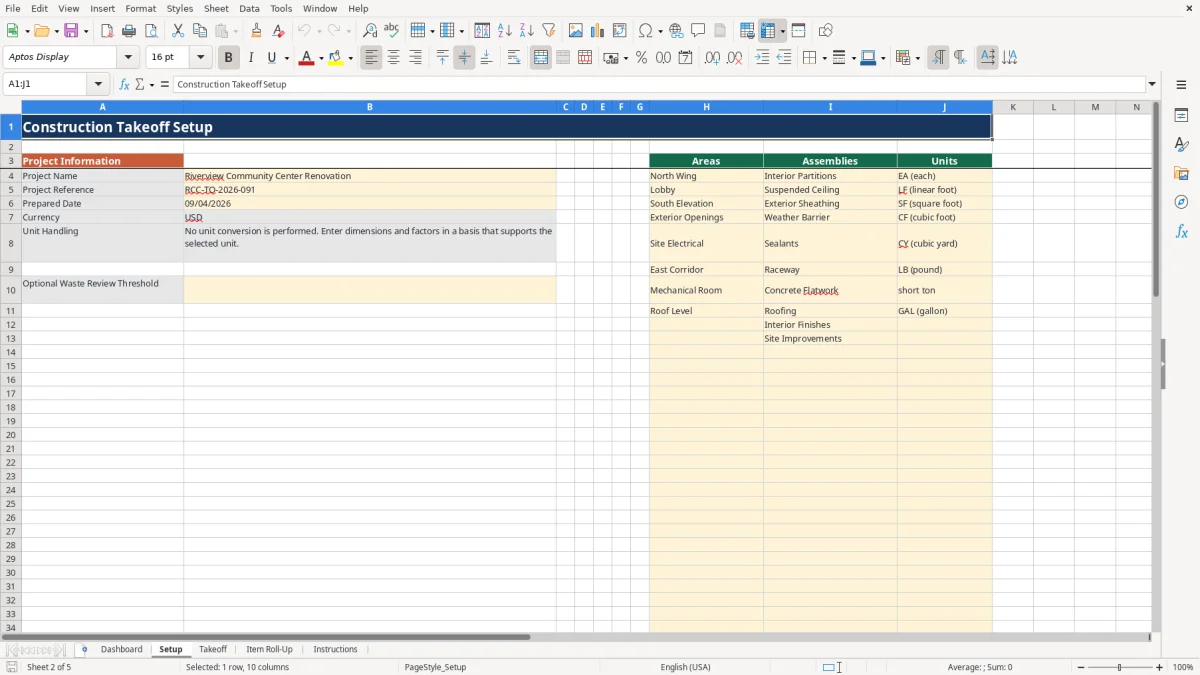
Open Setup and enter the Project Name, Project Reference, and Prepared Date using m/d/Y. The workbook identifies currency as USD. Setup also contains lists for Areas, Assemblies, and Units. Review those entries for your project before entering takeoff detail. Available unit labels include EA (each), LF (linear foot), SF (square foot), CF (cubic foot), CY (cubic yard), LB (pound), short ton, and GAL (gallon).
Enter the takeoff line details
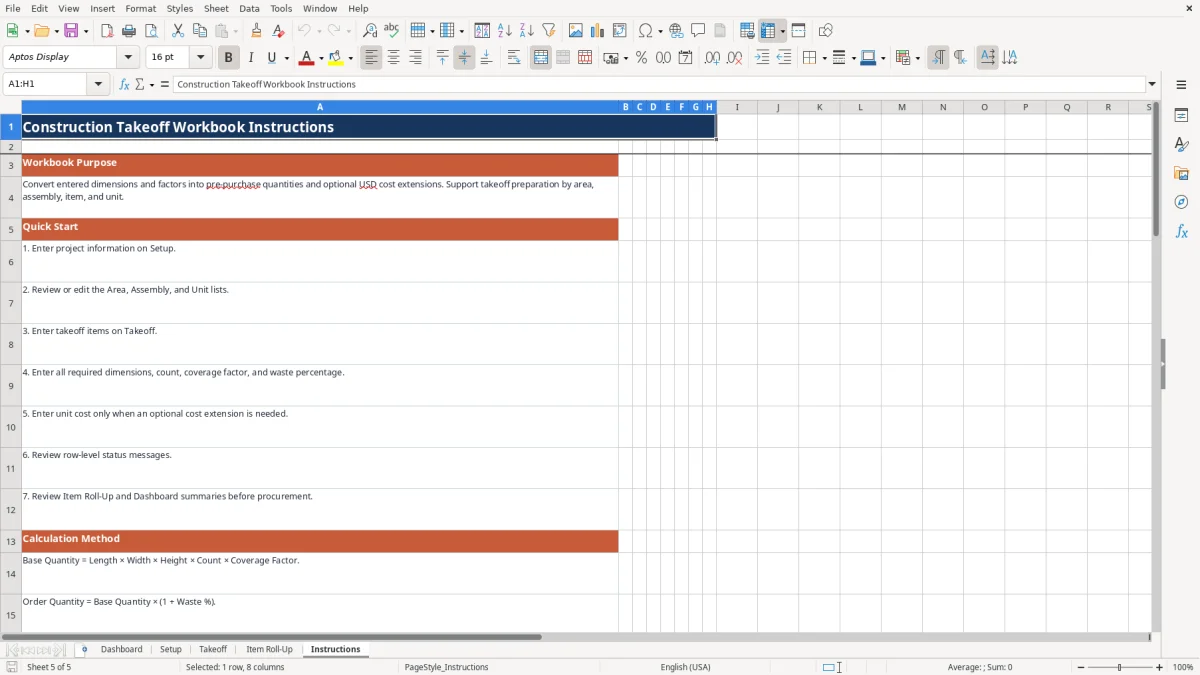
On Takeoff, enter the Takeoff ID, Area, Assembly, Item, and Unit. Enter Length, Width, Height, Count, Coverage Factor, and Waste % in the basis selected for that line. The workbook uses every listed quantity factor in its base-quantity formula. Where a dimension is not used in your calculation basis, the Instructions worksheet directs the user to enter 1 for that dimension.
Read the calculation columns
Base Quantity is calculated as Length × Width × Height × Count × Coverage Factor. Order Quantity is calculated as Base Quantity × (1 + Waste %). Unit Cost is an optional input labeled USD per selected unit. Extended Cost (USD) is calculated as Order Quantity × Unit Cost when a unit cost is entered. The workbook does not supply unit costs, coverage factors, or waste assumptions.
Review summaries and notes
Add an Assumption / Exception Note when the takeoff line needs context. Review the row-level Review Status, then use Item Roll-Up for item-and-unit totals. Dashboard presents area, assembly, and unit summaries, counts of entered takeoff items, review items, and entered cost extensions, plus an assumption-exception and review-item listing.
Benefits
Maintain item-level inputs and assumption notes in one takeoff record.
Calculate base quantity and order quantity from entered factors.
Review item totals while keeping each selected unit separate.
Use Dashboard summaries to focus the pre-purchase review.
Features
Five worksheets: Dashboard, Setup, Takeoff, Item Roll-Up, and Instructions.
Takeoff fields for dimensions, count, coverage factor, waste percentage, and unit cost.
Calculated Base Quantity, Order Quantity, and Extended Cost (USD).
Item-and-unit roll-ups plus area, assembly, and unit summary outputs.
Construction takeoff in Excel from user-entered inputs
This construction takeoff workbook organizes pre-purchase material quantities around the takeoff item. Each Takeoff record includes Area, Assembly, Item, and Unit alongside the entered factors used by the calculations. The workbook provides Takeoff ID, Assumption / Exception Note, and Review Status fields so quantity entries can remain connected to their stated context.
The workbook calculates from entered values. It does not read drawings, interpret plan symbols, measure plan images, or derive scope from uploaded documents. Users supply the dimensions, count, coverage factor, waste percentage, and optional USD unit cost that are relevant to their own selected basis.
US customary units without conversion
The workbook identifies that it performs no unit conversion. The Unit field on Takeoff uses a list tied to Setup, where unit labels include EA (each), LF (linear foot), SF (square foot), CF (cubic foot), CY (cubic yard), LB (pound), short ton, and GAL (gallon). Enter dimensions and factors in a basis that supports the selected unit.
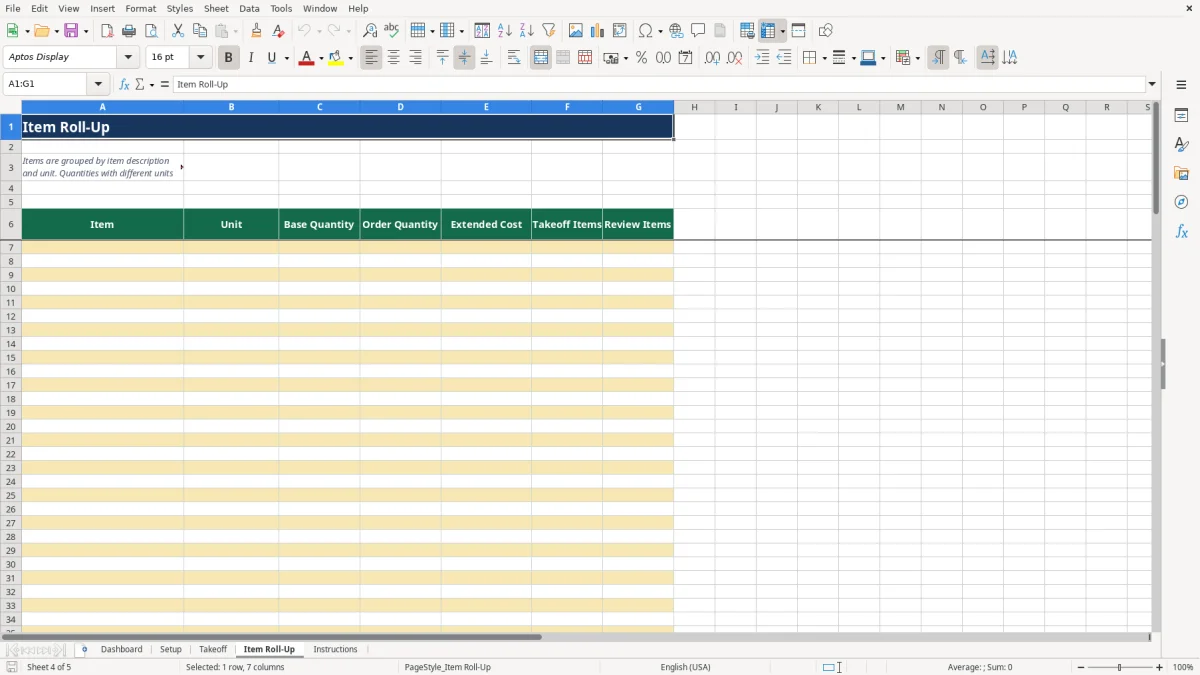
Unit selection remains a user decision. The workbook does not convert feet, inches, square feet, cubic feet, pounds, short tons, gallons, or other units. In Item Roll-Up, entries are grouped by both item description and unit, so quantities bearing different selected unit labels remain separate.
Quantity and cost calculations
The Takeoff worksheet calculates Base Quantity by multiplying Length, Width, Height, Count, and Coverage Factor. It calculates Order Quantity by multiplying Base Quantity by one plus the entered Waste %. These outputs reflect the inputs on the takeoff line and do not establish field quantities, vendor quantities, or purchase quantities.
Unit Cost is optional and is labeled USD per selected unit. When it is entered, Extended Cost (USD) is calculated by multiplying Order Quantity by Unit Cost. USD cost extensions are calculation outputs, not supplier pricing, a quote, a purchase order, or a bid amount.
Dashboard, Item Roll-Up, and boundaries
Item Roll-Up shows Item, Unit, Base Quantity, Order Quantity, Extended Cost, Takeoff Items, and Review Items. Dashboard presents entered takeoff-item, ready-item, review-item, and entered-cost-extension counts. It also presents an area, assembly, and unit summary and an assumption-exception and review-item listing drawn from Takeoff information.
The workbook is limited to pre-purchase takeoff preparation. It does not round values to vendor packaging or purchase increments. It does not track planned, received, issued, used, or remaining material during execution. Review the entered basis and assumptions before using any quantity or cost output.
Frequently asked questions
Does the workbook read plans or measure drawings?
No. The workbook does not interpret drawings or images and does not measure plans automatically. Users enter the measurement inputs and factors on the Takeoff worksheet. The formulas calculate from those user-entered values only.
What does the Base Quantity calculation use?
Base Quantity uses Length × Width × Height × Count × Coverage Factor. The workbook also calculates Order Quantity as Base Quantity × (1 + Waste %). The entered basis must support the unit selected for the takeoff line because the workbook does not perform unit conversions.
Is Unit Cost required?
No. Unit Cost is an optional field labeled USD per selected unit. The Instructions worksheet states that blank unit costs leave Extended Cost blank. Enter a unit cost only when an optional USD cost extension is needed.
What review-status labels are included?
The Instructions worksheet defines Review Status labels as Ready, User note, Review user-set waste threshold, and Missing or invalid input. It describes Ready as having required quantity inputs present with no note or threshold flag. It describes the threshold label as applying when Waste % meets or exceeds the optional Setup threshold.
Can the workbook manage material after procurement?
No. This workbook does not track planned, received, issued, used, or remaining material during execution. It is intended for pre-purchase quantity preparation from user-entered dimensions, factors, waste assumptions, and optional USD unit costs.
Workbook file
Ready to put this workbook to work?
Download the verified XLSX, keep an untouched copy, and adapt a working copy to your project.
Download verified XLSXEditorial team
About the authors

Paige Sutton Vale
Workbook Systems Editor
Paige turns construction planning, cost-control, field, and closeout workflows into clear Excel workbook guides. She focuses on inputs, calculations, outputs, and practical limits.

Maren Ellsworth Keel
Workbook QA Reviewer
Maren reviews formula behavior, field labels, project-controls terminology, and workbook instructions so each resource stays within its documented scope.