Verified Excel workbook
Free 2026 Construction Labor Burden Workbook in Excel
Free 2026 construction labor burden Workbook in Excel with USD allocation calculations, exception review, open-item aging, and dashboard totals.
Download this free construction labor burden calculator Workbook in Excel to maintain labor burden cost and allocation records in one controlled register. Enter line-level details for the project, cost code or allocation target, vendor, worker, or asset, transaction date, source amount or quantity and unit rate, allocation factor, approval status, accountable owner, and source reference. The workbook calculates USD amounts, variance, open status, aging, and exception flags from those entries.
Use it as an internal project-controls tool for reviewing allocation records and unresolved items. The five worksheets are Dashboard, Setup, Cost Ledger, Exceptions, and Instructions. It is not a time-entry system, source-document repository, or substitute for source systems, field verification, contractual authority, accounting review, or professional judgment.
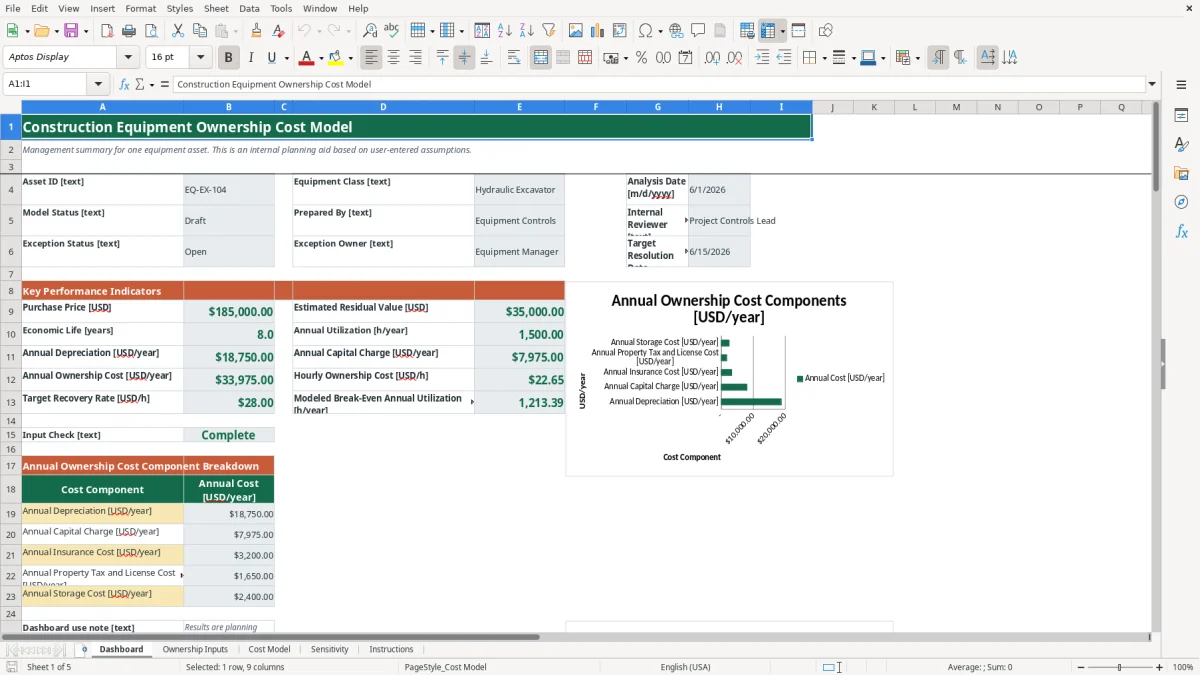
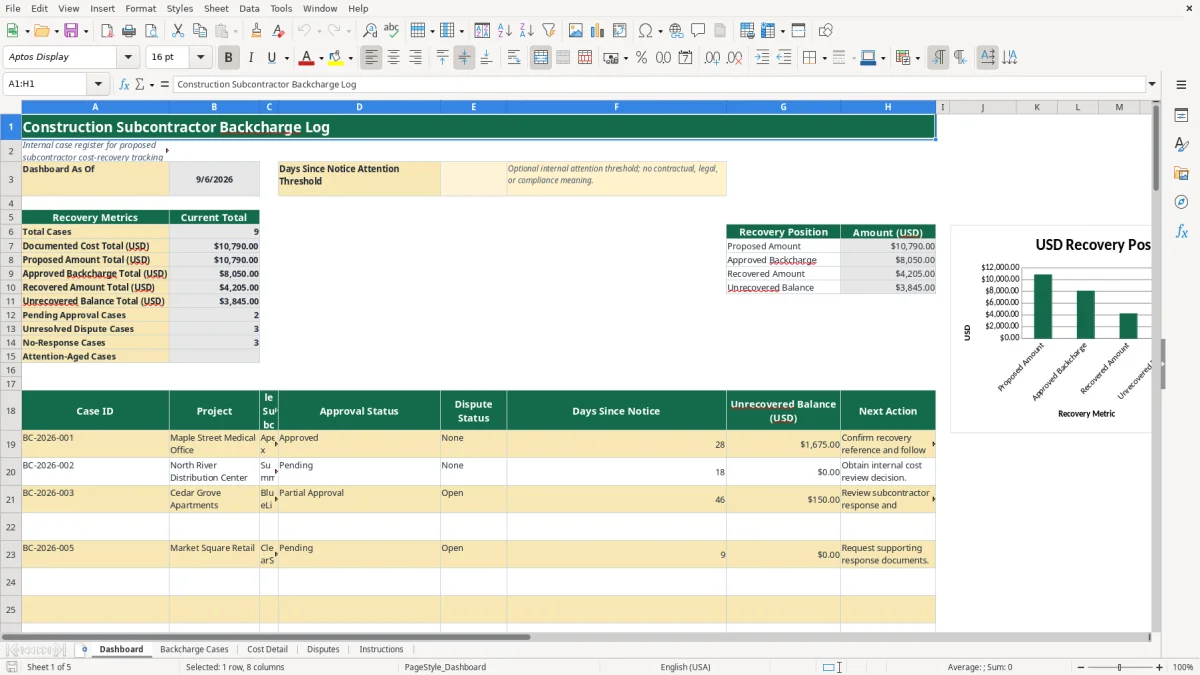
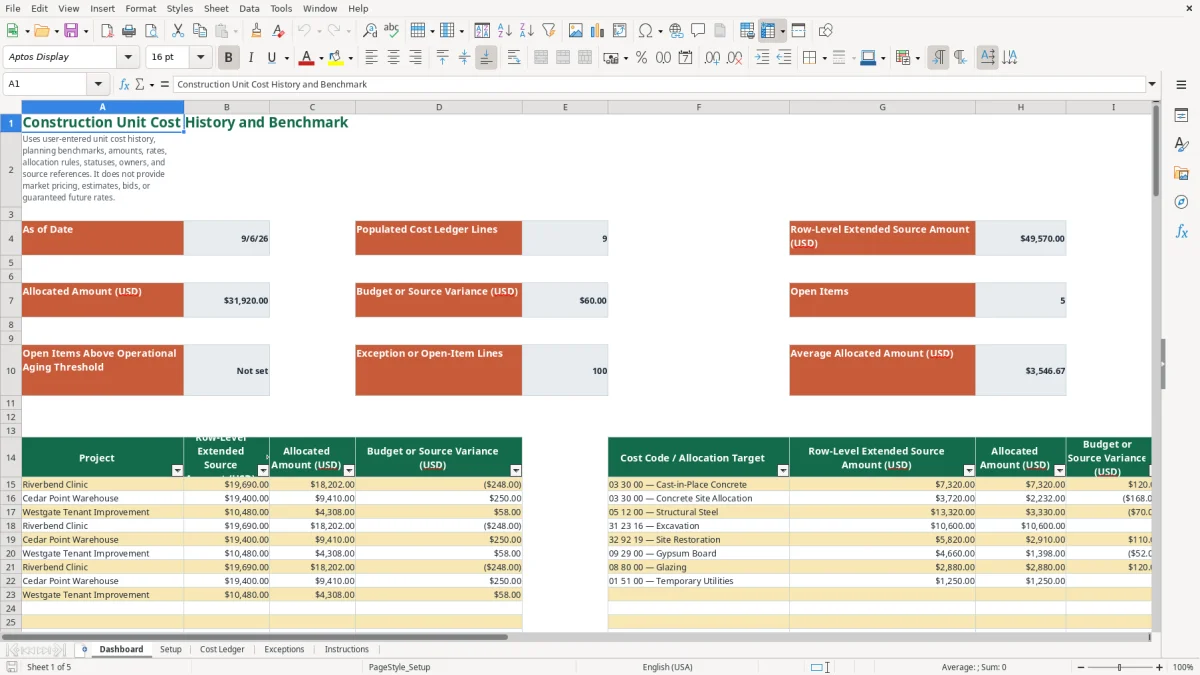
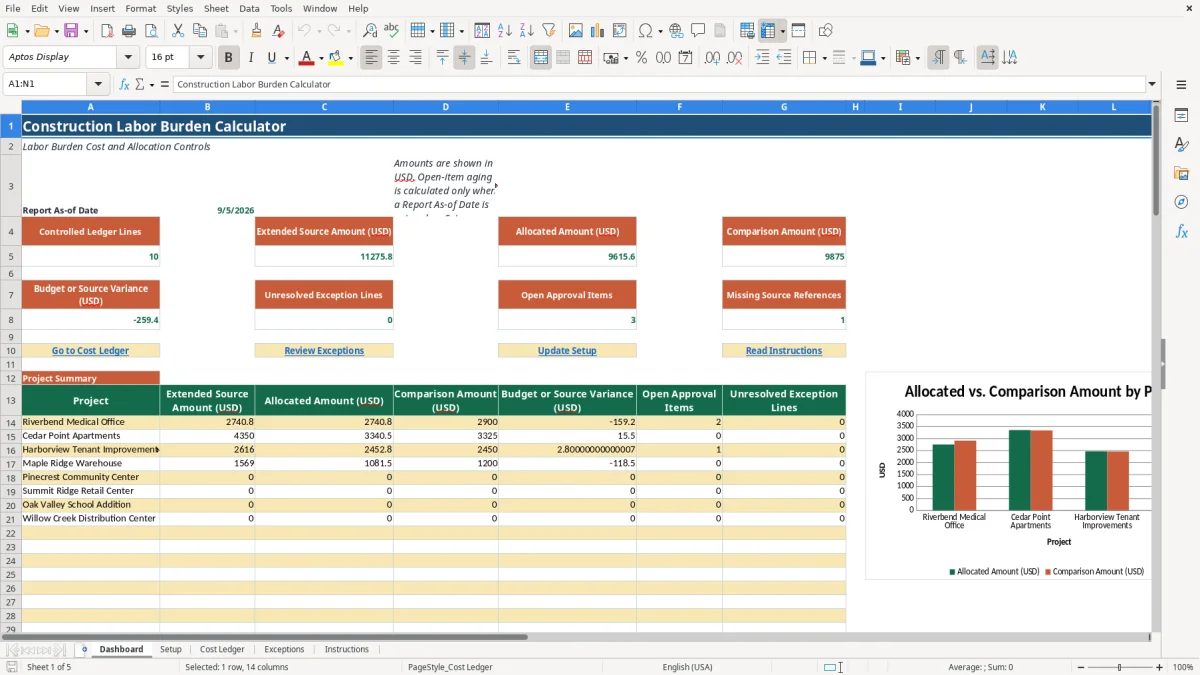
Final workbook preview
Four views generated from the verified XLSX.
How to use this workbook
Set operating controls
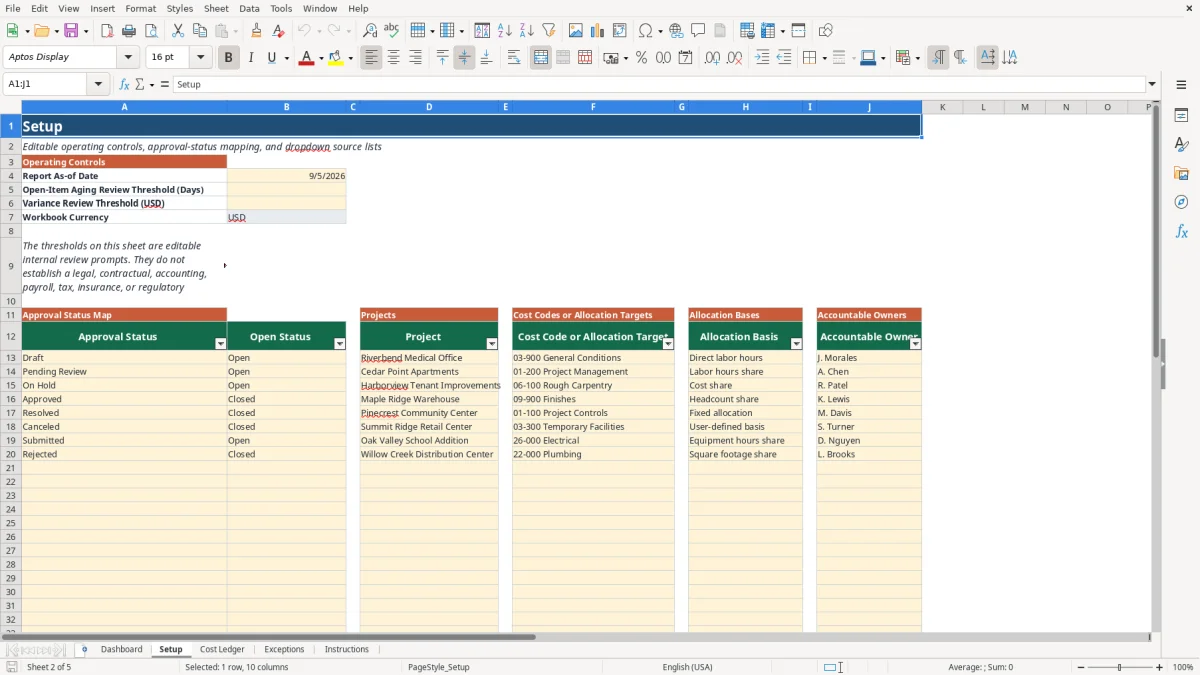
Begin on Setup. Enter the Report As-of Date when open-item aging is needed, using an m/d/Y date such as 9/5/2026. Review the editable approval-status map, project list, cost code or allocation target list, allocation bases, and accountable owners. The aging and variance thresholds are optional internal review prompts, and the workbook currency is USD.
Enter or revise ledger lines
Use Cost Ledger for user-controlled inputs. Provide a Labor Burden Calculator Line ID, project, cost code or allocation target, vendor, worker, or asset, transaction date, amounts, allocation details, approval status, owner, and source reference. When using a quantity, enter a clear unit label such as labor hours. Treat populated demonstration lines as examples, not operating records.
Review calculated amounts
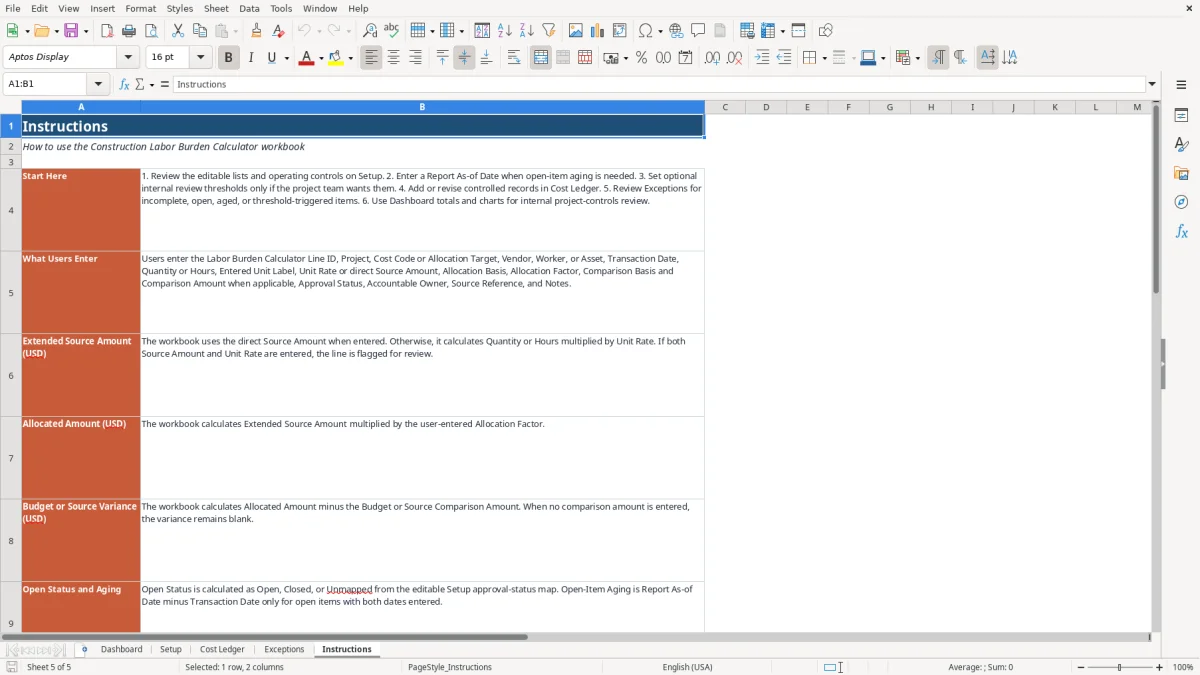
The direct amount takes priority when Source Amount is entered. Otherwise, Extended Source Amount equals Quantity or Hours multiplied by Unit Rate in USD per entered unit. Allocated Amount equals Extended Source Amount multiplied by the entered Allocation Factor. Variance equals Allocated Amount less the Budget or Source Comparison Amount.
Work the exception list
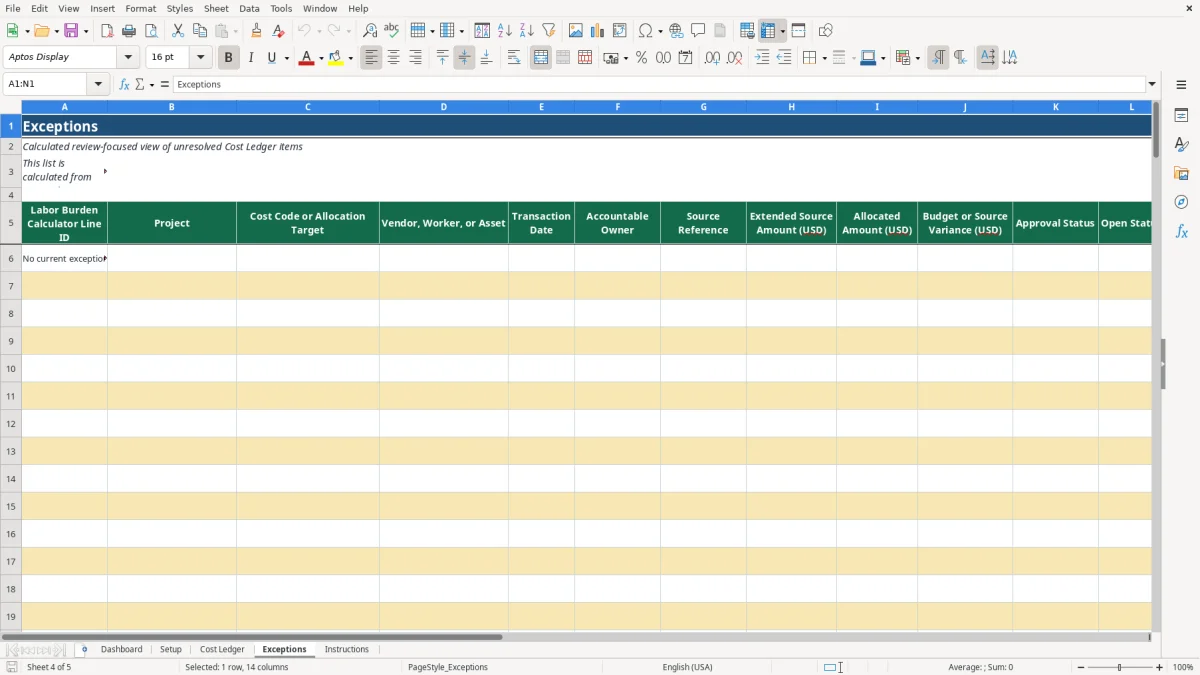
Review the Exceptions sheet and correct the originating Cost Ledger row rather than typing into the calculated view. It brings forward flagged lines with the owner, source reference, USD amounts, status, aging, and reason. Source evidence remains outside the workbook, so use the source reference to locate supporting records.
Benefits
Keep each labor burden cost line linked to project, cost code, owner, and source reference.
Calculate USD source, allocation, and variance values from entered information.
Separate unresolved review items from the controlled ledger.
Use report-date aging to focus open approval items.
Features
Five worksheets: Dashboard, Setup, Cost Ledger, Exceptions, and Instructions.
110 prepared Cost Ledger line rows with formula columns.
Setup lists for projects, cost codes, allocation bases, statuses, and owners.
Two Dashboard charts plus project and cost-code summaries.
Construction labor burden calculator Excel workflow
A construction labor burden calculator Excel workflow is more useful when each allocation record has a clear identity and review path. This workbook centers on one Labor Burden Calculator Line ID and records the project, cost code or allocation target, vendor, worker, or asset, transaction date, quantity or hours, entered unit label, unit rate, direct source amount, allocation basis, factor, comparison amount, approval status, owner, reference, and notes. If the source unit is labor hours, enter labor hours as the label; the workbook does not infer or convert units.
Calculated USD amounts and status views
The Cost Ledger produces calculated outputs from entered inputs. Extended Source Amount uses a direct Source Amount when supplied; otherwise, it uses Quantity or Hours multiplied by Unit Rate. Allocated Amount applies the entered Allocation Factor. Budget or Source Variance is Allocated Amount less the entered comparison amount. Approval Status is mapped on Setup to Open, Closed, or Unmapped. For open items with both a transaction date and Report As-of Date, open-item aging is calculated in days.
The Dashboard totals controlled ledger lines, Extended Source Amount, Allocated Amount, comparison amount, variance, unresolved exception lines, open approval items, and missing source references. It also includes project and cost-code or allocation-target summary areas for review.
Exception review and functional limits
The Exceptions worksheet is a calculated review view, ordered by open-item aging and transaction date. It identifies incomplete records, open items, unmapped statuses, missing source references, and applicable optional threshold conditions. This gives the team a focused review queue with accountable ownership rather than a second ledger to maintain.
This workbook does not replace timekeeping; worker or crew time entry belongs in a separate timesheet process or source system. It does not store, validate, or authenticate source evidence, determine payments or entitlement, or certify accuracy or compliance. Review user-entered rates, assumptions, allocation rules, references, and calculated results against the project’s own records before relying on them for a decision.
Frequently asked questions
What information do users enter?
Users enter the line ID, project, cost code or allocation target, vendor, worker, or asset, transaction date, quantity or hours, entered unit label, unit rate or Source Amount, allocation basis and factor, comparison amount, approval status, accountable owner, source reference, and notes.
How does the workbook calculate Extended Source Amount?
If a numeric Source Amount is entered, the workbook uses that direct USD amount. If no Source Amount is entered and both Quantity or Hours and Unit Rate are numeric, it multiplies those two values. If both are entered, the direct Source Amount is used.
What causes an exception flag?
An exception flag can result from incomplete required information, an open item, an unmapped approval status, a missing source reference, or an applicable optional review threshold condition. Review the Exception Reason on the calculated line, then correct or complete the related Cost Ledger entry.
How is open-item aging calculated?
Open-item aging is the Report As-of Date on Setup minus the transaction date, in days, for a line whose mapped Open Status is Open. It remains blank when the necessary date inputs are absent or when the item is not open.
Can this workbook replace payroll or time-entry records?
No. The workbook controls labor burden cost and allocation records; it is not intended for worker or crew time entry. It also does not replace payroll, accounting, tax, insurance, contract, legal, or source-system review.
Workbook file
Ready to put this workbook to work?
Download the verified XLSX, keep an untouched copy, and adapt a working copy to your project.
Download verified XLSXEditorial team
About the authors

Paige Sutton Vale
Workbook Systems Editor
Paige turns construction planning, cost-control, field, and closeout workflows into clear Excel workbook guides. She focuses on inputs, calculations, outputs, and practical limits.

Maren Ellsworth Keel
Workbook QA Reviewer
Maren reviews formula behavior, field labels, project-controls terminology, and workbook instructions so each resource stays within its documented scope.