Verified Excel workbook
Free 2026 Construction Cash Flow Workbook in Excel
Free 2026 construction cash flow workbook in Excel for timing project receipts and outflows, comparing actual cash, and flagging review periods.
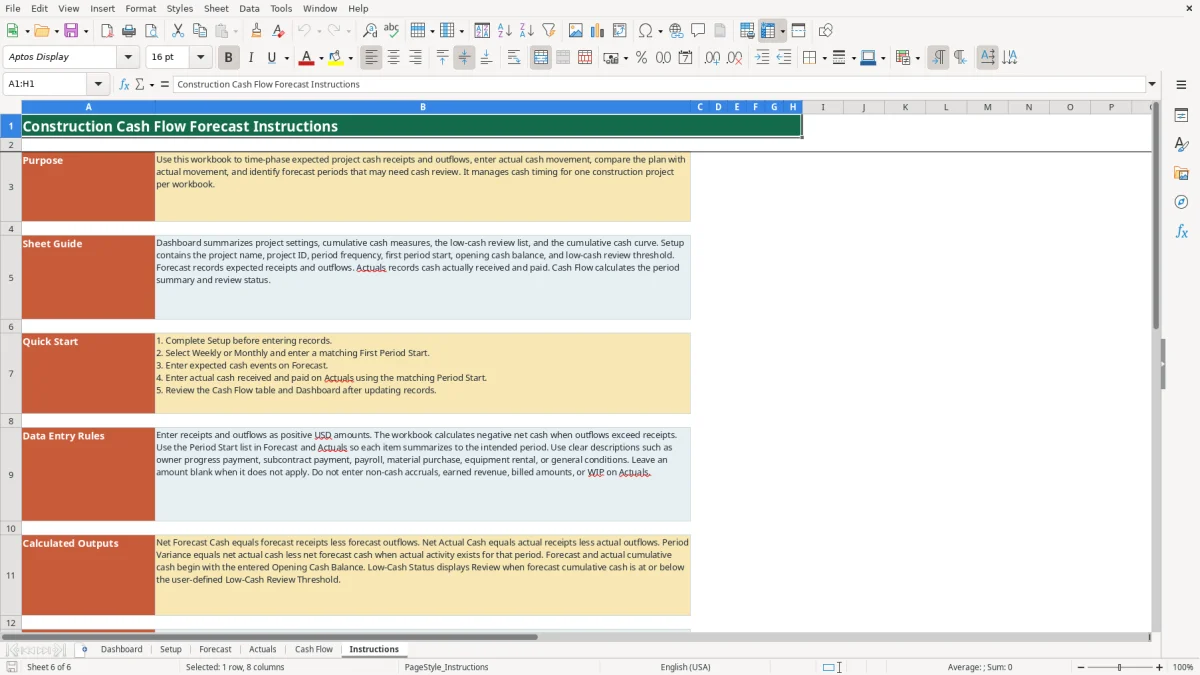
Download this free construction cash flow forecast workbook in Excel to time-phase expected project receipts and outflows in USD. It is built around a project-period cash record, allowing a project team to review planned movement on a Weekly or Monthly cadence. Cash timing is the focus: expected money in, expected money out, and the periods where forecast cumulative cash needs attention.
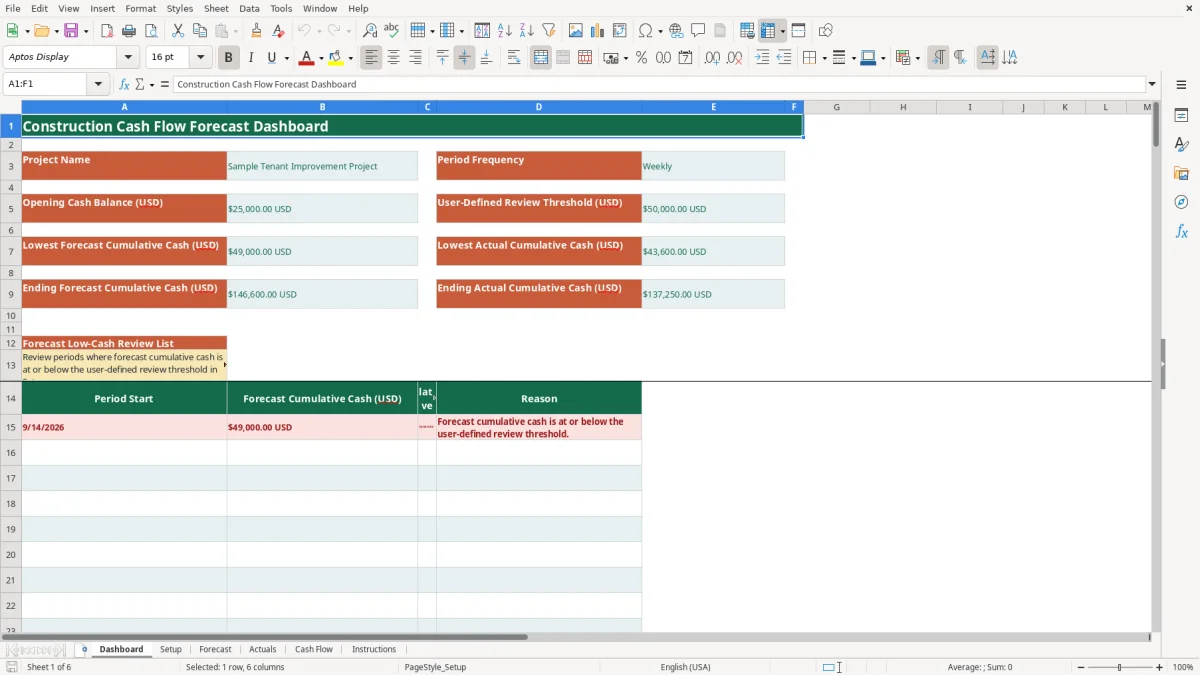
The workbook includes Dashboard, Setup, Forecast, Actuals, Cash Flow, and Instructions worksheets. Users enter project settings and cash events; the calculated sheets summarize forecast and actual movement by period. User-controlled assumptions remain prominent, including the first period start, opening cash balance in USD, and low-cash review threshold in USD. This workbook is for project cash timing, not earned-versus-billed position.
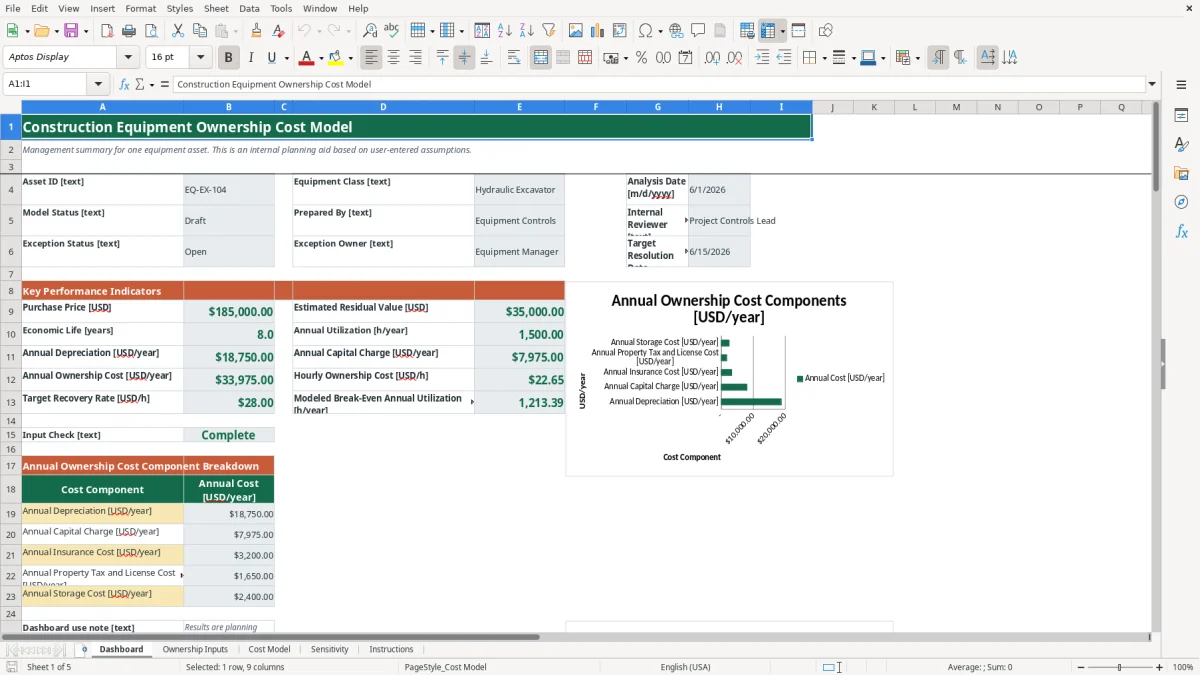
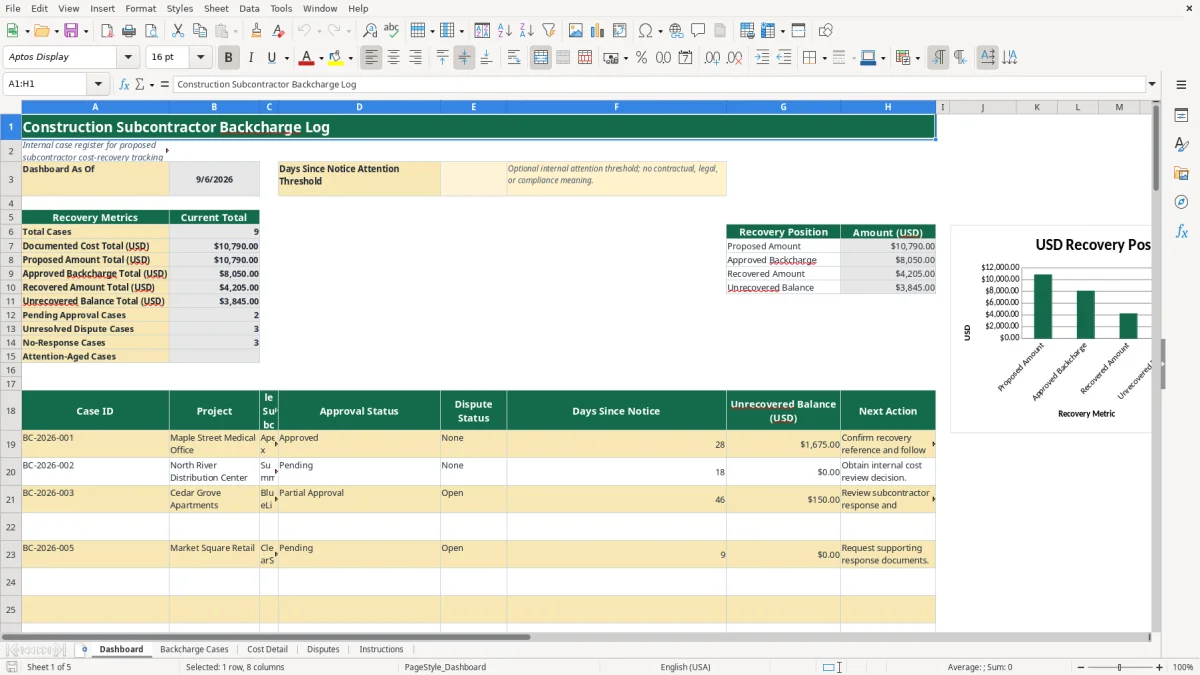
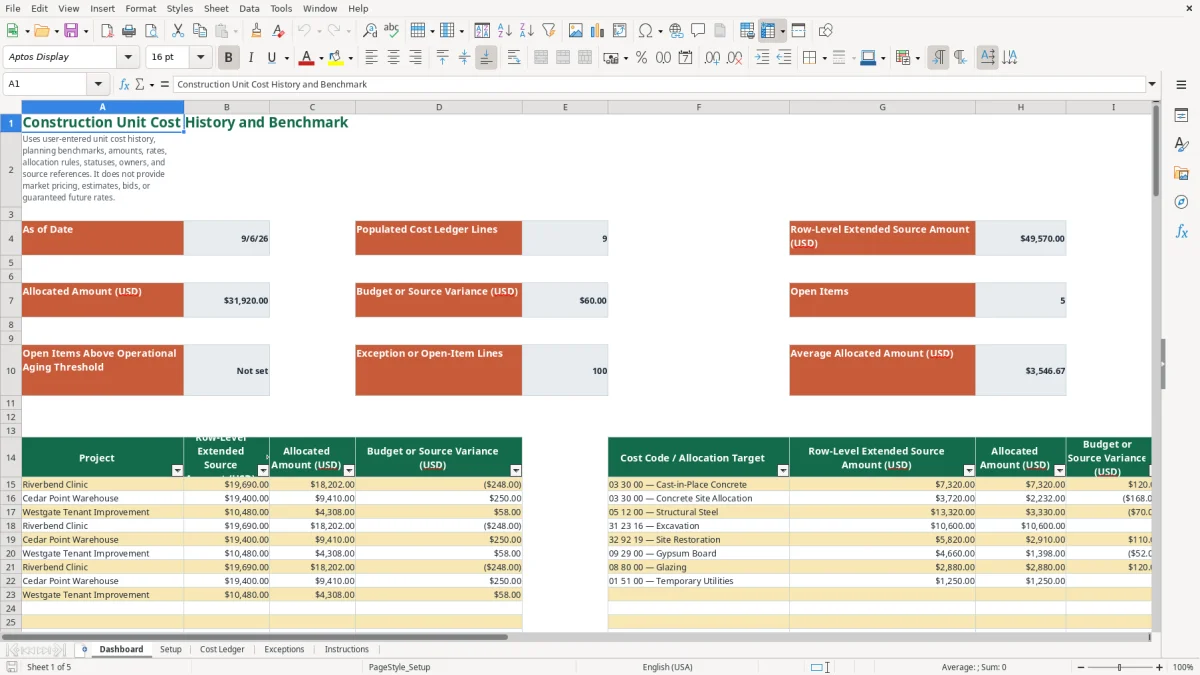
Final workbook preview
Four views generated from the verified XLSX.
How to use this workbook
Set project assumptions
Start on Setup. Enter the project name and project ID, then select Weekly or Monthly as the period frequency. Enter the first period start using an m/d/Y date, such as 9/7/2026. Add the opening cash balance in USD and the low-cash review threshold in USD. These are user inputs that drive the calculated schedule and review output, so update them deliberately when the project cash plan changes.
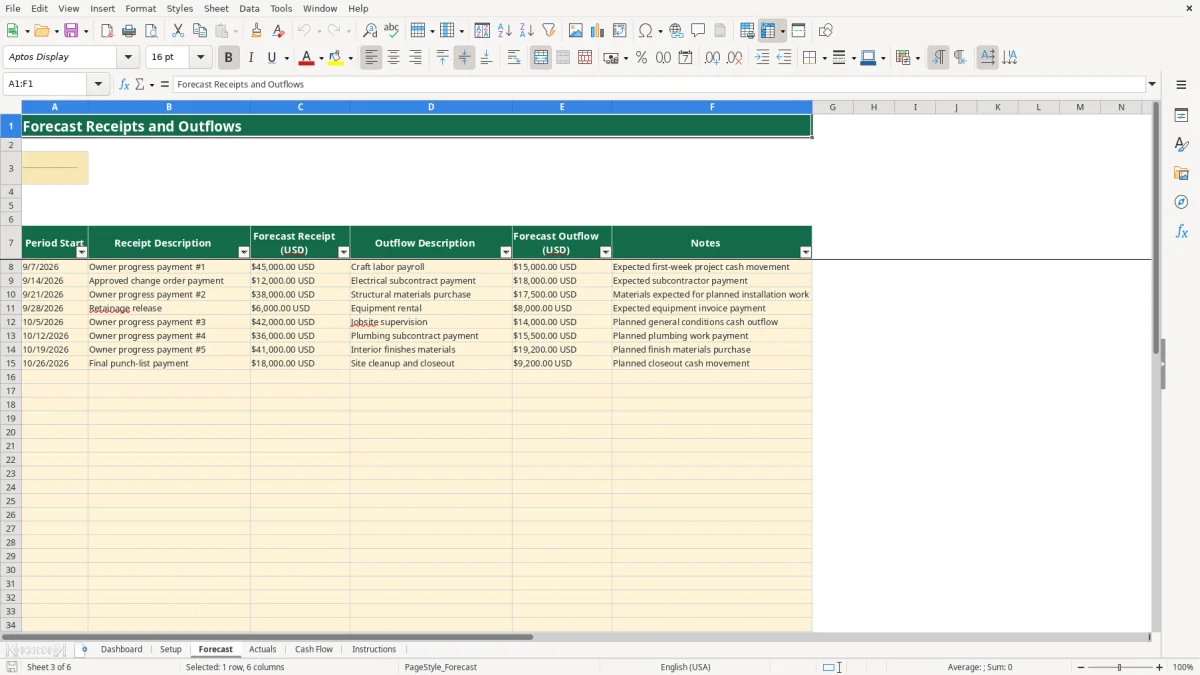
Record forecast cash events
On Forecast, assign each expected receipt or outflow to a listed Period Start. Enter receipt descriptions, outflow descriptions, forecast receipt amounts, forecast outflow amounts, and notes as needed. Enter receipts and outflows as positive USD amounts; the Cash Flow worksheet calculates net forecast cash as forecast receipts less forecast outflows. Leave an amount blank when that type of cash event does not apply to the record.
Add actual movements and review results
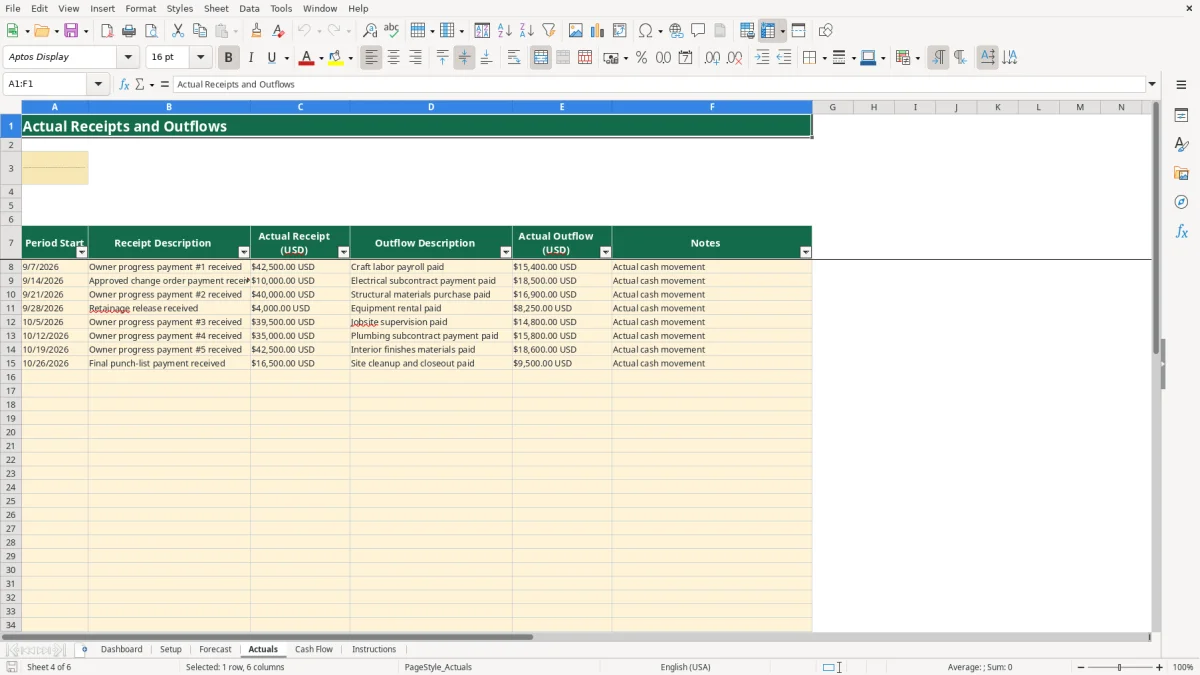
On Actuals, record actual cash received and actual cash paid by Period Start using positive USD amounts. The Cash Flow worksheet summarizes those entries, calculates net actual cash, and calculates period variance as net actual cash less net forecast cash when actual entries exist for the period. Use Dashboard for the review conversation: it presents cumulative cash measures, a cumulative cash curve, and periods where forecast cumulative cash is at or below the threshold you entered.
Benefits
Keep expected receipts and outflows aligned to one selected project period.
Compare net actual cash with net forecast cash by period.
Track forecast and actual cumulative cash from an opening USD balance.
Surface forecast periods at or below your review threshold.
Features
Six worksheets: Dashboard, Setup, Forecast, Actuals, Cash Flow, and Instructions.
Weekly or Monthly scheduling from a user-entered first period start.
Positive USD receipt and outflow entry fields with period selection lists.
Dashboard cumulative cash curve and forecast low-cash review list.
Construction cash flow forecast workflow in Excel
This construction cash flow forecast template Excel workflow separates expected project cash from actual cash movement. Forecast is the input area for expected receipts and expected outflows, while Actuals is the input area for cash received and cash paid. Both worksheets use Period Start, descriptions, USD amount fields, and notes. The Cash Flow worksheet then groups those records by the calculated project periods. The period schedule starts with your Setup date and advances by 7 days for Weekly selection or one month for Monthly selection.
Calculated cash measures and review output
The calculated Cash Flow worksheet shows forecast receipts, forecast outflows, net forecast cash, actual receipts, actual outflows, net actual cash, period variance, forecast cumulative cash, actual cumulative cash, and low-cash status. Forecast cumulative cash begins with the opening cash balance in USD and carries each period's net forecast cash forward. Actual cumulative cash uses the same opening balance with net actual cash. A Review status is generated when forecast cumulative cash is at or below the user-defined low-cash review threshold. The Dashboard summarizes the lowest and ending cumulative cash values and lists forecast review periods.
Project cash timing boundaries
This workbook supports a project team's cash-timing review of expected and actual receipts and outflows. It does not prepare financial statements, calculate tax, confirm bank balances, guarantee liquidity, or replace treasury and accounting systems. It also does not measure earned-versus-billed project position at period end; that is a different control need from cash timing. Review entries, dates, and USD amounts against current project information before relying on the calculated outputs. A low-cash review status identifies a planning condition based on your threshold, not a funding decision or outcome.
Frequently asked questions
How do I choose Weekly or Monthly periods?
Select Weekly or Monthly on Setup, then enter the first period start in m/d/Y format. Weekly periods advance by 7 days, while Monthly periods advance by one month. Use the resulting Period Start list when entering Forecast and Actuals records so each cash event is summarized in the intended period.
What cash amounts should I enter?
Enter expected and actual receipts and outflows as positive USD amounts. The workbook subtracts outflows from receipts to calculate net forecast cash and net actual cash. Do not enter negative outflows to force a result, because that would reverse the calculation logic.
What causes a low-cash review item?
A period is marked Review when forecast cumulative cash is less than or equal to the low-cash review threshold entered on Setup. The Dashboard lists those forecast periods with forecast and actual cumulative cash values. Adjusting the threshold changes the review output; it does not change the underlying receipt or outflow entries.
Can this workbook replace accounting or treasury systems?
No. This is a project cash-timing workbook for expected and actual cash movement by period. It does not prepare financial statements, calculate tax, confirm bank balances, guarantee liquidity, or replace treasury and accounting systems. Use it alongside the records and processes your team maintains for those separate functions.
Workbook file
Ready to put this workbook to work?
Download the verified XLSX, keep an untouched copy, and adapt a working copy to your project.
Download verified XLSXEditorial team
About the authors

Paige Sutton Vale
Workbook Systems Editor
Paige turns construction planning, cost-control, field, and closeout workflows into clear Excel workbook guides. She focuses on inputs, calculations, outputs, and practical limits.

Maren Ellsworth Keel
Workbook QA Reviewer
Maren reviews formula behavior, field labels, project-controls terminology, and workbook instructions so each resource stays within its documented scope.