Verified Excel workbook
Free 2026 Construction Progress Billing Workbook in Excel
Free 2026 construction progress billing Workbook in Excel for tracking applications, approvals, payments, outstanding balances, and aging by project.
Track contractor-to-owner progress billing activity across recurring applications and payment transactions with this Excel workbook. Download the free 2026 workbook to begin a project-level record of submitted, approved, paid, and outstanding amounts. The workbook is an internal tracker, not a generated pay-application form.
Enter the project, application number, billing period end, submitted amount in USD, retainage in USD, approved amount in USD, and status on the Applications sheet. Record each payment separately on the Payments sheet. The workbook calculates net billed, paid amount, outstanding balance, days outstanding, and billing-to-payment conversion for review.
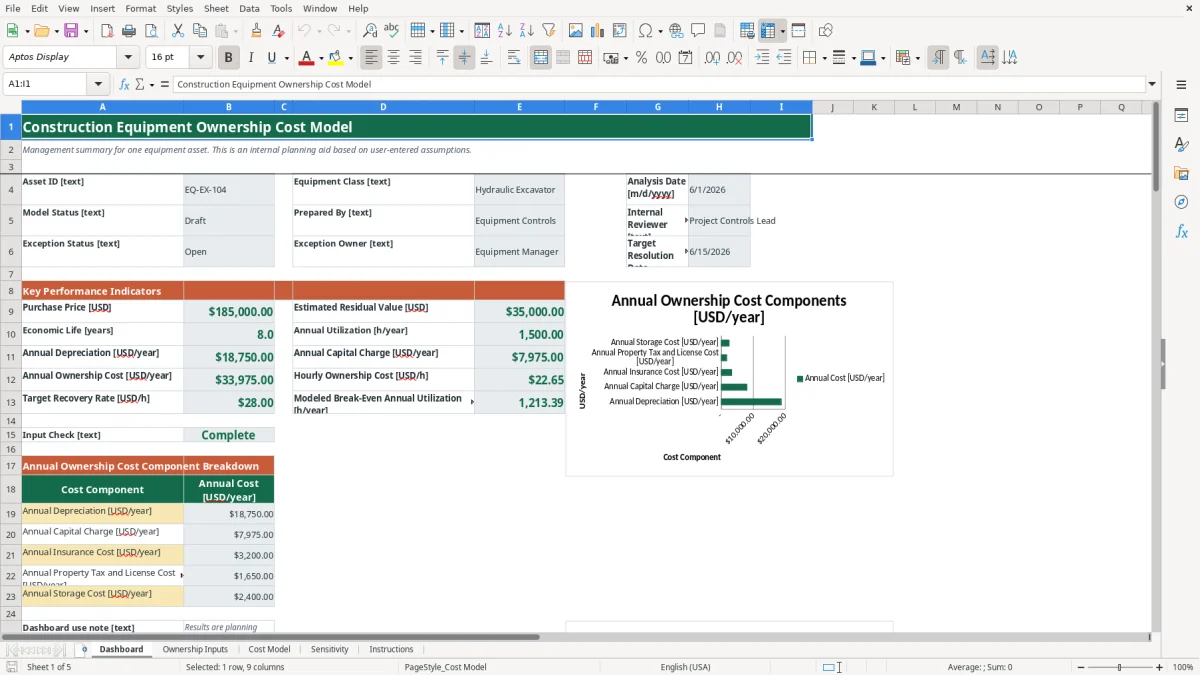
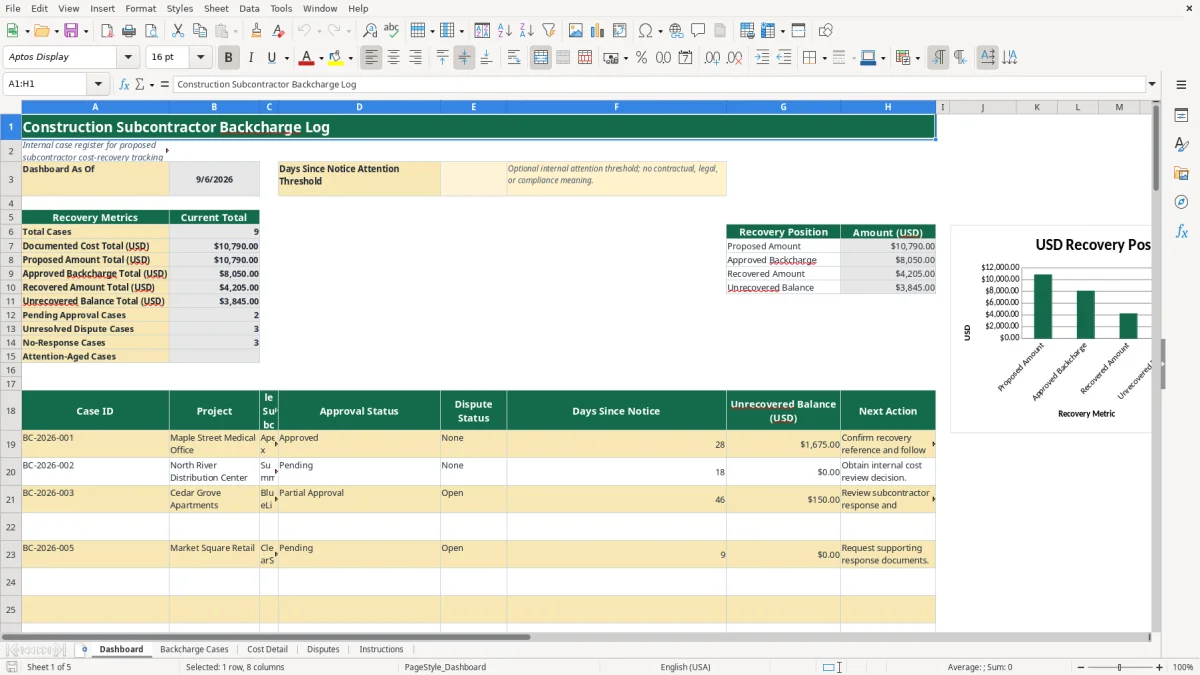
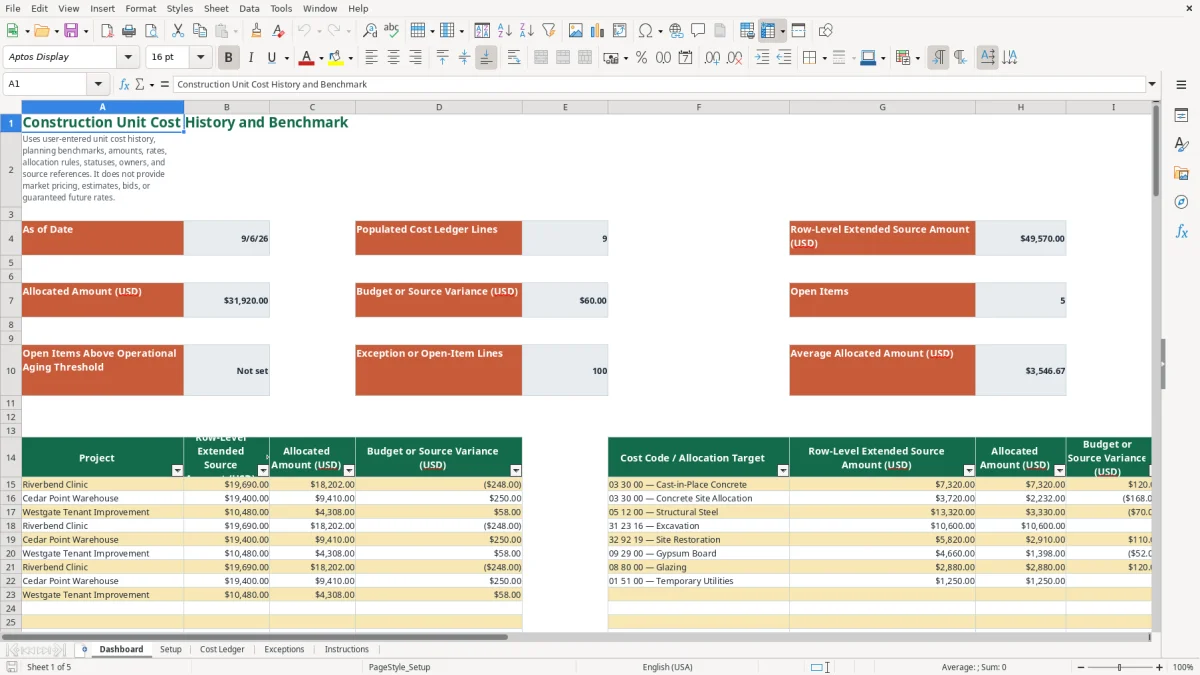
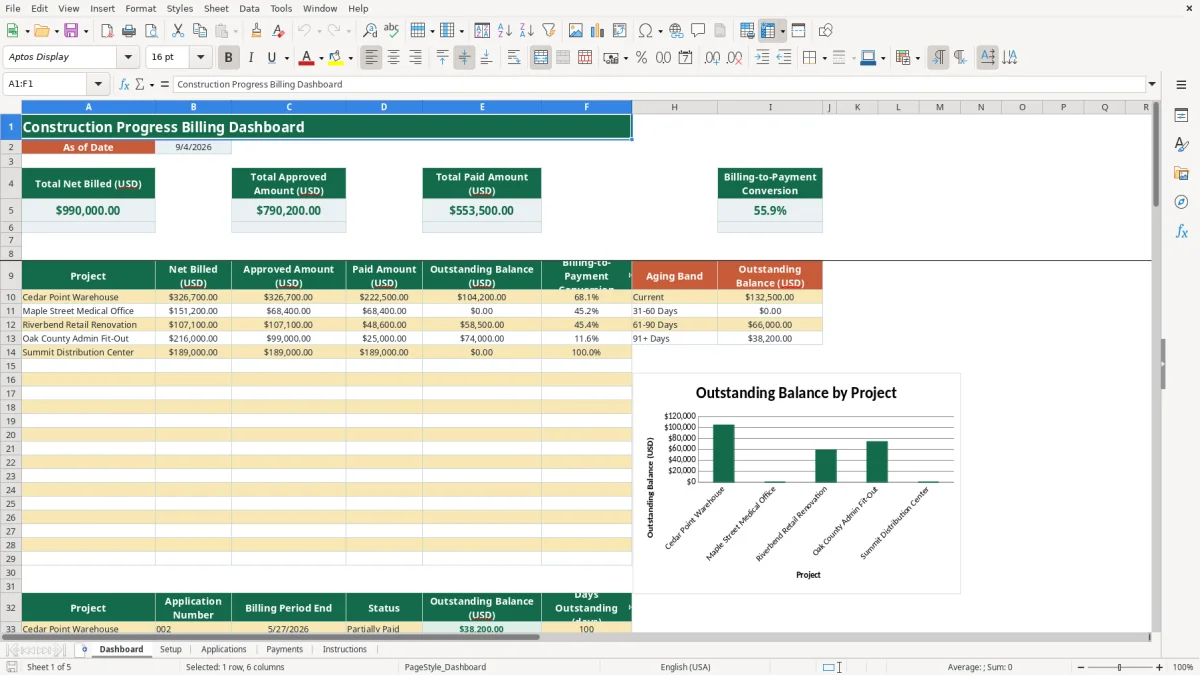
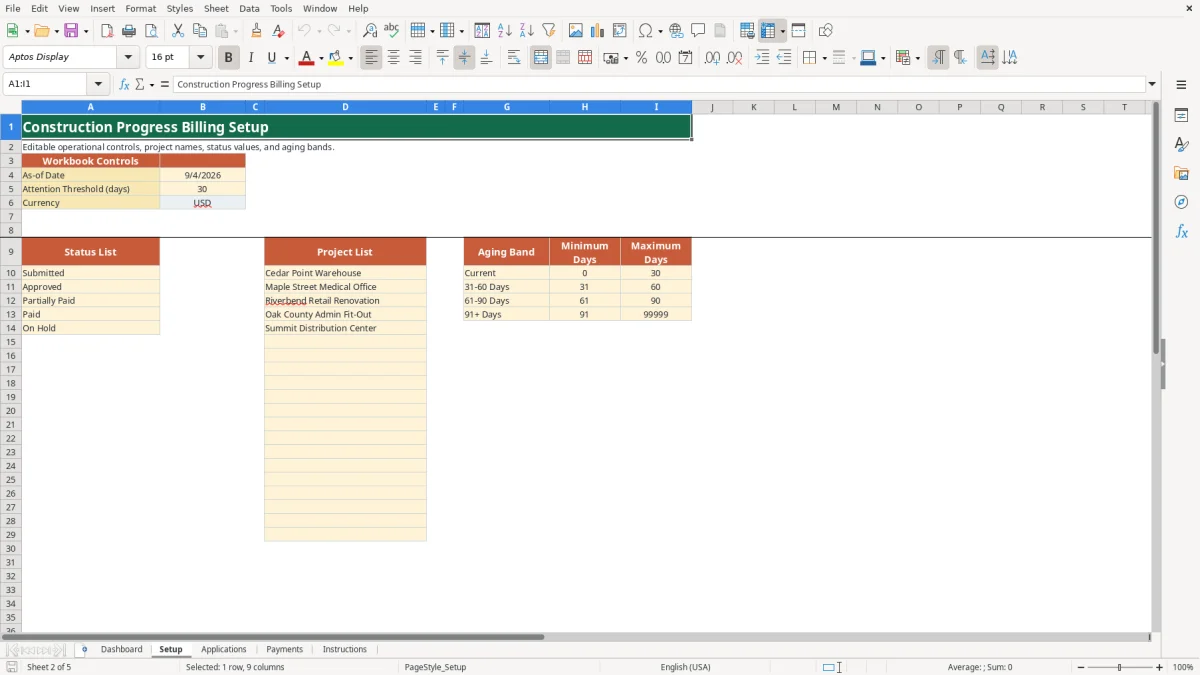
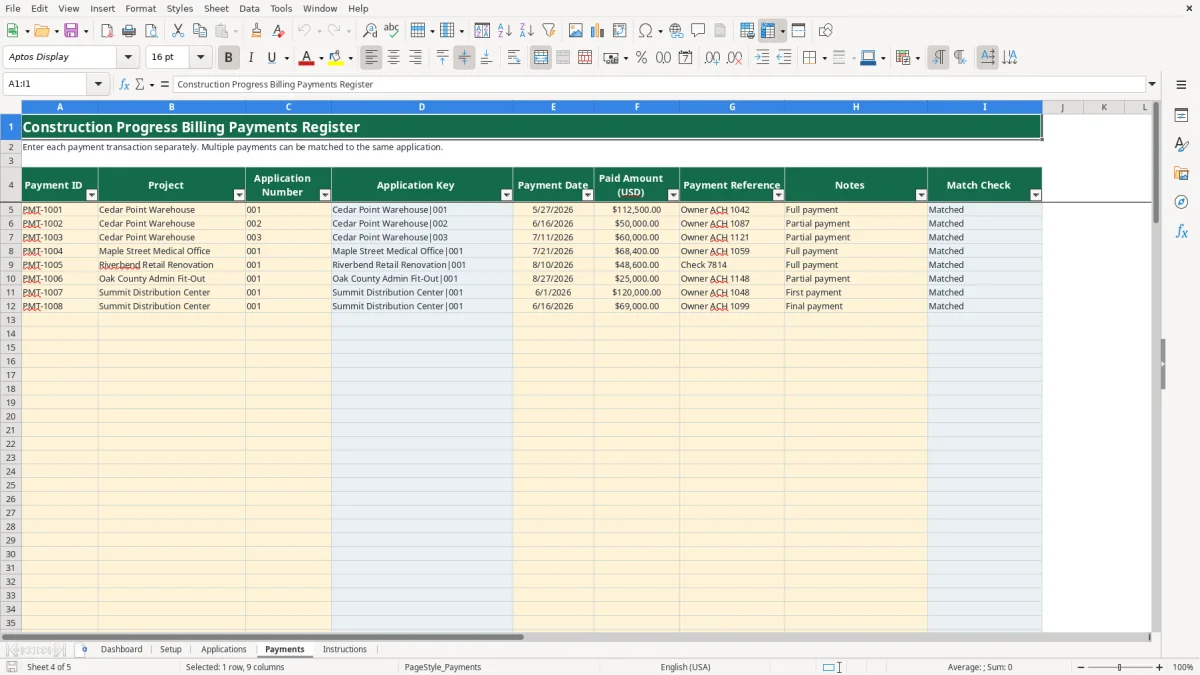
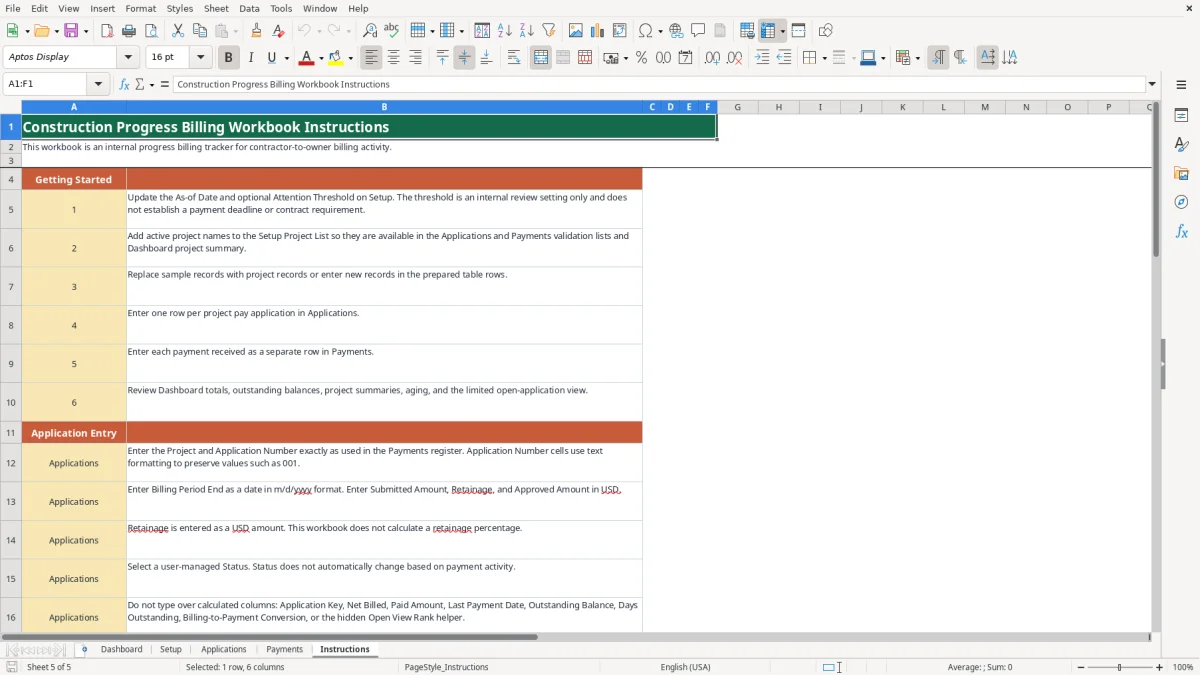
Final workbook preview
Four views generated from the verified XLSX.
How to use this workbook
Set operating controls
Start on Setup. Update the As-of Date in m/d/yyyy format and, if useful, the Attention Threshold in days. Add or revise active project names, status values, and aging bands. The attention threshold is an internal review setting; it does not establish a payment deadline or contract requirement.
Enter each billing application
On Applications, enter one row for each project pay application. Use the project, application number, billing period end, submitted amount in USD, retainage in USD, approved amount in USD, status, and notes. Enter only the input fields; Application Key, Net Billed, Paid Amount, Last Payment Date, Outstanding Balance, Days Outstanding, conversion, and open-view rank are calculated.
Log payment transactions separately
On Payments, enter a payment ID, project, application number, payment date in m/d/yyyy format, paid amount in USD, reference, and notes for each transaction. Use the same project and application number entered on Applications. The Match Check identifies whether the combined key matches exactly one application record.
Review the dashboard and exceptions
Use Dashboard to review total net billed, approved amount, paid amount, outstanding balance, conversion, project summaries, aging balances, and open applications. Review payment Match Check results before relying on payment totals. Days outstanding uses the billing period end and Setup As-of Date, not a contractual due-date calculation.
Benefits
Keeps periodic billing and owner payment activity together by project and application.
Separates submitted, approved, paid, and outstanding amounts in USD.
Supports separate payment entries when an application is paid in stages.
Provides an aging view for internal follow-up on open balances.
Features
Five worksheets: Dashboard, Setup, Applications, Payments, and Instructions.
Prepared application and payment register rows from row 5 through row 104.
Calculated net billed, outstanding balance, days outstanding, and conversion metrics.
Dashboard totals, project summaries, aging balances, an outstanding chart, and a limited open-application view.
Construction progress billing register in Excel
This workbook is built for the recurring administrative work of tracking contractor-to-owner progress billing activity. For teams searching for a construction progress billing Excel template, the central working record is the Applications register: one row per project and application number. The application number is treated as text, helping preserve values such as 001. Project and status entries use lists maintained on Setup, while billing period end uses m/d/yyyy dates and monetary entry fields are labeled in USD.
One application, one register row makes submitted amounts, retainage, approved amounts, and status easier to review across multiple projects and billing periods.
Inputs, calculations, and payment matching
The Applications sheet accepts user-entered submitted amount, retainage, and approved amount in USD. Net billed is calculated as submitted amount less retainage. Payments are entered on a separate register, allowing multiple payment transactions for the same application. Each payment uses the project and application number to create an application key, and the Applications register sums matched payment amounts.
The workbook calculates outstanding balance as approved amount less paid amount, with a minimum displayed balance of USD 0.00. Billing-to-payment conversion is paid amount divided by net billed. These are tracking calculations based on entered records, so users should review source entries and unmatched payment keys.
Dashboard aging and practical limits
The Dashboard brings together total net billed, approved amount, paid amount, outstanding balance, and overall billing-to-payment conversion. It also summarizes these values by projects listed on Setup and groups outstanding balances by user-managed aging bands. A chart is based on project outstanding balances, and the dashboard includes an open-application review list.
The open list is limited to 15 applications and follows Applications table order. Use the Applications register for the complete prepared register view. This workbook does not generate a contract form, certify percent complete, approve payment, replace accounting records, or manage downstream subcontractor retainage.
Frequently asked questions
Is this workbook a pay-application form?
No. It is an internal progress billing tracker for contractor-to-owner billing activity. It records application and payment history but does not generate an official or contract pay-application form, certify work progress, or approve payment.
What information do I enter for an application?
Enter the project, application number, billing period end, submitted amount in USD, retainage in USD, approved amount in USD, status, and notes. Do not overwrite the calculated columns, including net billed, paid amount, outstanding balance, days outstanding, and conversion.
Can one application have more than one payment?
Yes. Enter each payment transaction on its own Payments row using the exact project and application number from Applications. The workbook totals matched paid amounts for that application and identifies whether the payment key matches exactly one application record.
How are days outstanding calculated?
Days outstanding is calculated from the application Billing Period End to the user-controlled As-of Date on Setup, only when an outstanding balance remains. It is an aging measure, not a contractual due-date, interest, or payment-term calculation.
Does the dashboard show every open application?
The dashboard open-application view shows up to 15 open applications in Applications table order. Review the Applications register for the broader prepared record set, and use its project, status, amount, and calculated balance fields for detailed review.
Workbook file
Ready to put this workbook to work?
Download the verified XLSX, keep an untouched copy, and adapt a working copy to your project.
Download verified XLSXEditorial team
About the authors

Paige Sutton Vale
Workbook Systems Editor
Paige turns construction planning, cost-control, field, and closeout workflows into clear Excel workbook guides. She focuses on inputs, calculations, outputs, and practical limits.

Maren Ellsworth Keel
Workbook QA Reviewer
Maren reviews formula behavior, field labels, project-controls terminology, and workbook instructions so each resource stays within its documented scope.