Verified Excel workbook
Free 2026 Construction Change Order Workbook in Excel
Track construction change items in Excel with USD cost, proposed price, status roll-ups, aging, schedule days, and approved-value summaries.
Download this Free 2026 construction change order Workbook in Excel to organize potential, submitted, reviewed, approved, rejected, withdrawn, and on-hold change items. The Change Log is structured for one change item per row, with fields for scope, requestor, USD cost and price, status, dates, and schedule impact (days).
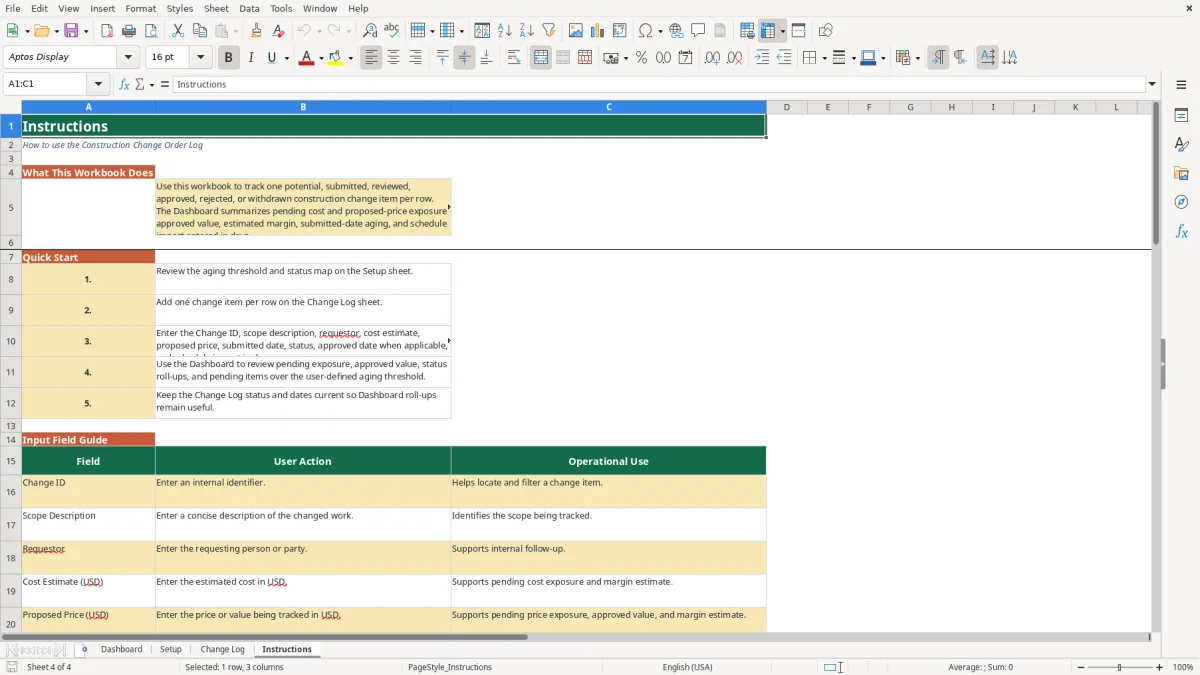
This is an operational register for monitoring change status and exposure. It includes Dashboard, Setup, Change Log, and Instructions worksheets. USD fields remain in USD, while submitted and approved dates use the m/d/Y date format. The workbook does not create a legal change-order document or establish approval authority.
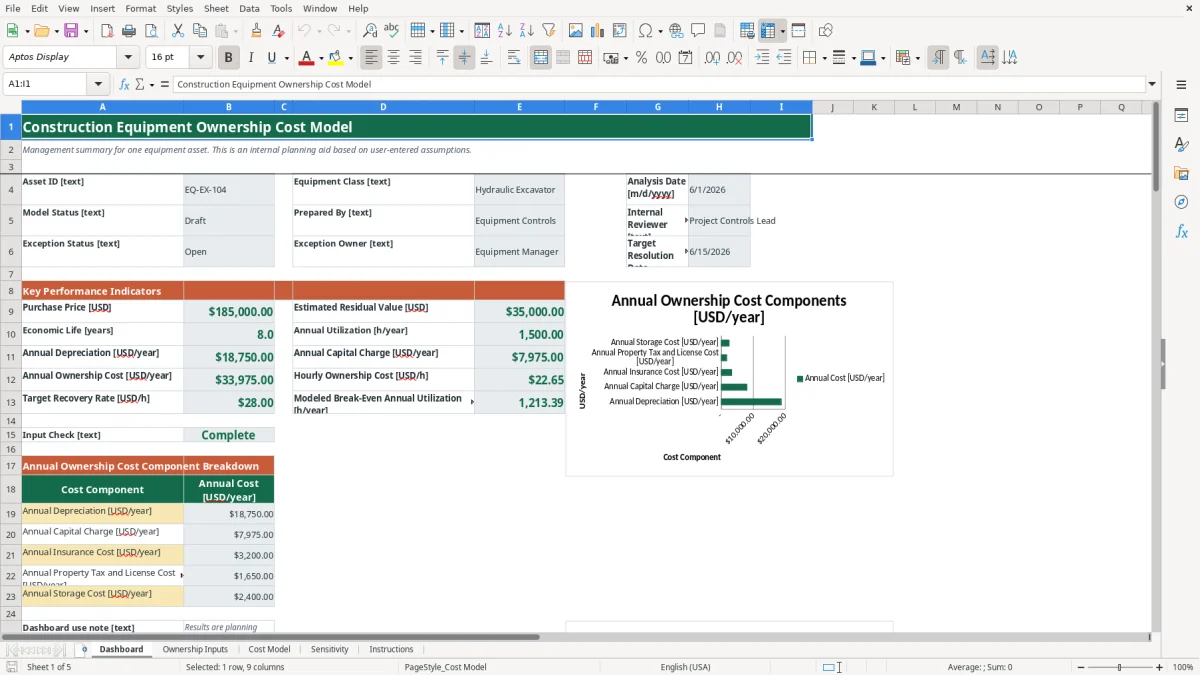
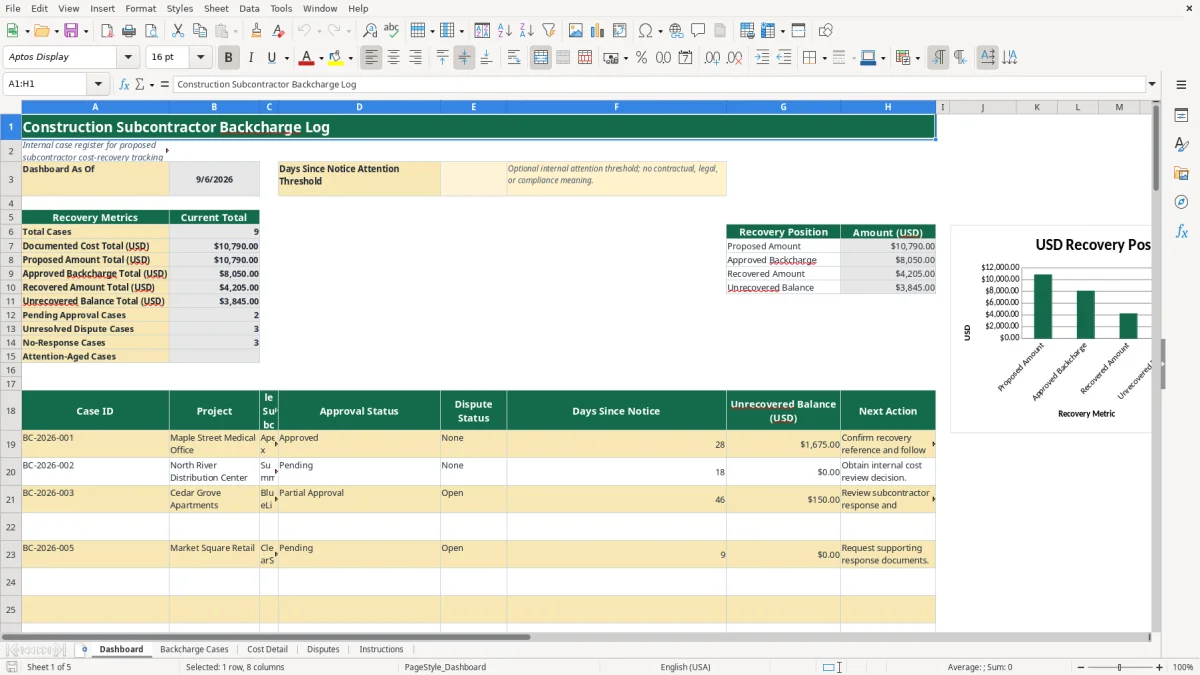
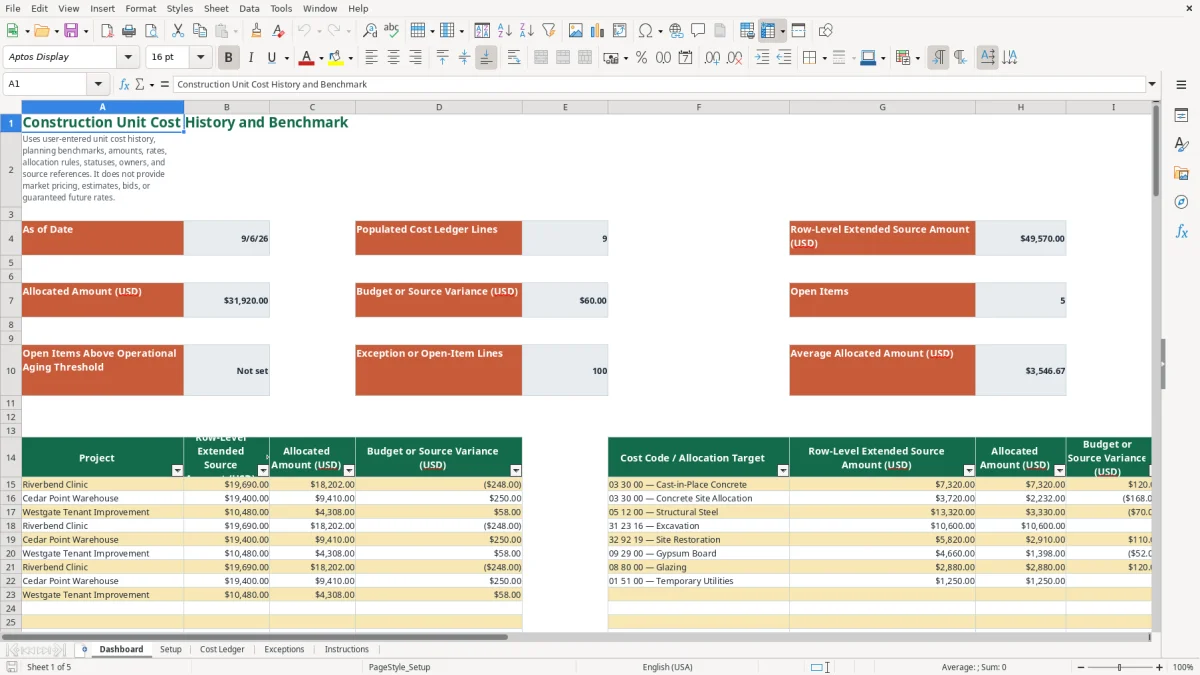
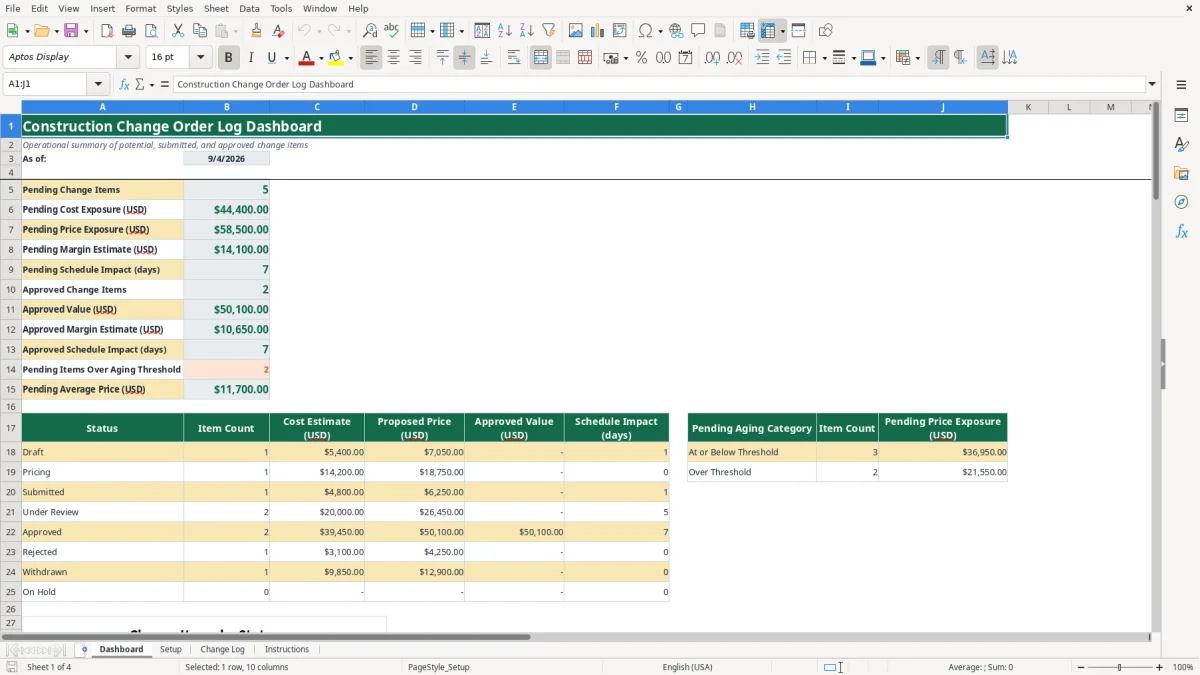
Final workbook preview
Four views generated from the verified XLSX.
How to use this workbook
Review the Setup worksheet
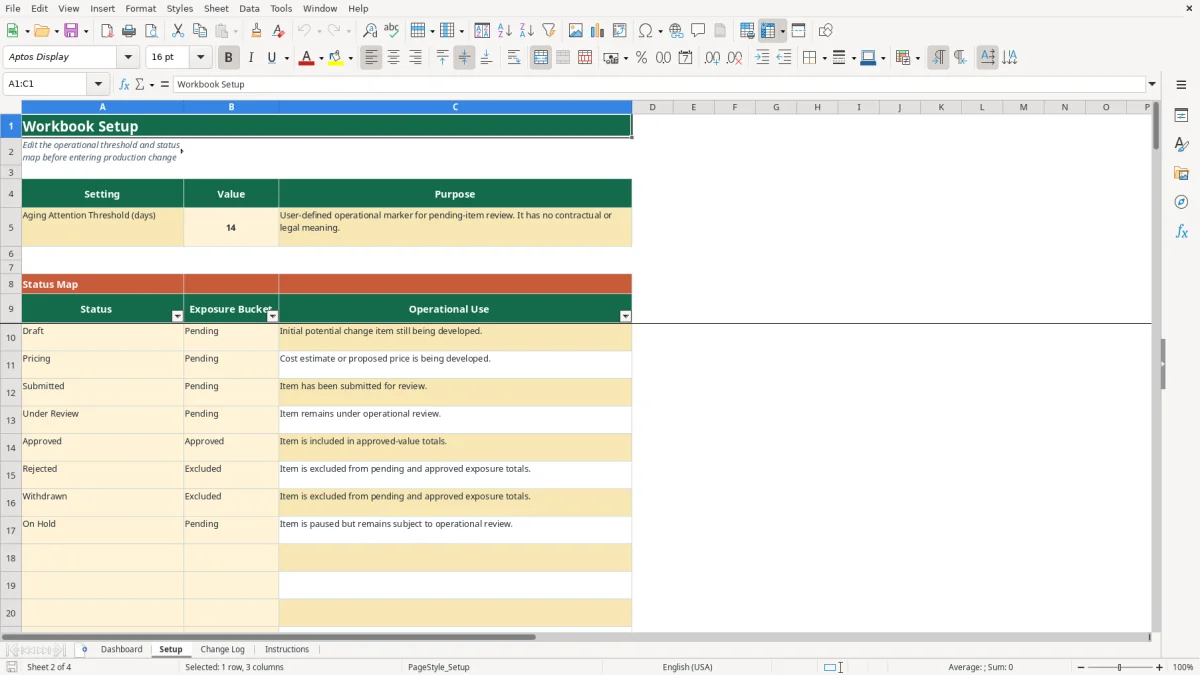
Before entering live project information, review Setup. The initial Aging Attention Threshold is 14 days. This threshold is a user-defined operational marker for pending-item review and has no contractual or legal meaning. Setup also contains the status map that assigns each status to Pending, Approved, or Excluded.
Enter the Change Log inputs
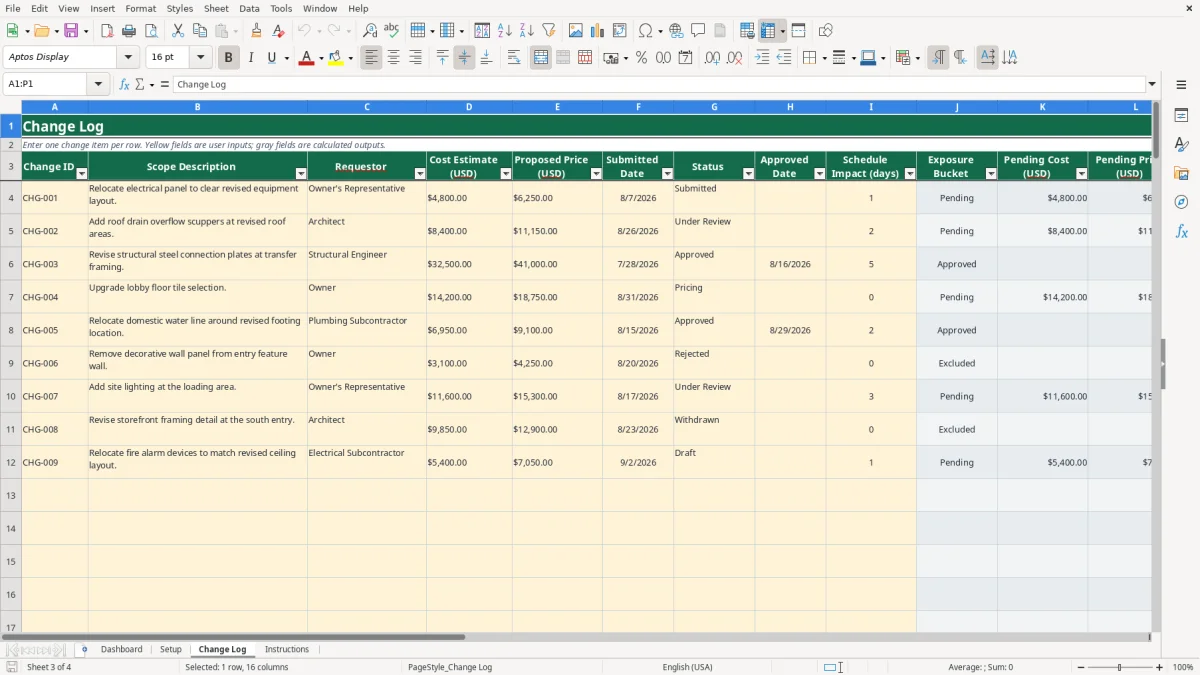
Use Change Log rows 4 through 103 for data entry. Enter a Change ID, Scope Description, Requestor, Cost Estimate (USD), Proposed Price (USD), Submitted Date, Status, Approved Date when applicable, and Schedule Impact (days). Select Status from the worksheet’s status-list validation. Enter dates in m/d/Y format and enter schedule impact as days without converting it to another unit.
Keep calculated outputs intact
Exposure Bucket, Pending Cost (USD), Pending Price (USD), Approved Value (USD), Margin Estimate (USD), Status Aging (days), and Aging Category are calculated outputs. They use the status map, entered dates, and numeric USD values. Review an Unmapped result when a status does not match the Setup map.
Review Dashboard roll-ups
Use Dashboard for recurring status and exposure review. It summarizes pending item count, pending USD exposure, approved value, margin estimate, schedule impact (days), average pending price, status-level roll-ups, and pending items over the aging threshold. Update status and date inputs as the item moves through the team’s workflow.
Benefits
Records cost estimate and proposed price in USD for each tracked change item.
Separates pending cost and price exposure from approved value.
Highlights pending items above a user-defined aging threshold (days).
Rolls up user-entered schedule impact (days) for pending and approved items.
Features
Four worksheets: Dashboard, Setup, Change Log, and Instructions.
Prepared Change Log formulas and status validation through row 103.
USD calculations for pending cost, pending price, approved value, and margin estimate.
Dashboard roll-ups for status, aging, USD exposure, and schedule impact (days).
Construction change order log template Excel use
A construction change order log template Excel workbook can help a project team maintain a single working register of scope changes and related commercial information. This workbook tracks the user-entered Change ID, Scope Description, Requestor, Cost Estimate (USD), Proposed Price (USD), Submitted Date, Status, Approved Date, and Schedule Impact (days). It is intended for day-to-day coordination when multiple changes are being developed, priced, reviewed, or approved.
The Change Log is not a substitute for signed change documentation. It does not draft contract language, authorize work, determine entitlement, or decide whether a change is valid under any agreement. Use it to organize the internal facts and status inputs your team chooses to track.
How pending and approved values are calculated
The Setup status map controls the Exposure Bucket used in calculations. The initial map places Draft, Pricing, Submitted, Under Review, and On Hold in Pending. When a row has a pending status and a numeric Cost Estimate (USD), that cost appears in Pending Cost (USD). When the same conditions apply to Proposed Price (USD), the price appears in Pending Price (USD).
A status mapped to Approved places a numeric Proposed Price (USD) in Approved Value (USD). The initial Rejected and Withdrawn statuses are mapped to Excluded, so they do not feed pending or approved exposure totals. Margin Estimate (USD) equals Proposed Price (USD) less Cost Estimate (USD) when both entries are numeric. It is a calculated comparison, not an actual-cost result or profit determination.
Aging and schedule impact review
Status Aging (days) starts from the Submitted Date for mapped, non-excluded items. For a pending item, aging runs to the current date. For an approved item with an Approved Date, aging runs from the Submitted Date to that approved date; if no Approved Date is entered, the calculation runs to the current date. An excluded or unmapped item does not receive a status-aging result.
Aging Category applies to pending items only. It compares Status Aging (days) to the Setup threshold and returns either At or Below Threshold or Over Threshold. Dashboard summarizes the count and pending proposed-price exposure for those categories. Schedule Impact (days) is entered by the user and rolled up for pending and approved items; it is not a schedule analysis, forecast, or time-extension determination.
Frequently asked questions
What fields are user inputs in this workbook?
The user-entered fields are Change ID, Scope Description, Requestor, Cost Estimate (USD), Proposed Price (USD), Submitted Date, Status, Approved Date, and Schedule Impact (days). The workbook uses those entries with the Setup status map to produce its calculated columns and Dashboard summaries.
Can I change the status map?
Yes. Setup provides a status map from rows 10 through 109. Each status is assigned an Exposure Bucket of Pending, Approved, or Excluded. The Change Log Status validation references the status names in that prepared Setup range, so add or revise the map before selecting a new status in the log.
What does Unmapped mean in the Exposure Bucket column?
Unmapped means the Status entered in the Change Log does not match a status listed in the Setup status map. That row will not be classified as pending, approved, or excluded for the dependent exposure and aging calculations. Check the status text or add the intended status to Setup.
How is the aging threshold used?
Setup begins with an Aging Attention Threshold of 14 days. A pending item is categorized as Over Threshold only when its calculated Status Aging (days) is greater than that user-entered threshold. The threshold is an internal review marker and does not establish a deadline, notice requirement, or contractual consequence.
Does the workbook authorize or document a change order?
No. The workbook is designed to track change-item status, USD estimates and prices, dates, aging, and schedule impact (days). It does not establish authorization, replace signed documentation, determine contractual entitlement, or provide legal conclusions. Project teams should use their own applicable approval and documentation process for those purposes.
Workbook file
Ready to put this workbook to work?
Download the verified XLSX, keep an untouched copy, and adapt a working copy to your project.
Download verified XLSXEditorial team
About the authors

Paige Sutton Vale
Workbook Systems Editor
Paige turns construction planning, cost-control, field, and closeout workflows into clear Excel workbook guides. She focuses on inputs, calculations, outputs, and practical limits.

Maren Ellsworth Keel
Workbook QA Reviewer
Maren reviews formula behavior, field labels, project-controls terminology, and workbook instructions so each resource stays within its documented scope.