Verified Excel workbook
Free 2026 Construction Cost Accrual Workbook in Excel
Free 2026 construction cost accrual Workbook in Excel for USD allocations, variance review, open-item aging, exceptions, and project totals.
Download this free construction cost accrual Workbook in Excel to organize cost accrual log lines, transaction dates, accountable owners, source references, and unresolved items in one internal review file. The Cost Ledger is the central input register for project cost or allocation records.
Users enter source-based details and USD comparison amounts. The workbook then calculates extended source amount, allocated amount, budget or source variance, open-item aging in days, and exception indicators. It supports internal project-controls review and does not replace source systems, field verification, contractual authority, or professional judgment.
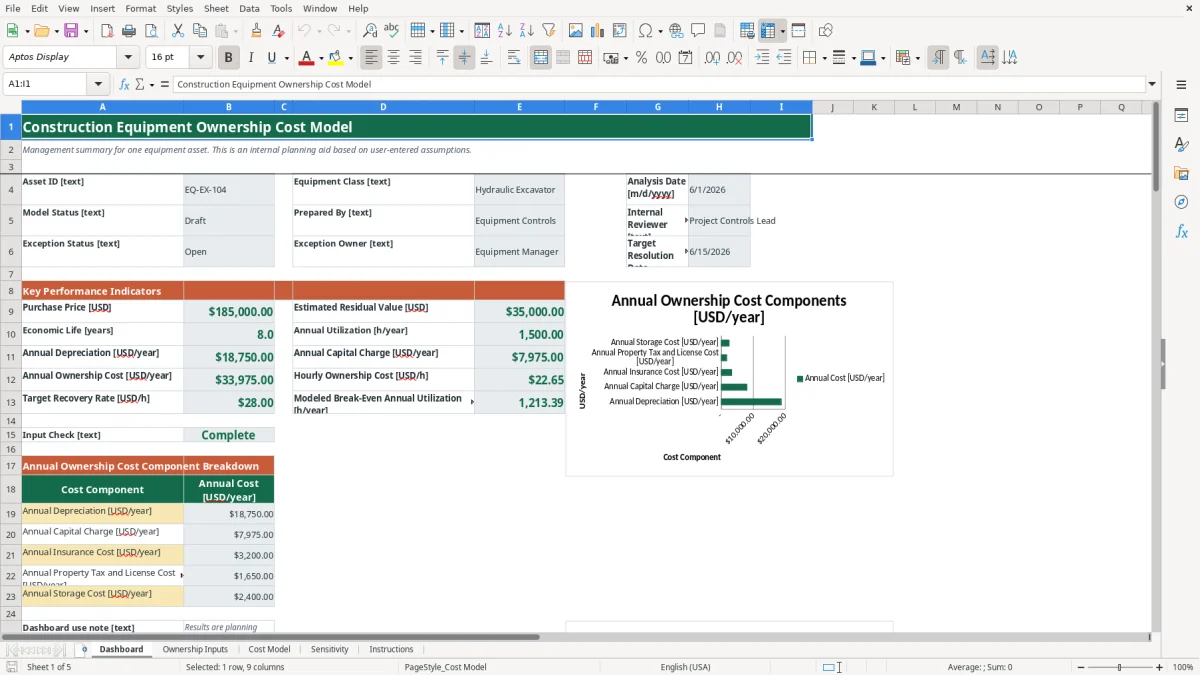
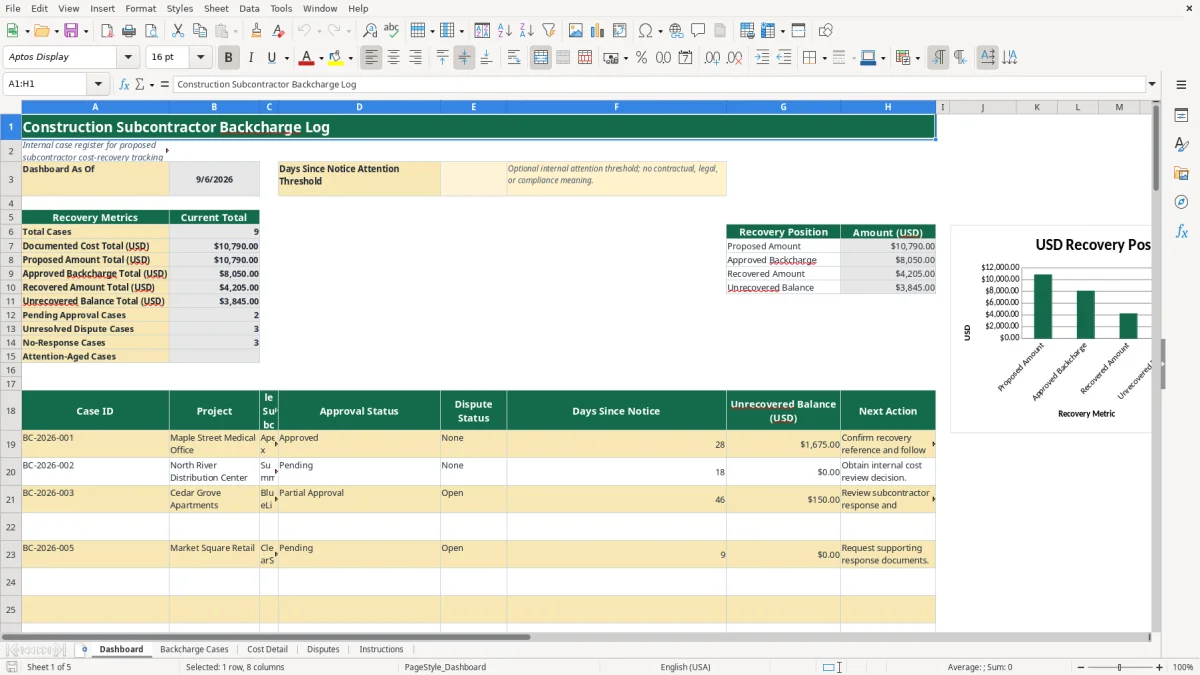
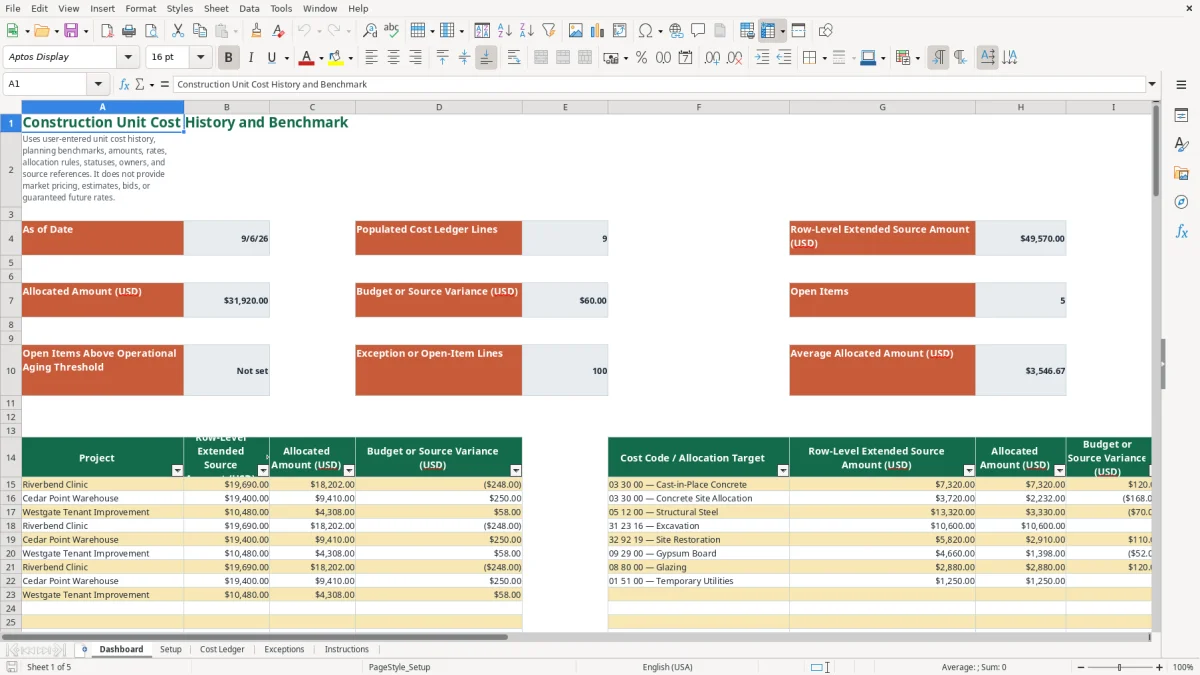
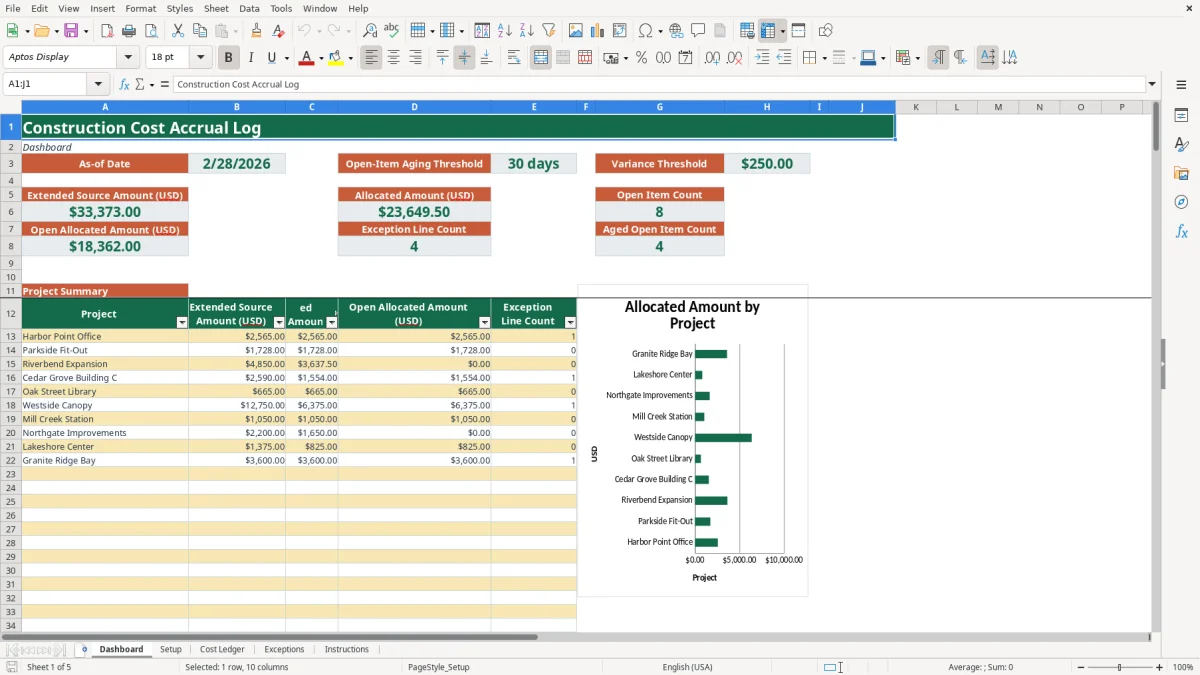
Final workbook preview
Four views generated from the verified XLSX.
How to use this workbook
Update Setup values
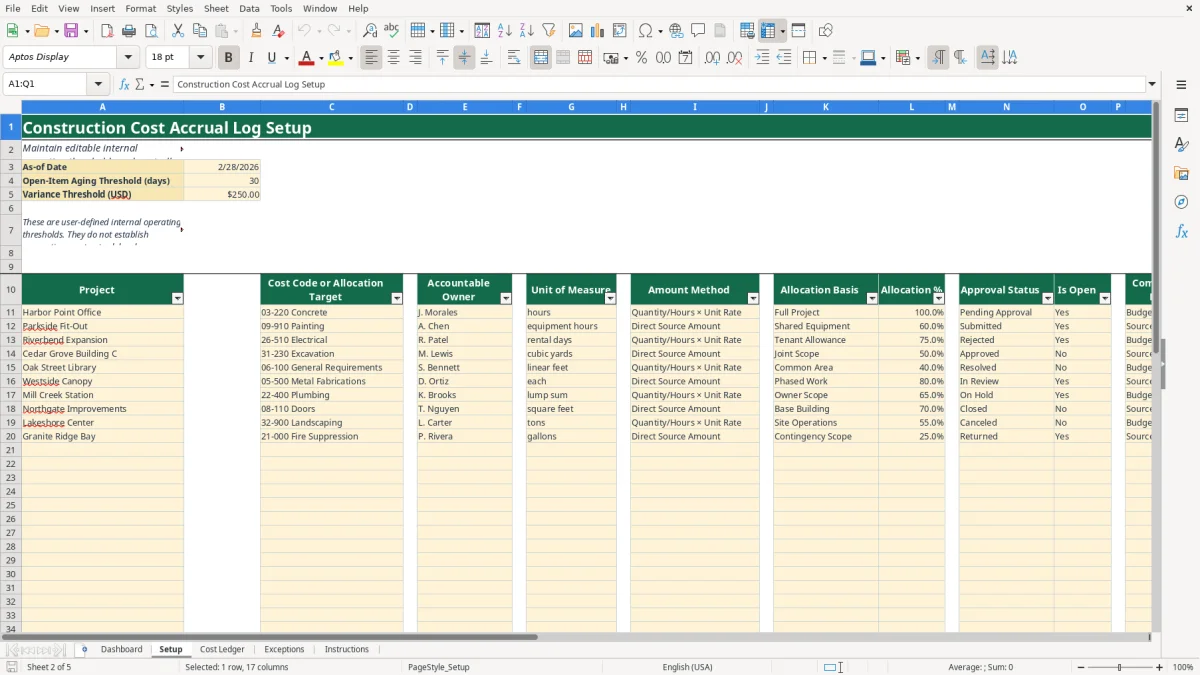
Begin on Setup. Enter the as-of date in m/d/yyyy format, an open-item aging threshold in days, and a variance threshold in USD. These are user-defined internal thresholds, not payment, accounting, contract, legal, or regulatory requirements. Setup also maintains editable project, cost code or allocation target, owner, unit-of-measure, amount-method, allocation-basis, status, and comparison-basis lists.
Add a Cost Ledger line
Enter one record per cost accrual log cost or allocation line. Provide a unique line ID, project, cost code or allocation target, vendor, worker, or asset, transaction date, approval status, source reference, accountable owner, comparison basis, comparison amount in USD, and notes. The Cost Ledger includes 110 prepared entry rows. Any sample records should be reviewed, changed, or removed for the active project.
Select the amount method
Choose Quantity/Hours × Unit Rate when the source record provides a quantity or hours and a USD unit rate per stated unit of measure. Choose Direct Source Amount when the source supplies one amount in USD. Select an allocation basis after choosing the amount method. The ledger retrieves the associated allocation percentage from Setup.
Review outputs and follow-up items
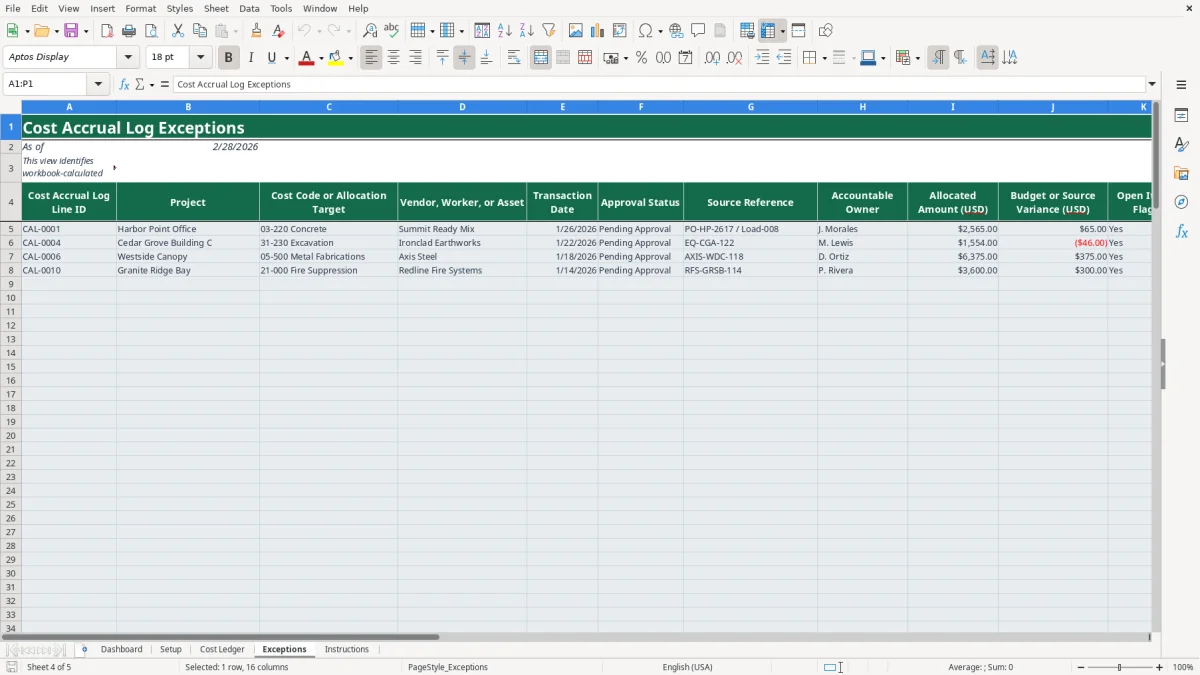
Read the formula-driven results in the ledger, then use Exceptions to review lines with data-quality, variance, or aging exceptions. Use Dashboard for total amounts, open-item counts, project summaries, cost-code or allocation-target summaries, and the allocated amount by project chart. Confirm questions against the source reference and supporting evidence outside the workbook.
Benefits
Tracks cost accrual log lines with project, owner, date, status, and source reference.
Calculates USD source amounts, allocations, variances, and open-item aging.
Identifies incomplete entries, duplicate line IDs, aging, and variance exceptions.
Summarizes cost activity by project and cost code or allocation target.
Features
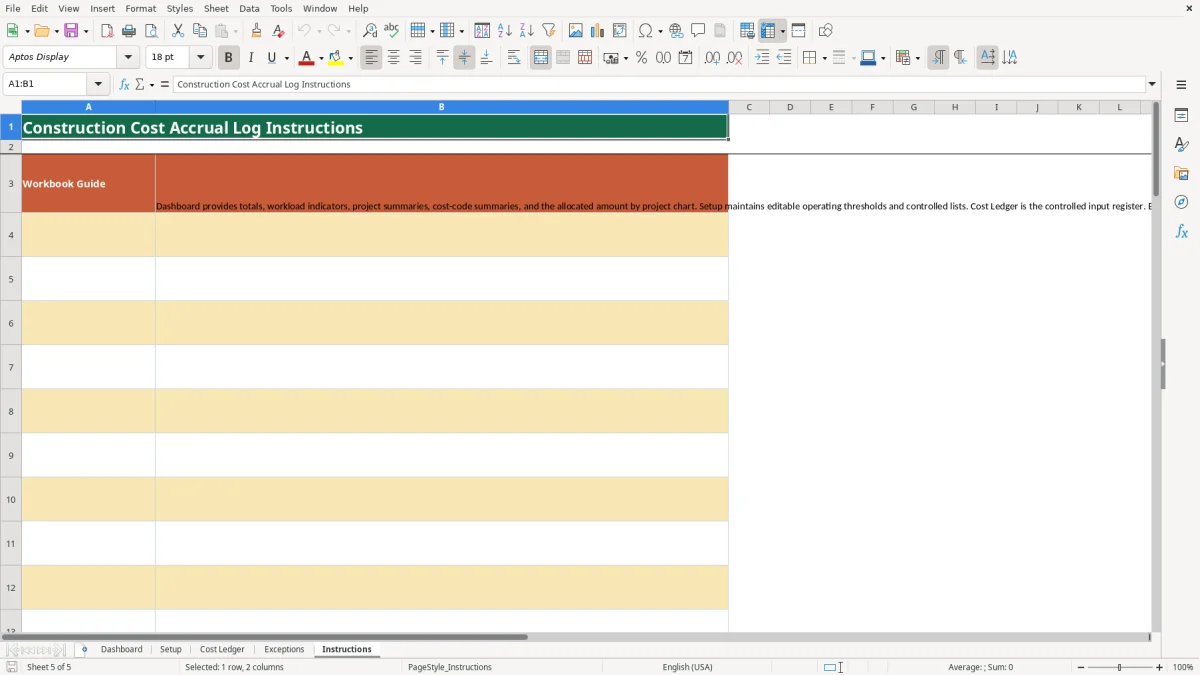
Five worksheets: Dashboard, Setup, Cost Ledger, Exceptions, and Instructions.
Cost Ledger list selections for key fields maintained on Setup.
Calculated exception view for data quality, variance, and aging items.
Dashboard totals and summaries by project and cost code or allocation target.
Construction cost accrual log in Excel
This Workbook is organized around a cost accrual log cost or allocation line. The Cost Ledger captures a project, cost code or allocation target, vendor, worker, or asset, transaction date, approval status, accountable owner, and source reference. The source reference can direct a reviewer to external supporting evidence, such as a purchase order, subcontract reference, timecard identifier, quote, invoice reference, equipment record, or internal document. Supporting evidence remains outside the workbook.
How USD allocation calculations work
For a Quantity/Hours × Unit Rate line, extended source amount equals the user-entered quantity or hours multiplied by the user-entered unit rate in USD per stated unit of measure. For a Direct Source Amount line, the user-entered direct source amount in USD becomes the extended source amount. Allocated amount equals extended source amount multiplied by the allocation percentage tied to the selected allocation basis on Setup. Budget or source variance equals allocated amount less the user-entered comparison amount in USD.
Open-item aging and calculated exceptions
Setup maps an approval status to an Is Open value. For lines mapped as open, aging equals the Setup as-of date less the transaction date, with a minimum of zero days. The workbook flags a variance exception when the absolute variance exceeds the Setup variance threshold and flags an aging exception when aging exceeds the Setup aging threshold. It also flags duplicate line IDs and missing required information. Calculated flags identify review items; they do not determine acceptance, approval, entitlement, or payment.
Dashboard and Exceptions review views
Dashboard reports extended source amount, allocated amount, open allocated amount, exception line count, and aged open-item count. Its project and cost-code or allocation-target summaries aggregate ledger results for internal workload review. Exceptions displays flagged lines with identifying details, USD amounts, variance, open-item information, aging, and calculated status. Use these views to prioritize follow-up, then inspect the ledger record and external source evidence. The workbook is an internal project-controls aid, not an accounting, tax, payroll, insurance, audit, contract, or legal tool.
Frequently asked questions
What do I enter in the Cost Ledger?
Enter a unique cost accrual log line ID, project, cost code or allocation target, vendor, worker, or asset, transaction date, unit of measure, amount method, allocation basis, approval status, source reference, accountable owner, comparison basis, comparison amount in USD, and notes. Enter either quantity or hours with a USD unit rate, or a direct source amount in USD, based on the selected amount method.
Does the Workbook convert units of measure?
No. Enter the source unit label, such as hours, cubic yards, equipment hours, rental days, or lump sum. The workbook uses the entered quantity or hours and USD unit rate when that amount method is selected, but it does not convert units. Use the source unit as stated and check the external record when reviewing amounts.
How is an open item determined?
The approval status selected in Cost Ledger is mapped on Setup to an Is Open result. When that result is Yes, the workbook calculates open-item aging from the Setup as-of date and transaction date. Changing either date or the status mapping can change the resulting aging and aging exception flag.
What does the Exceptions sheet show?
Exceptions displays lines with a calculated exception flag. It includes the line ID, project, cost code or allocation target, party, transaction date, approval status, source reference, accountable owner, allocated amount in USD, variance in USD, aging, and calculated status. It is a follow-up view, not independent evidence or a decision record.
Can this replace accounting or contract administration systems?
No. The workbook tracks the cost accrual log dataset and its calculated status views. It does not replace source systems, accounting records, field verification, contractual authority, payment processing, or professional judgment. Review source evidence separately before taking action on a calculated result.
Workbook file
Ready to put this workbook to work?
Download the verified XLSX, keep an untouched copy, and adapt a working copy to your project.
Download verified XLSXEditorial team
About the authors

Paige Sutton Vale
Workbook Systems Editor
Paige turns construction planning, cost-control, field, and closeout workflows into clear Excel workbook guides. She focuses on inputs, calculations, outputs, and practical limits.

Maren Ellsworth Keel
Workbook QA Reviewer
Maren reviews formula behavior, field labels, project-controls terminology, and workbook instructions so each resource stays within its documented scope.