Verified Excel workbook
Free 2026 Construction Overhead Allocation Workbook in Excel
Free 2026 construction overhead allocation Workbook in Excel for internal USD tracking, calculated exceptions, and dashboard review.
Manage internal construction overhead allocation lines in a focused workbook for project-controls review. Download the free Excel workbook to record line IDs, projects, cost codes or allocation targets, source references, accountable owners, approval status, transaction dates, and USD amounts in one register.
The workbook calculates extended source amounts, allocated amounts, budget or source variance, record status, and open-item aging in days. It supports internal follow-up of allocation records, not source-system replacement, field verification, contractual authority, or professional judgment. Source evidence remains outside the workbook for your team to maintain and review.
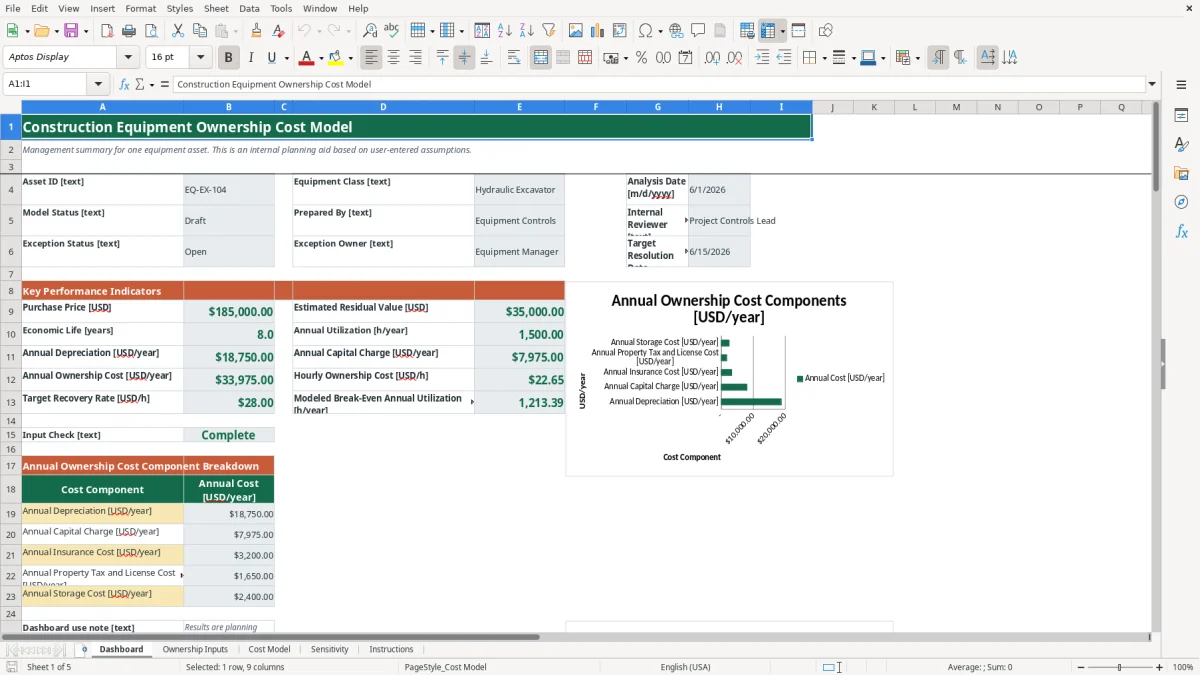
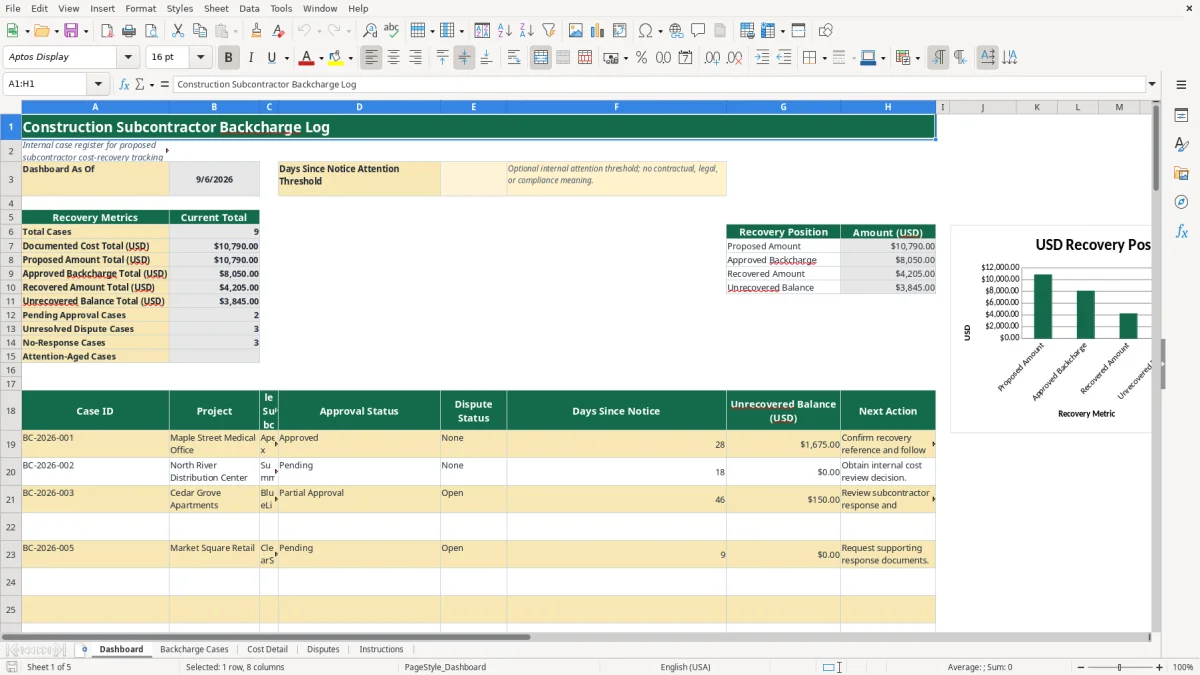
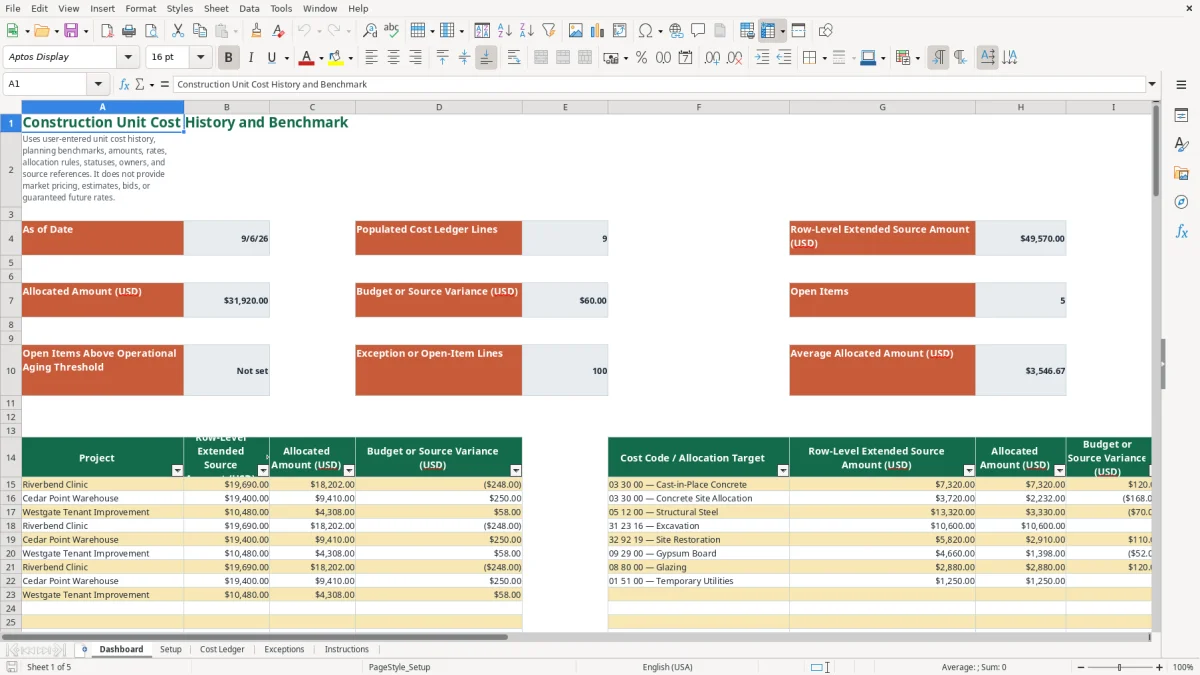
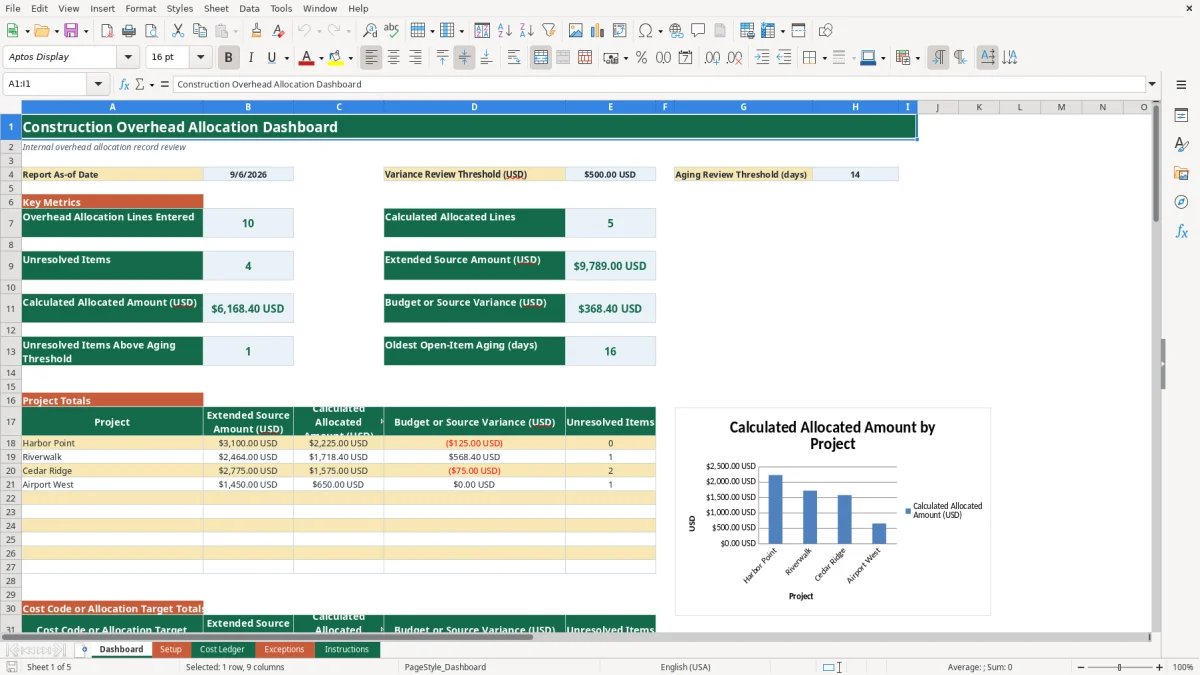
Final workbook preview
Four views generated from the verified XLSX.
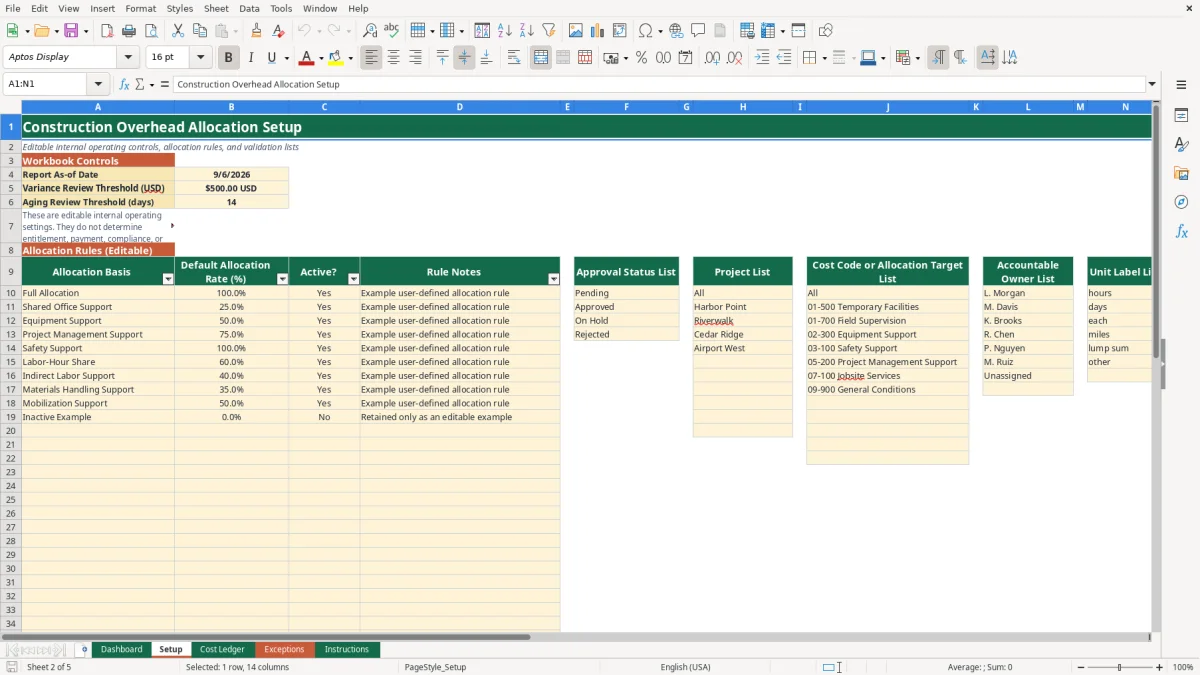
How to use this workbook
Set internal controls
In Setup, revise the report as-of date, variance review threshold in USD, and aging review threshold in days. Maintain allocation bases, default rates, projects, allocation targets, owners, approval statuses, and unit labels. These are internal operating inputs selected by your team.
Enter allocation records
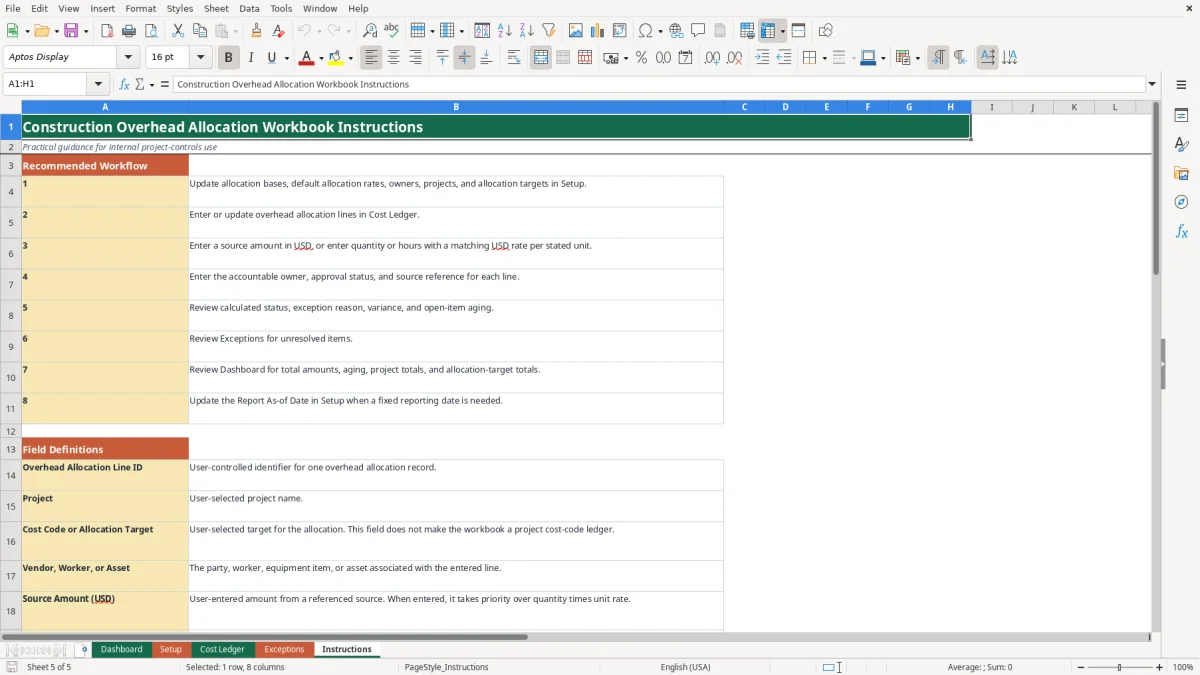
Use Cost Ledger for one overhead allocation line per record. Enter the line ID, project, allocation target, vendor, worker, or asset, transaction date, approval status, accountable owner, source reference, and notes. Enter a Source Amount (USD), or enter Quantity or Hours with a matching Unit Rate (USD per stated unit).
Apply rates and comparisons
Select an allocation basis to use its Setup default rate, or enter an allocation rate override for that line. Enter an optional Budget Amount (USD) for comparison. A source amount takes priority over quantity multiplied by unit rate when both inputs are present.
Review calculated outputs
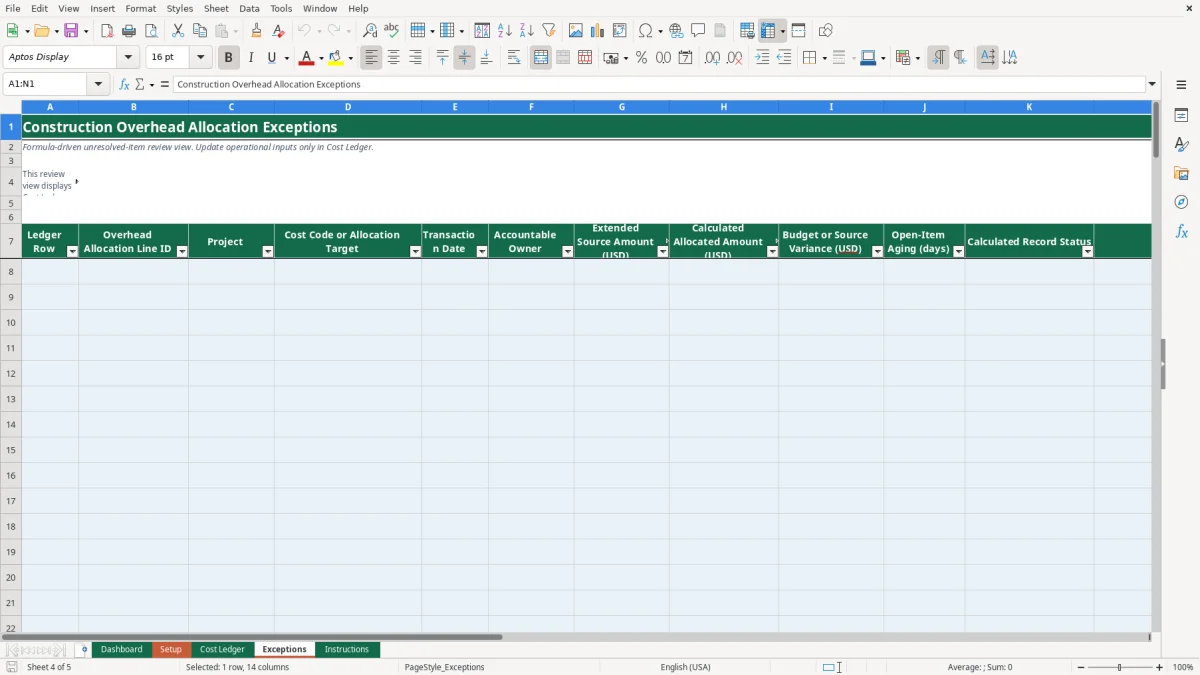
Review calculated status, exception reason, variance, and aging in Cost Ledger. Use Exceptions for rows with calculated exception reasons, then use Dashboard for totals and unresolved-item review. Correct operational inputs in Cost Ledger rather than editing the formula-driven Exceptions view.
Benefits
Keep allocation records, owners, dates, and source references in one register.
Compare calculated allocated amounts with budget or source amounts in USD.
Review unresolved lines and aging items for internal follow-up.
See project and allocation-target totals on the Dashboard.
Features
Five worksheets: Dashboard, Setup, Cost Ledger, Exceptions, and Instructions.
110 formula-prepared Cost Ledger rows from row 9 through row 118.
Calculated source, allocated, variance, status, and aging outputs.
One Dashboard chart tied to the project totals area.
Construction overhead allocation workflow
This construction overhead allocation spreadsheet supports a defined internal workflow: maintain overhead allocation-line records, identify accountable owners, retain a source reference, and review unresolved items. The primary record is an overhead allocation line, not a complete project cost-code ledger.
Users enter project, cost code or allocation target, associated vendor, worker, or asset, transaction date, approval status, and notes. A source reference is a locator for evidence maintained outside the workbook; it is not the evidence itself.
How the Excel calculations work
Extended Source Amount (USD) uses the entered Source Amount (USD). If that field is blank, the workbook calculates the amount from Quantity or Hours multiplied by Unit Rate (USD per stated unit). The applied allocation rate uses a user-entered override when present; otherwise it uses the selected allocation basis default from Setup.
Calculated Allocated Amount (USD) is the extended source amount multiplied by the applied allocation rate, except rejected lines are not allocated. Variance compares allocated amount to Budget Amount (USD) when a budget is entered, or to extended source amount when it is not. All amount outputs are in USD.
Exception and aging review
Calculated record status is based on the entered approval status and any calculated exception reason. Approved records without a calculated exception are shown as Allocated. Pending or On Hold records remain open, while rejected records are shown as Closed - Not Allocated.
Open-Item Aging (days) is calculated for open or exception records from the transaction date and Setup report as-of date. Dashboard identifies unresolved items above the aging threshold and the oldest open item. Aging is an internal review signal, not a deadline or approval decision.
Dashboard totals and limits
Dashboard summarizes entered lines, calculated allocated lines, unresolved items, extended source amount, calculated allocated amount, and budget or source variance. It also presents project totals and cost code or allocation target totals, including unresolved-item counts.
This is an internal project-controls aid. It does not validate invoices, tickets, timesheets, quantities, rates, allocation methods, or source evidence. It does not replace accounting, tax, payroll, insurance, audit, contract, legal, or regulatory review. Users remain responsible for their inputs and rules.
Frequently asked questions
What do I enter in the Cost Ledger?
Enter the overhead allocation line ID, project, cost code or allocation target, vendor, worker, or asset, transaction date, quantity or hours, unit label, unit rate or source amount, allocation basis, approval status, accountable owner, source reference, and optional notes. Budget amount and allocation rate override are optional inputs.
Can I use quantity and unit rate instead of a source amount?
Yes. When Source Amount (USD) is blank, Extended Source Amount (USD) is calculated as Quantity or Hours multiplied by Unit Rate (USD per stated unit). If a source amount is entered, it takes priority. Use a unit label that matches the rate entered; the workbook does not convert units.
What appears on the Exceptions worksheet?
Exceptions displays Cost Ledger rows with a calculated exception reason. It carries the line ID, project, allocation target, date, owner, calculated amounts, variance, aging, status, source reference, and notes. Review and update the underlying Cost Ledger record rather than changing the formula-driven exception view.
How is open-item aging calculated?
For open or exception records, aging is the number of days between the Transaction Date and the Setup report as-of date, with a minimum of zero days. Allocated and closed records do not receive open-item aging. The report as-of date is editable for an internal reporting cutoff.
Does this workbook replace job costing or source systems?
No. This workbook manages overhead allocation records and calculated review outputs. It does not replace a project cost-code ledger, accounting system, source-document repository, field verification process, or contractual decision process. Use it alongside the records and systems maintained by your organization.
Workbook file
Ready to put this workbook to work?
Download the verified XLSX, keep an untouched copy, and adapt a working copy to your project.
Download verified XLSXEditorial team
About the authors

Paige Sutton Vale
Workbook Systems Editor
Paige turns construction planning, cost-control, field, and closeout workflows into clear Excel workbook guides. She focuses on inputs, calculations, outputs, and practical limits.

Maren Ellsworth Keel
Workbook QA Reviewer
Maren reviews formula behavior, field labels, project-controls terminology, and workbook instructions so each resource stays within its documented scope.