Verified Excel workbook
Free 2026 Construction General Conditions Workbook in Excel
Download a free 2026 Excel workbook to plan construction general conditions budgets, period allocations, planned burn, and exceptions.
Download this free Excel workbook to build a time-phased construction general conditions budget for 2026. It organizes planned indirect project costs such as site supervision, temporary facilities, utilities, security, sanitation, and other user-defined categories across budget periods.
Users enter planning-line details, rates, quantities or staffing units, durations, responsible owners, and allocation dates. The workbook calculates an extended source baseline, valid period budget, cumulative planned burn, remaining planned budget, and planned monthly average in USD. It is a forward-planning tool for indirect costs, not an actual-cost ledger, invoice register, commitment log, or project-wide direct-cost budget.
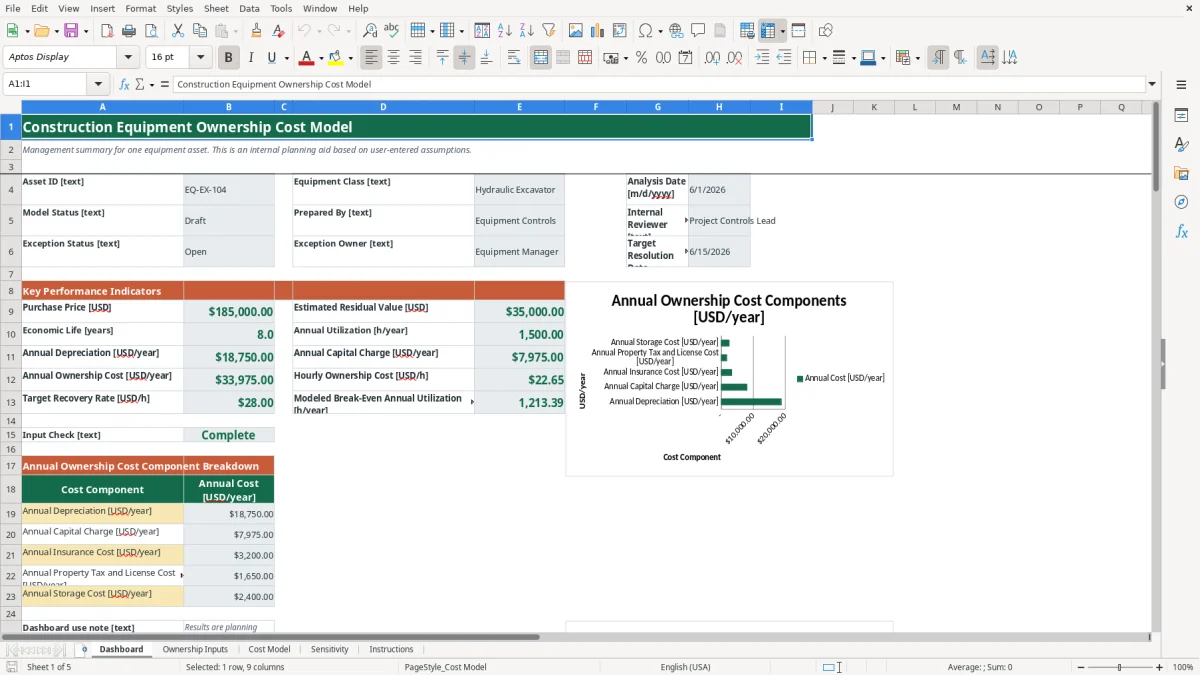
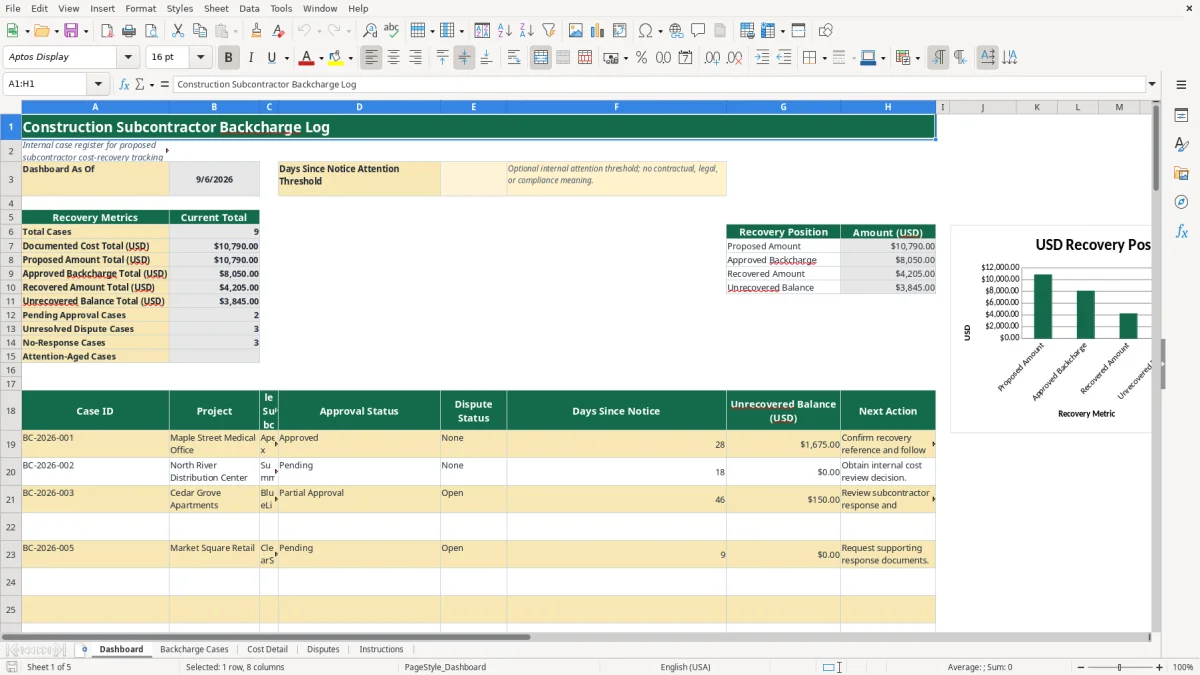
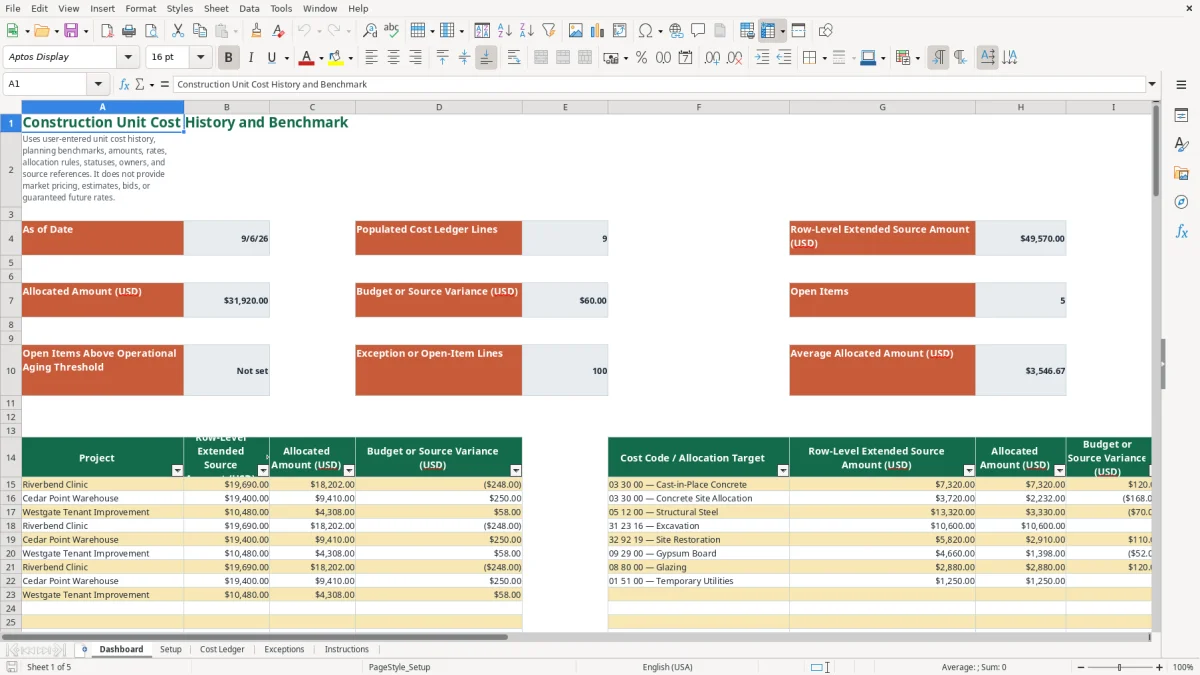
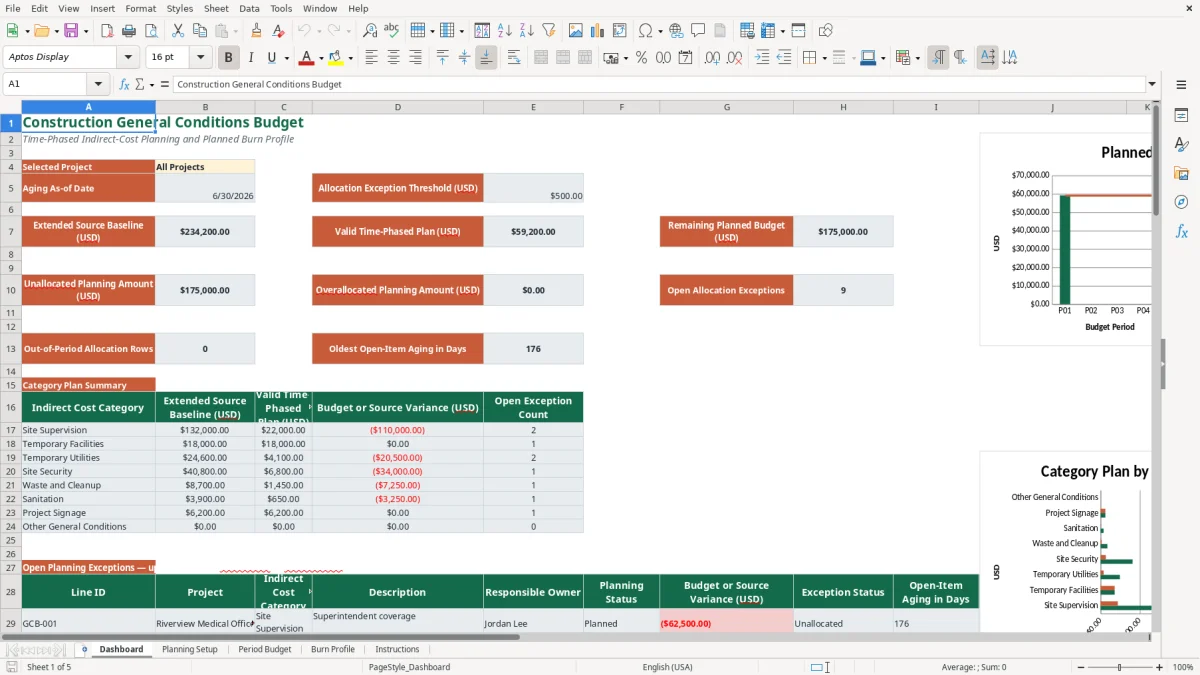
Final workbook preview
Four views generated from the verified XLSX.
How to use this workbook
Set up projects and periods
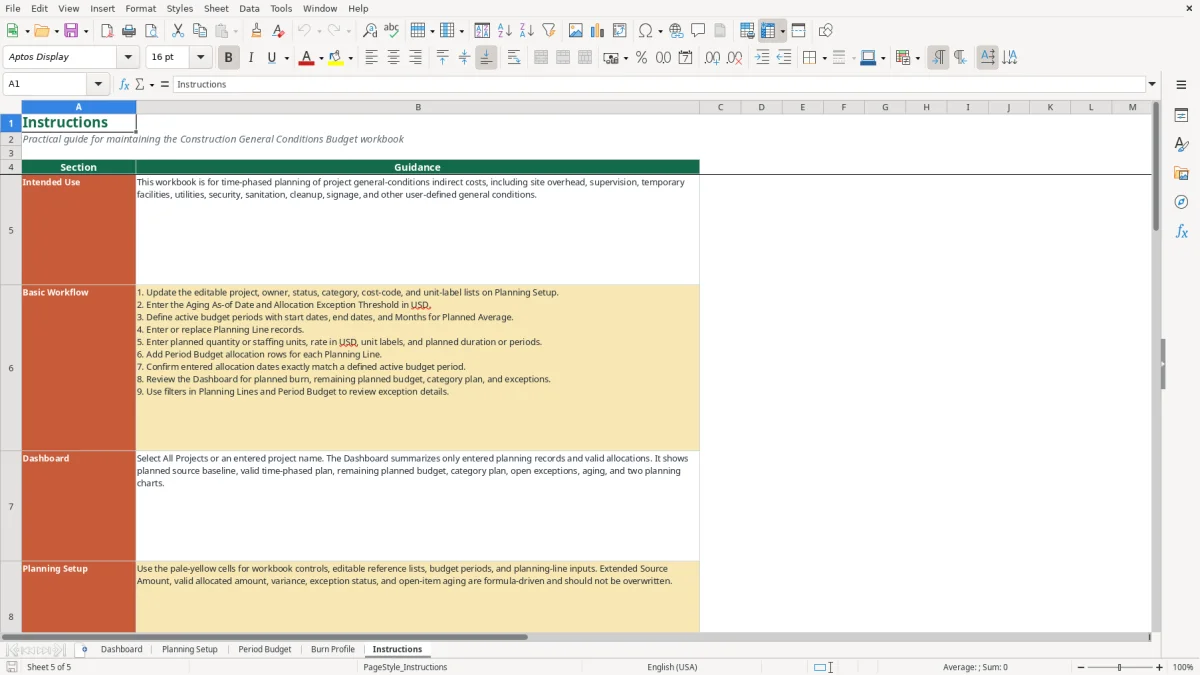
Start on Planning Setup. Enter the aging as-of date, allocation exception threshold in USD, default project, preparer, and planning update details. Maintain the user-entered project, owner, status, category, cost-code, rate-unit-label, and quantity-unit-label lists. Define the budget periods that the plan will use by entering matching start and end dates, such as 1/1/2026 through 1/31/2026.
Create planning lines
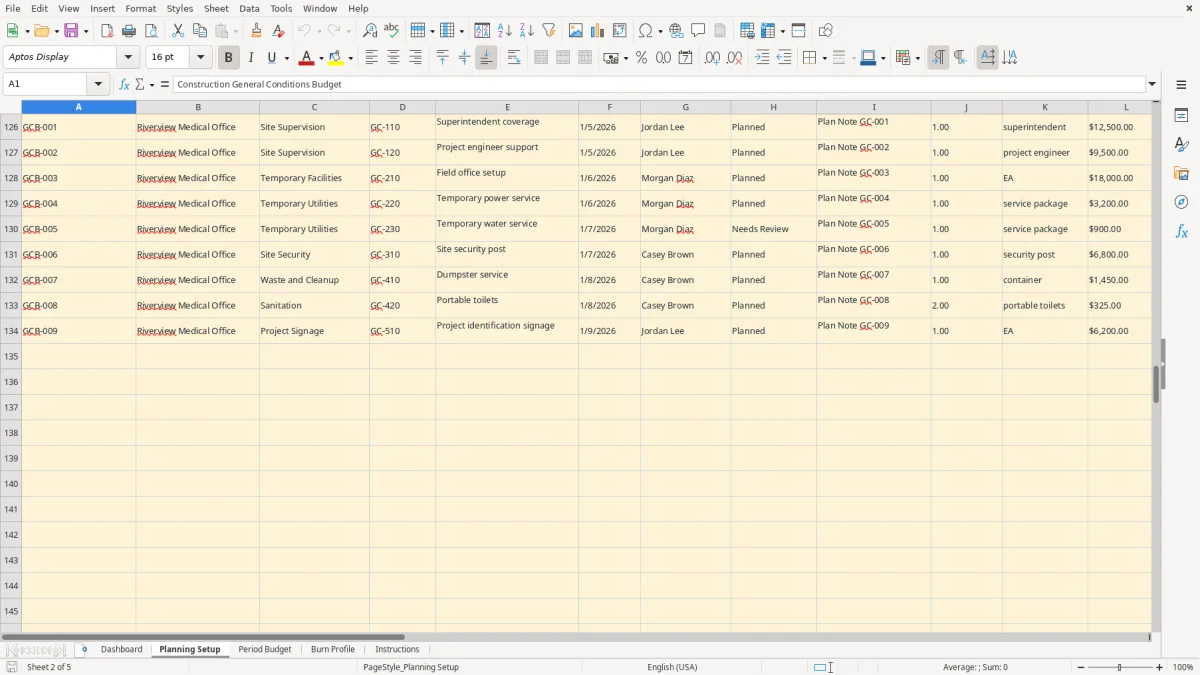
Add one general-conditions planning line for each indirect-cost item. Enter the line ID, project, category, cost code, description, responsible owner, planning status, planning basis reference, quantity or staffing units, planned rate, duration or periods, and unit labels. The workbook calculates the extended source amount from the quantity, rate, and duration entered for the line.
Allocate the plan by period
On Period Budget, enter an allocation ID, valid line ID, budget-period start and end dates, allocated amount in USD, allocation basis reference, and note. The workbook retrieves related planning-line information and checks the allocation. Only allocations marked Valid are included in the valid period budget and planned burn calculations.
Review outputs and open items
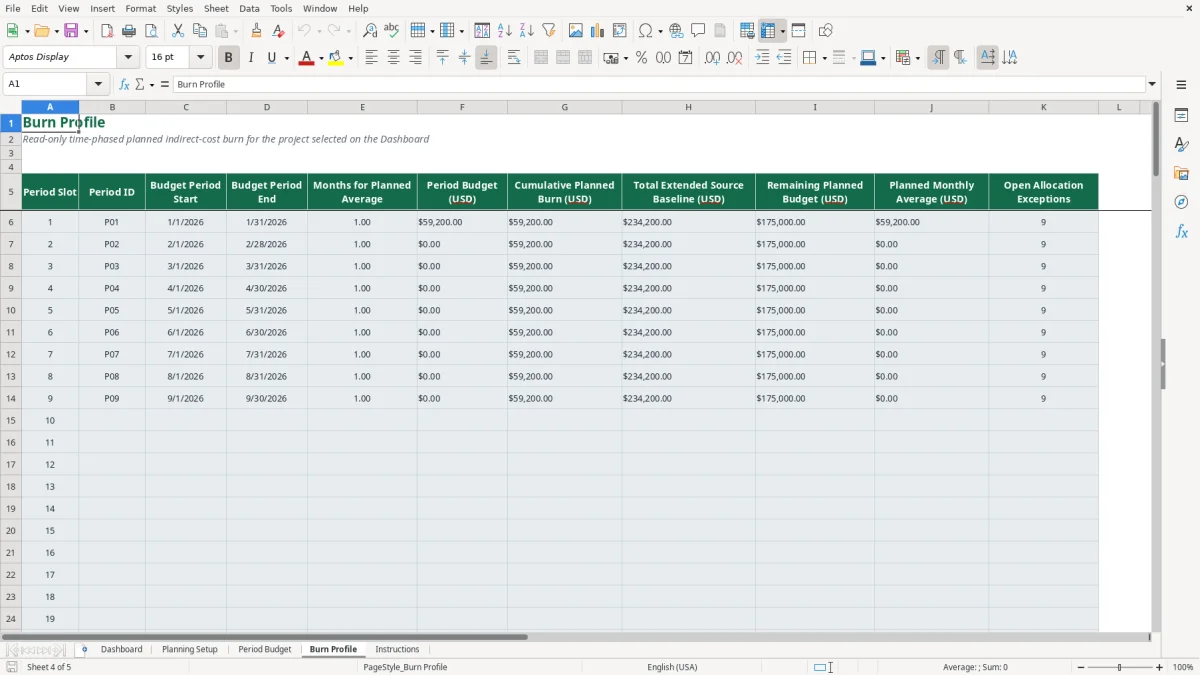
Use the Dashboard selector to view All Projects or one entered project. Review source baseline, valid time-phased plan, remaining planned budget, category variances, and open exceptions. Burn Profile provides the read-only period view of period budget, cumulative planned burn, remaining planned budget, planned monthly average, and exception count.
Benefits
Plan general-conditions indirect costs by category, owner, and budget period.
Compare user-entered source assumptions with valid allocated amounts in USD.
Identify unallocated, overallocated, and out-of-period planning exceptions.
Review planned burn for an entered project or All Projects.
Features
Five worksheets: Dashboard, Planning Setup, Period Budget, Burn Profile, and Instructions.
User-entered planning lines support project, category, cost code, owner, rate, and duration inputs.
Calculated validation checks line IDs, period dates, and configured budget-period matching.
Dashboard summarizes planning amounts, exception counts, category results, and planned burn.
Time-phased general conditions budget planning
A construction general conditions budget often includes indirect costs that need to be planned over the life of the work rather than held as one undivided amount. This Excel workbook is designed for that planning workflow. It supports user-entered categories for site overhead, supervision, temporary facilities, utilities, security, sanitation, and similar indirect-cost records.
Each planning line carries a line ID, project, category, cost code, responsible owner, planning status, and planning basis reference. The line also captures quantity or staffing units, planned rate, duration or periods, and user-defined unit labels. This creates a documented source for the calculated baseline before amounts are allocated to budget periods.
Period allocations and validation results
The Period Budget worksheet assigns a planning-line amount to a defined date range. Users enter an allocation ID, line ID, period start date, period end date, allocated amount in USD, and allocation basis reference. Lookup formulas return the related project, indirect-cost category, cost code, and responsible owner from Planning Setup.
The workbook calculates an allocation validation result. It can identify an invalid line ID, missing period dates, invalid period dates, or an out-of-period allocation. The valid period budget includes only allocated amounts that pass that validation. This separates usable planning amounts from entries needing correction.
Planned burn and remaining planned budget
Burn Profile is a read-only period schedule for the project selected on the Dashboard. It calculates the period budget in USD, cumulative planned burn in USD, total extended source baseline in USD, remaining planned budget in USD, planned monthly average in USD, and open allocation exceptions.
Cumulative planned burn is a running total of valid period-budget amounts. Remaining planned budget is calculated from the source baseline less cumulative planned burn. The planned monthly average uses the entered months for the defined period. These outputs help a team review the timing of its plan, but they do not represent actual cost, payment status, or a forecast of final cost.
Dashboard exception review and scope limits
The Dashboard summarizes the selected project or All Projects. It displays the extended source baseline, valid time-phased plan, remaining planned budget, unallocated and overallocated planning amounts, open allocation exceptions, out-of-period allocation rows, and oldest open-item aging in days. A category summary compares source baseline, valid plan, variance, and exception count.
The workbook is limited to planned indirect-cost control. It does not manage actual transactions, commitments, invoices, payroll, insurance, contract decisions, project-wide direct-cost baselines, or job-cost forecasts. Results depend on user-entered amounts, rates, assumptions, allocation rules, dates, and references.
Frequently asked questions
What does the workbook calculate?
The workbook calculates the period budget, cumulative planned burn, remaining planned budget, and planned monthly average. It also calculates extended source amounts from entered quantity, rate, and duration values, along with allocation validation and planning exceptions. All monetary outputs are shown in USD.
What information should I enter for each planning line?
Enter a general-conditions budget line ID, project, indirect-cost category, cost code, description, responsible owner, planning status, planning basis reference, planned quantity or staffing units, planned rate, planned duration or periods, and applicable unit labels. Use the planning basis reference to identify the assumption or source supporting the line.
Why is an amount not included in planned burn?
The amount may be excluded because its allocation validation is not Valid. The workbook can identify an invalid line ID, missing dates, invalid dates, or an allocation outside a defined budget period. Correct the entered planning-line reference or period dates, then review the calculated validation result.
Can I view a single project?
Yes. The Dashboard includes a project selector with All Projects and entered project names. The selected value drives the Dashboard summaries and Burn Profile period calculations. This allows a team to review one project’s planned indirect-cost baseline, time-phased plan, remaining planned budget, and open exceptions.
Does this Excel workbook track actual costs?
No. This workbook is a forward plan for general-conditions indirect costs. It does not track actual-cost transactions, commitments, invoices, payroll, or job-cost forecasts. Use separate records for actual-cost and payment control. The workbook does not certify payment, entitlement, accuracy, or compliance.
Workbook file
Ready to put this workbook to work?
Download the verified XLSX, keep an untouched copy, and adapt a working copy to your project.
Download verified XLSXEditorial team
About the authors

Paige Sutton Vale
Workbook Systems Editor
Paige turns construction planning, cost-control, field, and closeout workflows into clear Excel workbook guides. She focuses on inputs, calculations, outputs, and practical limits.

Maren Ellsworth Keel
Workbook QA Reviewer
Maren reviews formula behavior, field labels, project-controls terminology, and workbook instructions so each resource stays within its documented scope.