Verified Excel workbook
Free 2026 Construction Equipment Cost Workbook in Excel
Track non-fuel equipment cost pools, usage hours, project allocations, balances, and review items in a free Excel workbook for 2026.
Download this free Excel workbook to organize documented non-fuel equipment cost pools and assign equipment charges to projects and cost codes using recorded usage in hours. It supports a practical project-controls workflow for rental, maintenance, internal equipment charges, and other documented non-fuel charges.
Enter the source amounts, equipment identifiers, usage periods, meter readings or billable usage hours, allocation rates, support references, and approval references. The workbook then calculates allocated equipment cost, unallocated cost-pool balance, allocation variance, and effective allocated cost per usage hour. It is an internal allocation tracker, not a fuel log, job-cost ledger, or long-term equipment ownership analysis.
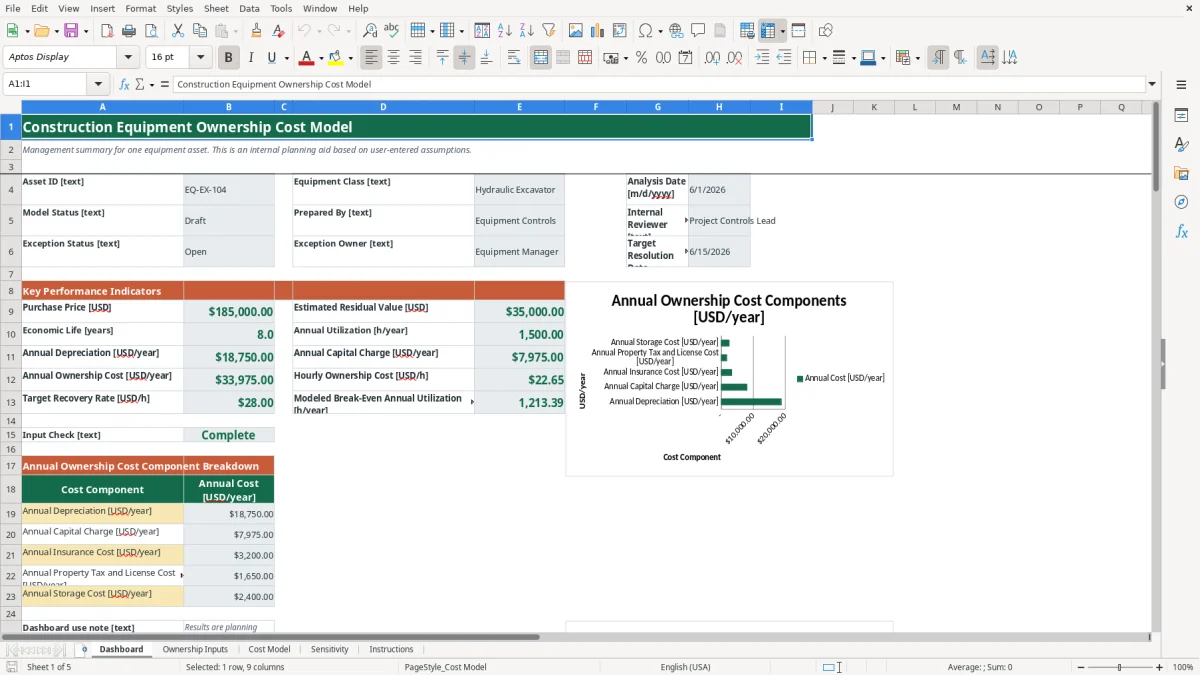
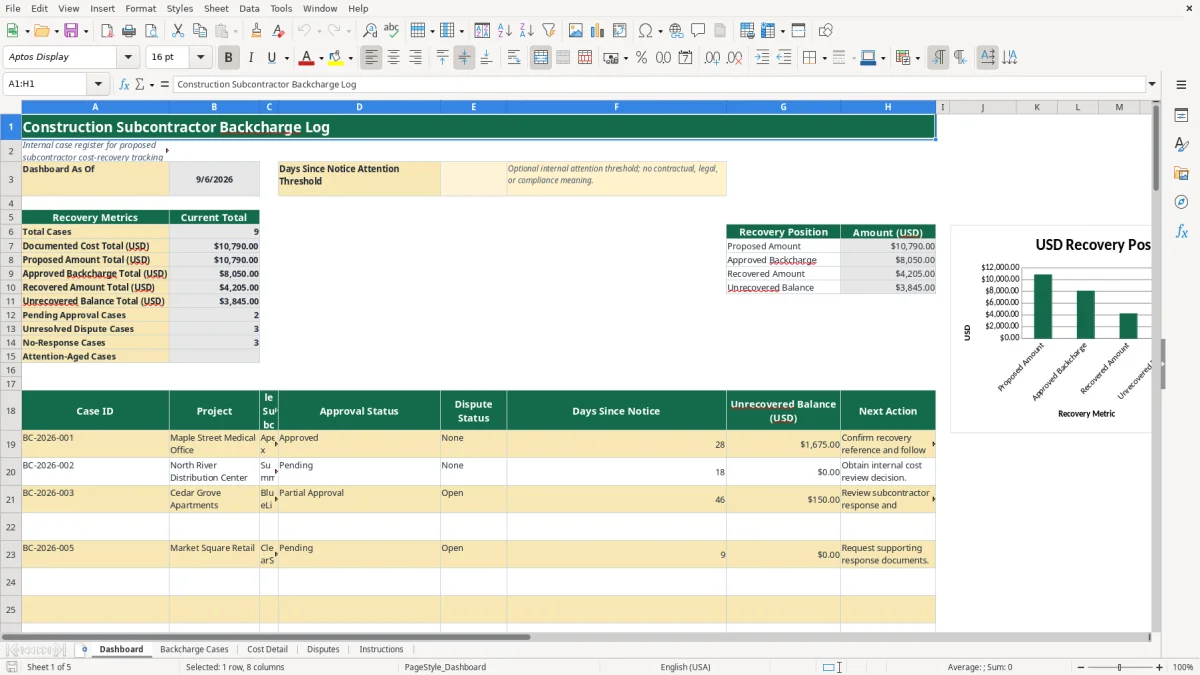
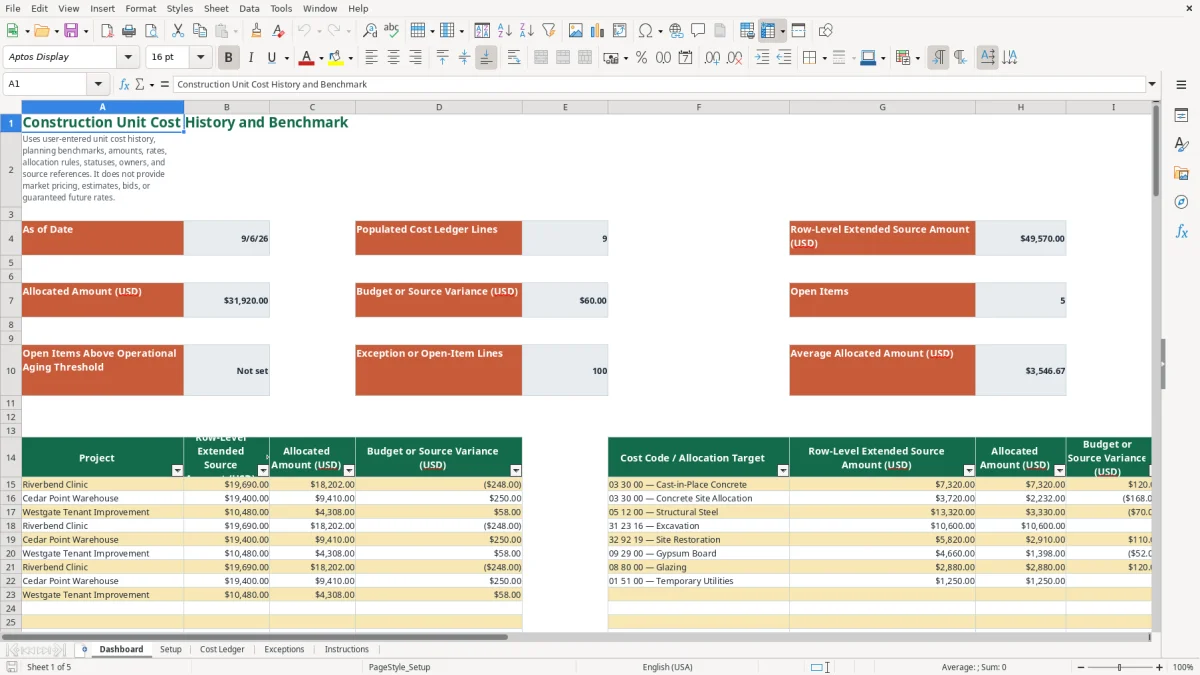
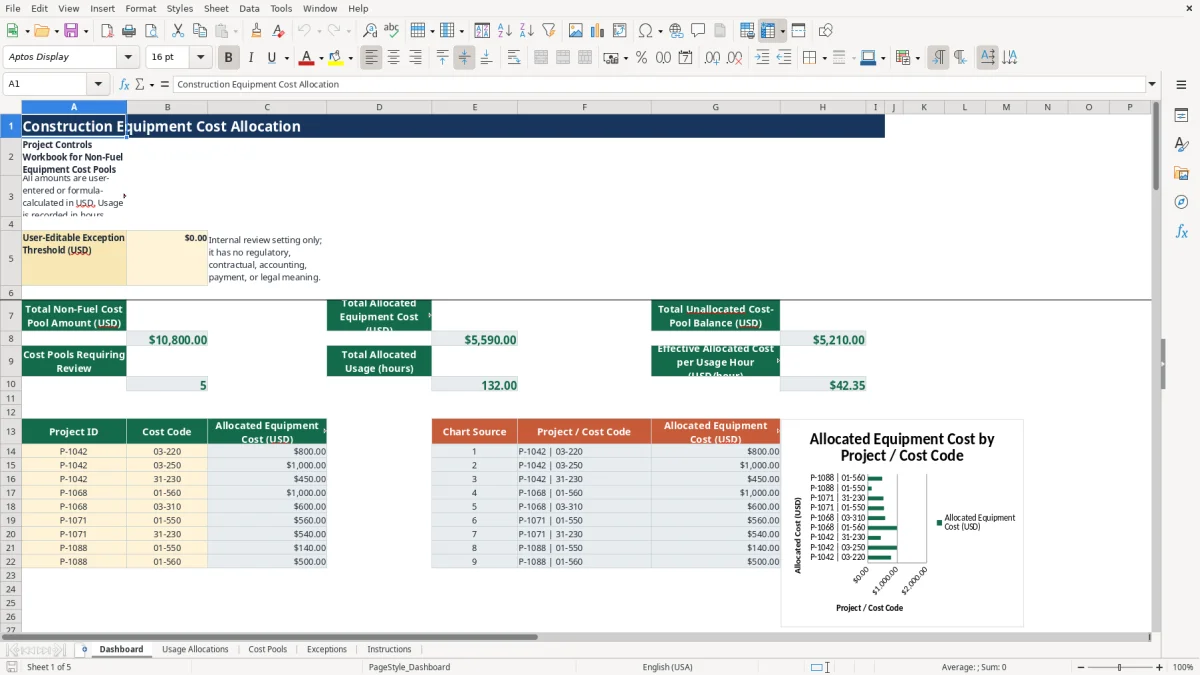
Final workbook preview
Four views generated from the verified XLSX.
How to use this workbook
Start with the Cost Pools sheet
Create one cost-pool record for each equipment asset and usage period. Enter a unique Cost Pool ID, Equipment ID, description, usage period start and end dates, category, source reference, non-fuel cost-pool amount in USD, approval reference, owner, review date, and notes. The prepared Cost Pools table provides rows 10 through 109.
Add documented usage allocations
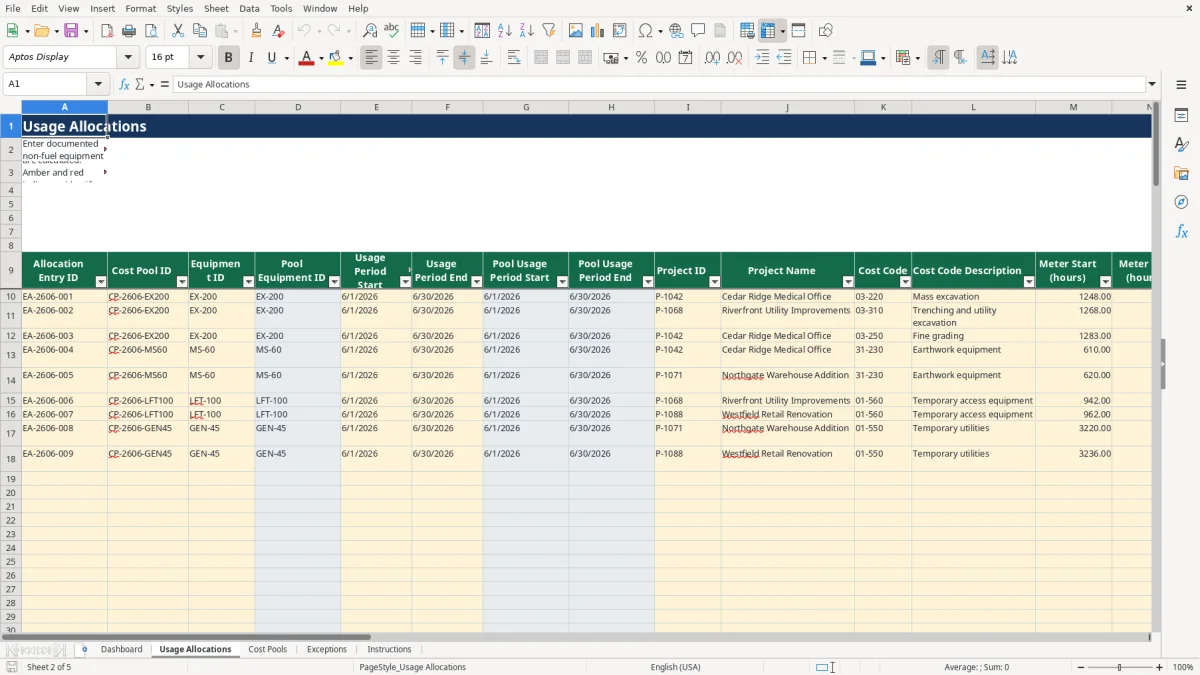
On Usage Allocations, enter an allocation entry ID and select the related Cost Pool ID. Enter the equipment ID, project ID, project name, cost code, period dates, and either meter readings in hours or billable usage in hours. When billable usage is blank, usage quantity is calculated as meter end minus meter start.
Enter the allocation support
Enter the allocation rate in USD/hour, select an allocation basis, and add usage support, approval, preparer, reviewer, status, and notes. Billable usage takes priority over meter-based usage when both are entered. The workbook calculates allocated equipment cost as usage quantity multiplied by the entered rate.
Review reconciliations and reporting
Set the internal review threshold in USD on the Dashboard. Review each cost pool's allocated cost, total allocated usage in hours, unallocated balance, variance, and status. Use Exceptions for pools marked Review, then use Dashboard totals and the prepared project/cost-code reporting combinations for allocation reporting.
Benefits
Connect each equipment allocation entry to a documented non-fuel cost pool.
Calculate project and cost-code equipment allocations from usage hours and USD/hour rates.
Reconcile allocated amounts against each entered cost-pool amount.
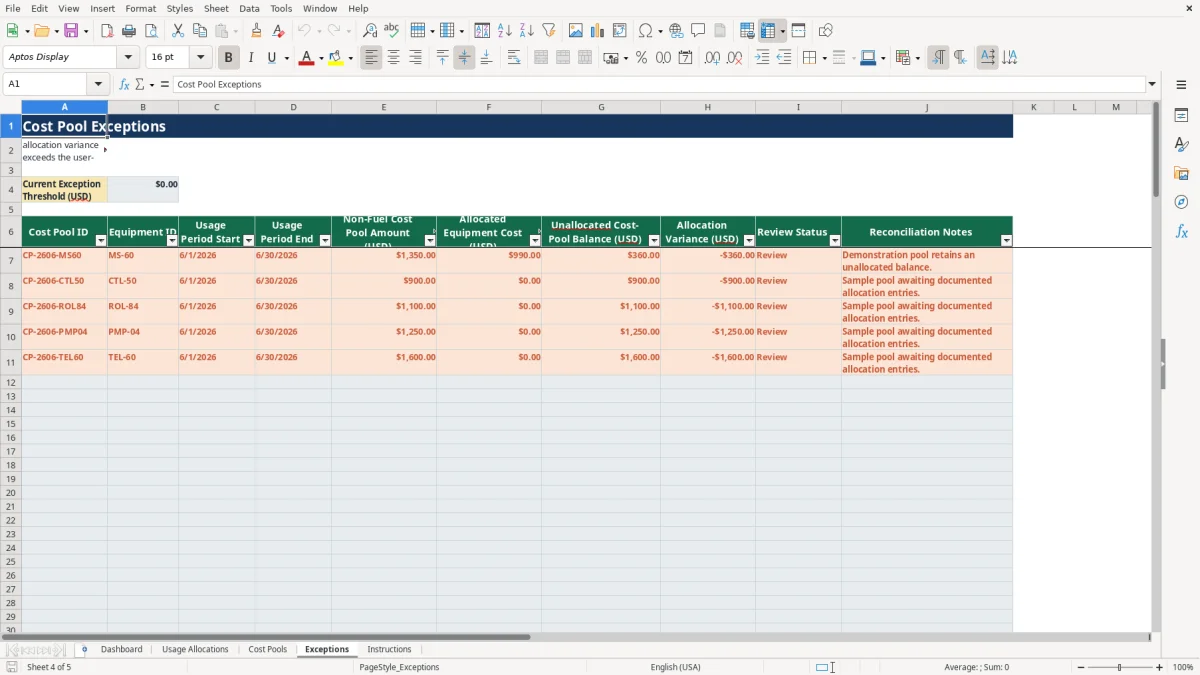
Bring cost pools outside the selected USD review threshold into one exception list.
Features
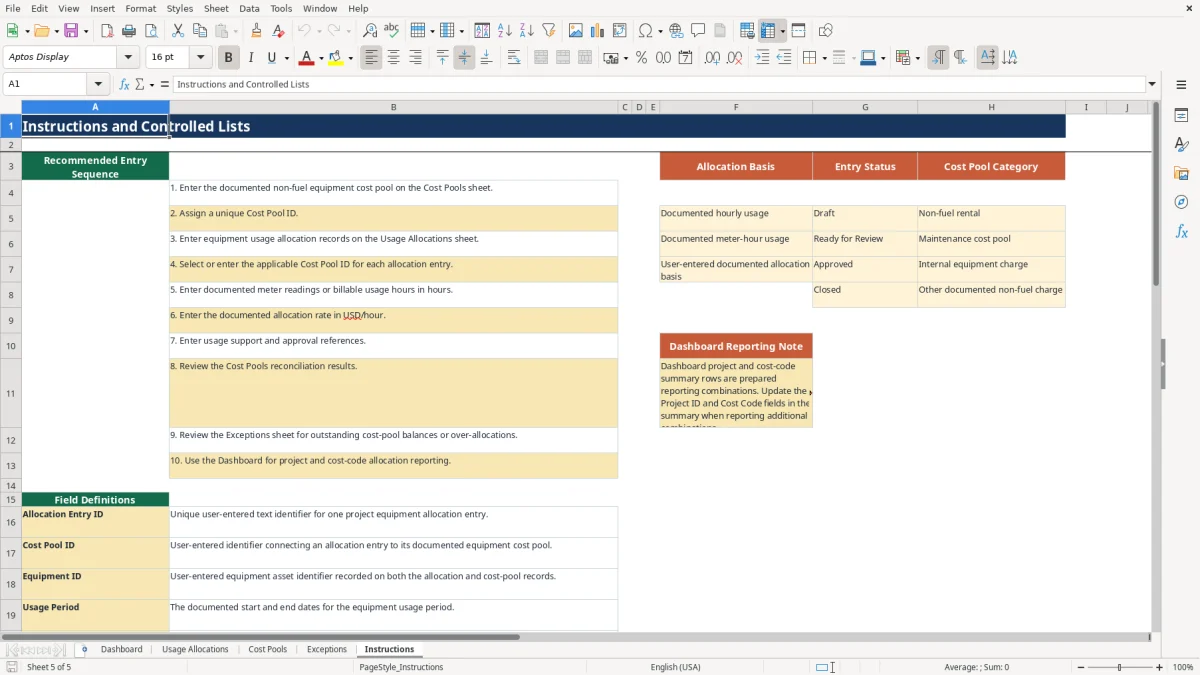
Five worksheets: Dashboard, Usage Allocations, Cost Pools, Exceptions, and Instructions.
Prepared entry areas for up to 100 cost-pool records and 100 usage-allocation records.
Formula-driven usage quantity, allocated cost, balance, variance, and USD/hour calculations.
One Dashboard chart using prepared project and cost-code allocation reporting combinations.
Construction equipment cost allocation workflow
This construction equipment cost allocation spreadsheet is built around one allocation entry per equipment asset, usage period, project, and cost code. Start with a documented non-fuel pool, then connect each project allocation to that pool through the Cost Pool ID. This approach keeps the pool source amount and the job-level allocation records in related workbook sheets.
For each allocation, users enter project and cost-code information alongside equipment usage. The workbook is designed for usage recorded in hours and allocation rates entered in USD/hour. Documented usage drives the allocation calculation; the workbook does not create rates, source amounts, or approval decisions.
Cost-pool reconciliation and exception review
The Cost Pools sheet totals allocated equipment cost and allocated usage for each Cost Pool ID. It then calculates the unallocated cost-pool balance as the entered non-fuel cost-pool amount less the calculated allocated equipment cost. Allocation variance is calculated as allocated cost less the cost-pool amount.
A user-editable threshold in USD on the Dashboard controls the Review status. When the absolute variance exceeds that setting, the pool is identified for review and appears on the Exceptions sheet with its equipment ID, usage period, pool amount, allocated cost, balance, variance, status, and reconciliation notes. The threshold is an internal review setting only.
Equipment allocation reporting in Excel
The Dashboard summarizes total non-fuel cost-pool amount in USD, total allocated equipment cost in USD, total unallocated cost-pool balance in USD, cost pools requiring review, total allocated usage in hours, and effective allocated cost per usage hour in USD/hour. It also summarizes allocated equipment cost by prepared Project ID and Cost Code combinations.
Update the Project ID and Cost Code fields in the prepared Dashboard summary rows when reporting additional combinations. The workbook includes one chart based on a limited set of those prepared summary combinations. Dashboard reporting is a workbook aid and should be reviewed against the entered source records before it is used in internal reporting.
Scope and functional limits
This workbook handles non-fuel rental, maintenance cost pools, internal equipment charges, and other documented non-fuel charges. It does not manage fuel transactions or fuel quantities, insurance premiums, maintenance events, equipment ownership economics, or entries in a job-cost ledger.
The formulas use user-entered amounts, dates, rates, references, and allocation choices. The record checks can identify missing required inputs, missing cost pools, and selected input conditions for review, but they do not establish authorization, entitlement, payment, accuracy, or compliance. Use supporting records and project review procedures to assess entries.
Frequently asked questions
What information do I enter for a cost pool?
Enter a Cost Pool ID, Equipment ID, equipment description, usage period start and end dates, category, source reference, non-fuel cost-pool amount in USD, approval reference, pool owner, last reviewed date, and reconciliation notes. The calculated columns summarize allocations linked to that Cost Pool ID.
How does the workbook calculate equipment usage?
Usage quantity is recorded in hours. If Billable Usage is entered, the workbook uses that value. If Billable Usage is blank and both meter readings are entered, it calculates usage as Meter End minus Meter Start. A meter end below meter start is identified for review in the allocation record check.
How is allocated equipment cost calculated?
Allocated Equipment Cost equals the calculated usage quantity in hours multiplied by the user-entered Allocation Rate in USD/hour. Effective Allocated Cost per Usage Hour is calculated as allocated equipment cost divided by usage quantity. Rates remain user-entered documented inputs, not workbook-generated recommendations.
What appears on the Exceptions sheet?
Exceptions lists cost pools with a Review status after their calculated allocation variance is compared with the Dashboard threshold in USD. It shows the pool ID, equipment ID, usage dates, pool amount, allocated cost, unallocated balance, variance, review status, and reconciliation notes for follow-up.
Can this workbook track fuel or ownership cost?
No. The workbook is limited to allocating documented non-fuel equipment cost pools using usage quantities and allocation rates. It does not track fuel tickets, fuel quantities, insurance premiums, maintenance-event details, long-term ownership economics, or the job-cost ledger.
Workbook file
Ready to put this workbook to work?
Download the verified XLSX, keep an untouched copy, and adapt a working copy to your project.
Download verified XLSXEditorial team
About the authors

Paige Sutton Vale
Workbook Systems Editor
Paige turns construction planning, cost-control, field, and closeout workflows into clear Excel workbook guides. She focuses on inputs, calculations, outputs, and practical limits.

Maren Ellsworth Keel
Workbook QA Reviewer
Maren reviews formula behavior, field labels, project-controls terminology, and workbook instructions so each resource stays within its documented scope.