Verified Excel workbook
Free 2026 Construction Buyout Workbook in Excel
Track subcontract packages, award values, scope gaps, and buyout variance in a free construction buyout log workbook in Excel.
Keep subcontract buyout decisions tied to the estimate allowance, selected bidder, award value, and executed commitment in one working record. Download the free workbook to organize one row per subcontract package and review open buyout exceptions before execution. It is built for US construction teams that need a practical internal log for package-level buyout control.
The workbook follows the path from bid review through selection, award, and commitment baseline. Enter your own package IDs, cost codes, USD amounts, dates, scope summaries, responsible people, and status updates. Calculated fields then show the buyout basis, variance to estimate, unawarded package value, and linked unresolved scope-gap count. Inputs drive every result; review the underlying package and gap records before acting on a dashboard total.
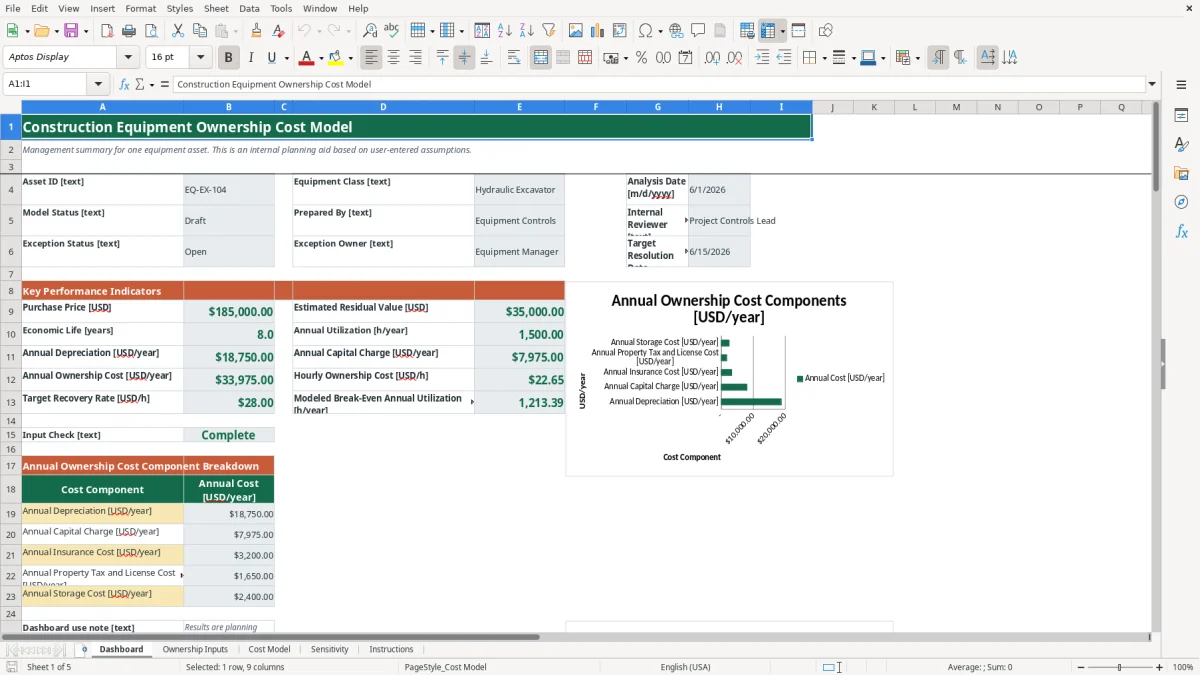
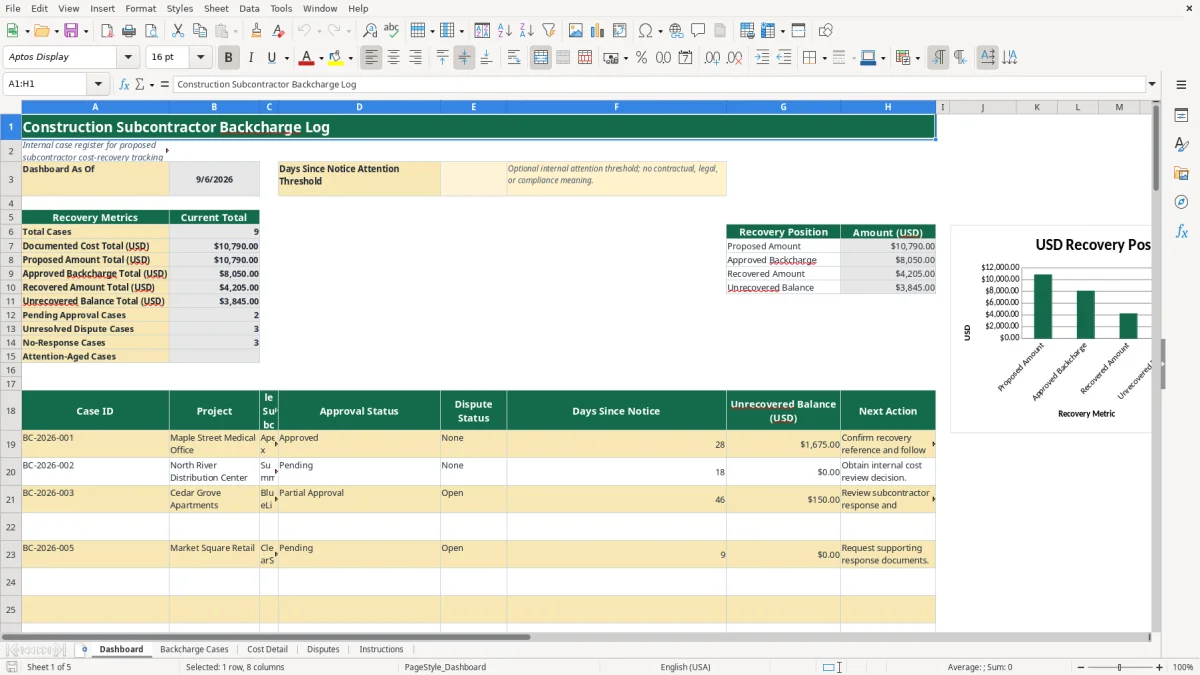
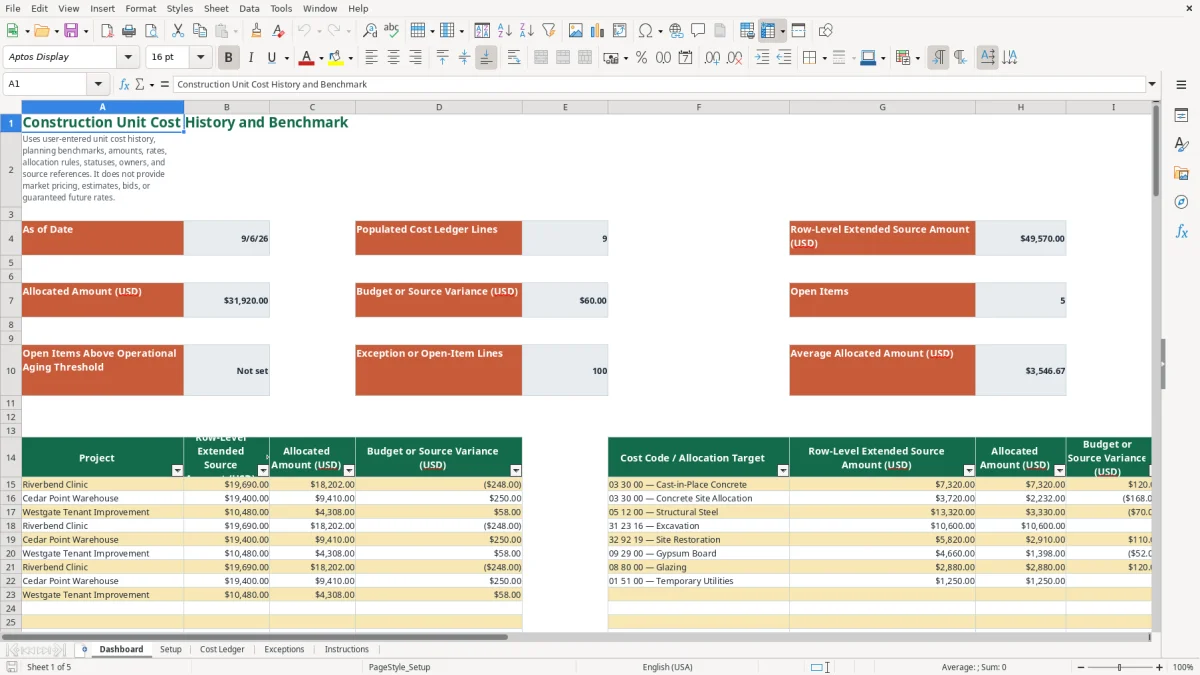
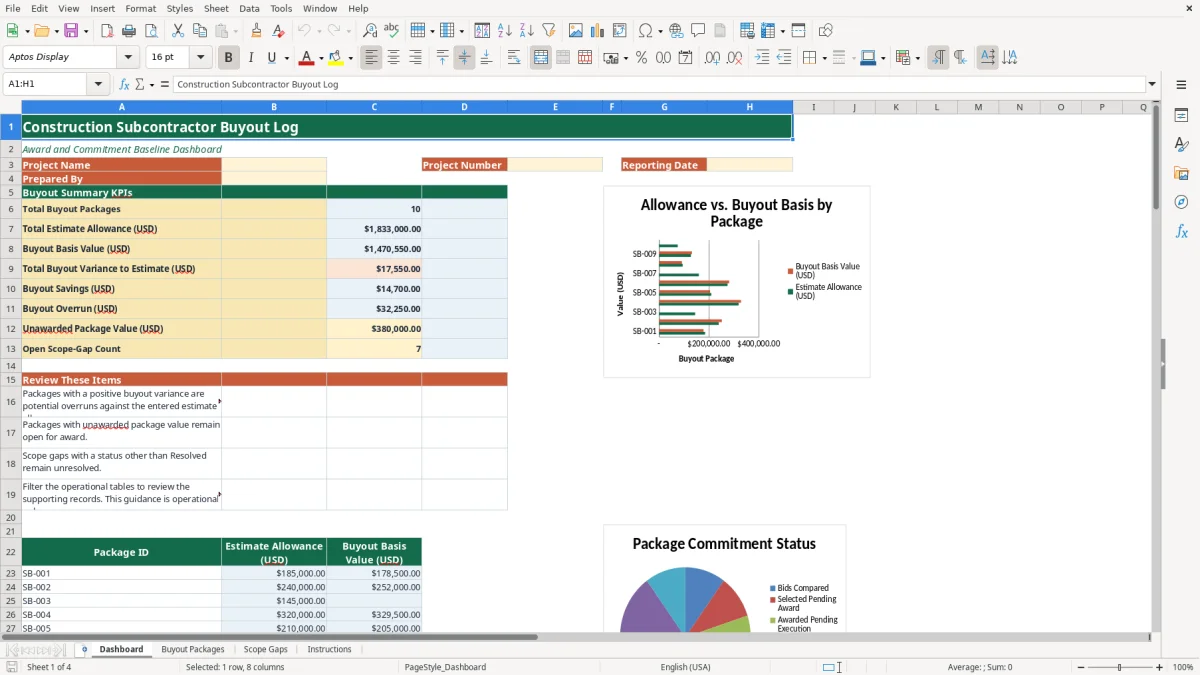
Final workbook preview
Four views generated from the verified XLSX.
How to use this workbook
Start with the package register
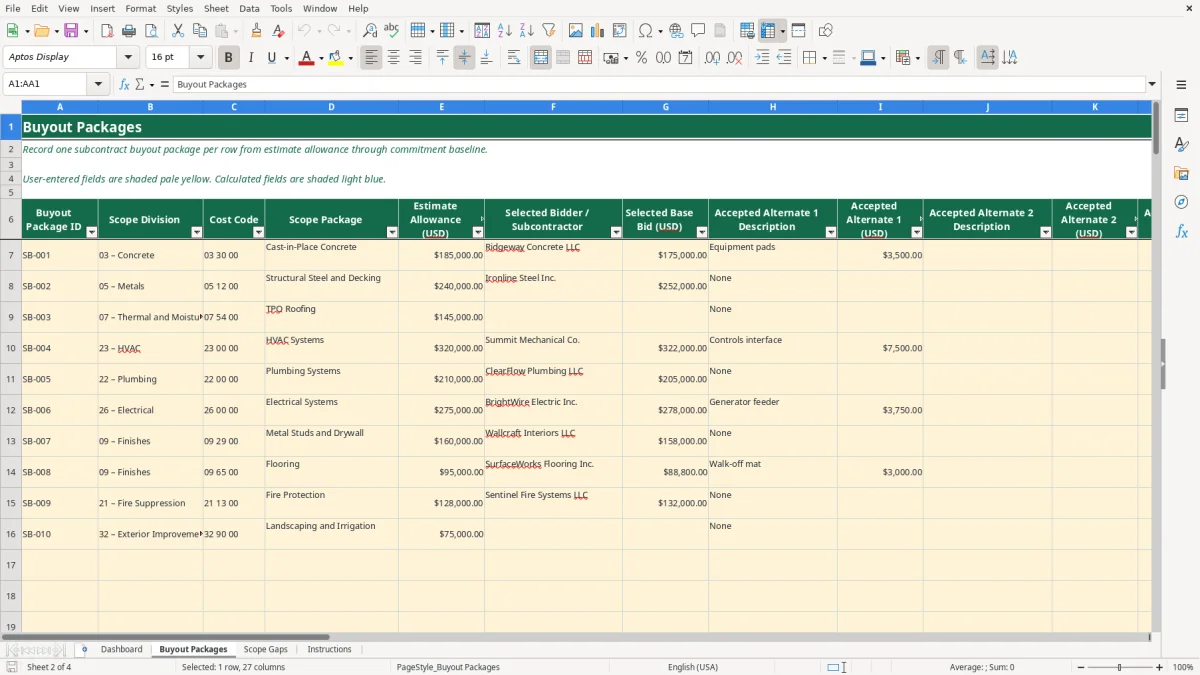
On Buyout Packages, enter one subcontract buyout package per prepared row. Add the buyout package ID, scope division, cost code, scope package, and estimate allowance first. Then record the selected bidder or subcontractor, selected base bid, accepted alternate descriptions and amounts, scope inclusions, scope exclusions, responsible person, next action date, and notes or exceptions.
Record the award and commitment
Enter Award Value (USD) and Award Date when your team records an award. Enter Executed Subcontract Value (USD) once that value is available. Select the commitment status from the provided list: Bids Compared, Selected Pending Award, Awarded Pending Execution, Executed, or On Hold. The workbook does not perform bid scoring; selected-bidder information follows your own bid review process.
Review the calculated package fields
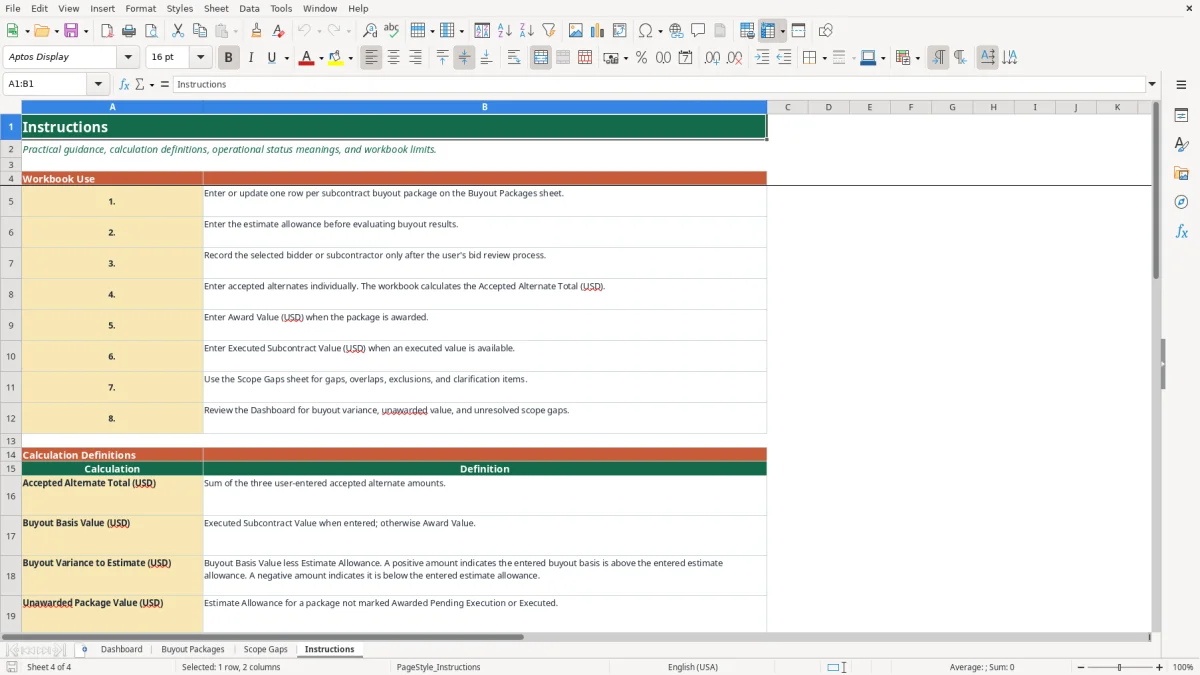
- Accepted Alternate Total (USD) sums the three accepted alternate amount fields.
- Buyout basis logic uses Executed Subcontract Value (USD) when entered; otherwise it uses Award Value (USD).
- Buyout Variance to Estimate (USD) is buyout basis value less estimate allowance.
- Unawarded Package Value (USD) remains the estimate allowance until status is Awarded Pending Execution or Executed.
Log scope gaps and review the dashboard
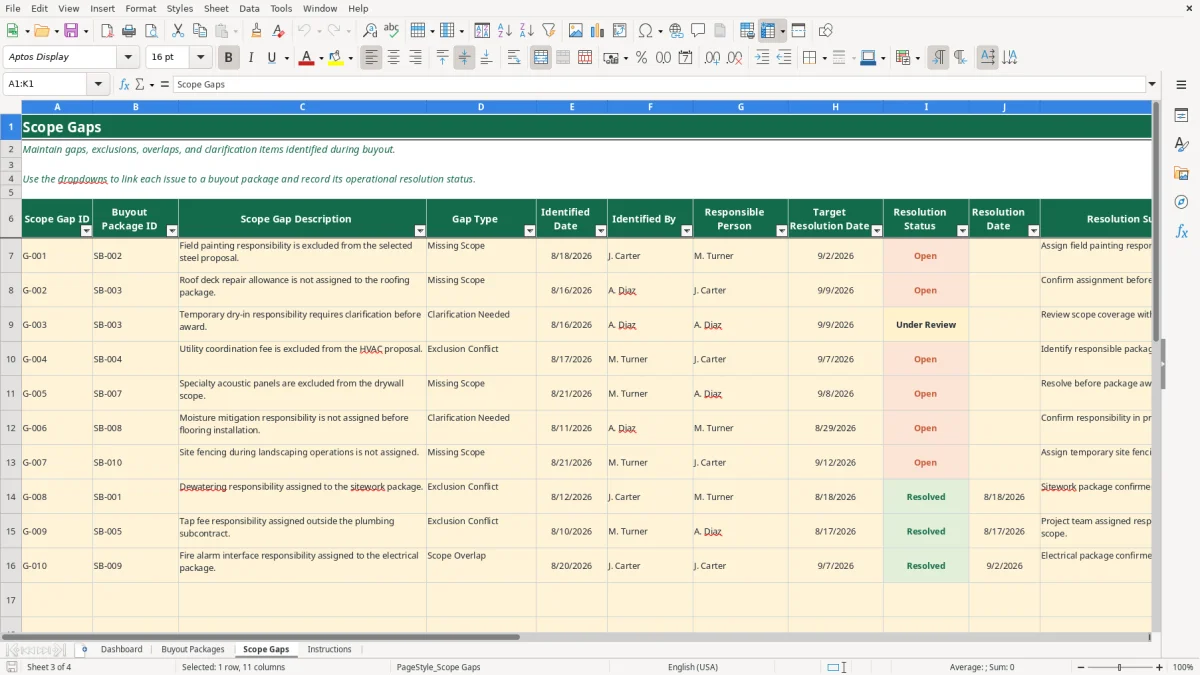
Use Scope Gaps for missing scope, scope overlap, exclusion conflict, or clarification needed. Link each issue to a package ID and assign dates, ownership, resolution status, and notes. Dashboard totals summarize package counts, USD values, open scope-gap count, package records, and commitment-status counts. Review supporting rows before relying on any total.
Benefits
Keeps estimate allowance, award, and executed commitment values together by package.
Shows package-level buyout variance against user-entered estimate allowances in USD.
Flags unresolved linked scope gaps for follow-up before execution.
Separates open, awarded, executed, and on-hold package records.
Features
Four worksheets: Dashboard, Buyout Packages, Scope Gaps, and Instructions.
Prepared package and scope-gap operational rows run from row 7 through row 106.
Package formulas calculate alternates, buyout basis, variance, unawarded value, and open gaps.
Dashboard summarizes package values, status counts, unresolved gaps, and includes two charts.
Construction subcontractor buyout log Excel workflow
This construction subcontractor buyout log workbook in Excel is focused on the preconstruction-to-award decision and the committed-value baseline. The Buyout Packages sheet records package identity, scope division, cost code, selected subcontractor, base bid, accepted alternates, award information, and executed subcontract value. It also captures plain-language inclusions and exclusions, an assigned responsible person, a next action date, and package notes. One row per package keeps the allowance-to-commitment record together without turning the workbook into an invoice or job-cost ledger.
Use USD amounts exactly as your team enters them. The workbook does not supply rates, allowances, scope assignments, or allocation rules.
Buyout variance and commitment baseline in USD
The workbook calculates Accepted Alternate Total (USD) from up to three entered accepted alternate amounts. Its Buyout Basis Value (USD) uses the Executed Subcontract Value (USD) when that field is populated; if not, it uses Award Value (USD). Buyout Variance to Estimate (USD) equals that basis value less the entered Estimate Allowance (USD). A positive variance means the entered basis is above the entered allowance, while a negative variance means it is below the entered allowance.
These are internal comparisons of entered values, not a determination of entitlement, final cost, payment amount, or accuracy. Check the source record when an exception needs discussion.
Scope gap tracking before subcontract execution
Scope Gaps provides a separate operational list for issues identified during buyout. Each entry can include a gap ID, linked Buyout Package ID, description, gap type, identified date, identifying person, responsible person, target resolution date, resolution status, resolution date, and notes. The available gap types are Missing Scope, Scope Overlap, Exclusion Conflict, and Clarification Needed. Resolution status choices are Open, Under Review, and Resolved.
The package register counts linked items that are not marked Resolved. Open gaps stay visible in the package-level count and Dashboard open scope-gap total until the related gap record is marked Resolved.
Frequently asked questions
What does this subcontractor buyout workbook track?
It tracks one subcontract package per row from estimate allowance and bid-review outcome through selected subcontractor, award value, and executed commitment value. It also records scope inclusions, exclusions, responsibility, next action date, status, and buyout notes or exceptions.
How is Buyout Basis Value calculated?
Buyout Basis Value (USD) uses the entered Executed Subcontract Value (USD) when present. If no executed value is entered, it uses the entered Award Value (USD). If neither value is entered, the calculated basis is blank for that package.
What counts as an unawarded package?
Unawarded Package Value (USD) is the entered Estimate Allowance (USD) for a package whose commitment status is not Awarded Pending Execution or Executed. For either of those two statuses, the calculated unawarded value is USD 0.00.
Can the workbook manage subcontract invoices or payments?
No. Its functional boundary is the buyout decision and committed-value baseline. It does not track invoices, payment status, corrective-work charges, job-cost transactions, accounting records, or payment approvals.
Does the workbook resolve scope or contract issues?
No. It records user-entered gaps, exclusions, overlaps, clarification items, ownership, dates, and resolution status. It is an internal project-controls aid and does not replace contract review, legal review, accounting review, or the team’s underlying buyout process.
Workbook file
Ready to put this workbook to work?
Download the verified XLSX, keep an untouched copy, and adapt a working copy to your project.
Download verified XLSXEditorial team
About the authors

Paige Sutton Vale
Workbook Systems Editor
Paige turns construction planning, cost-control, field, and closeout workflows into clear Excel workbook guides. She focuses on inputs, calculations, outputs, and practical limits.

Maren Ellsworth Keel
Workbook QA Reviewer
Maren reviews formula behavior, field labels, project-controls terminology, and workbook instructions so each resource stays within its documented scope.