Verified Excel workbook
Free 2026 Construction Portfolio Workbook in Excel
Track construction portfolio activities, owners, dates, statuses, and exceptions with a free Excel workbook for focused 2026 reviews.
Download the free workbook to track controlled activity records across a construction portfolio in Excel. The Activity Register brings project, subject, responsible party, record date, planned or due date, status, source reference, and notes into one working dataset.
Use it for weekly portfolio review when unresolved coordination, procurement, or closeout items need a named owner and an accessible source reference. It is an internal operational aid, not proof of schedule, field, contract, or source-record conditions. Dashboard and Exceptions results depend on user-entered records and Excel’s current-date calculation. Replace or delete the fictional demonstration rows before live use.
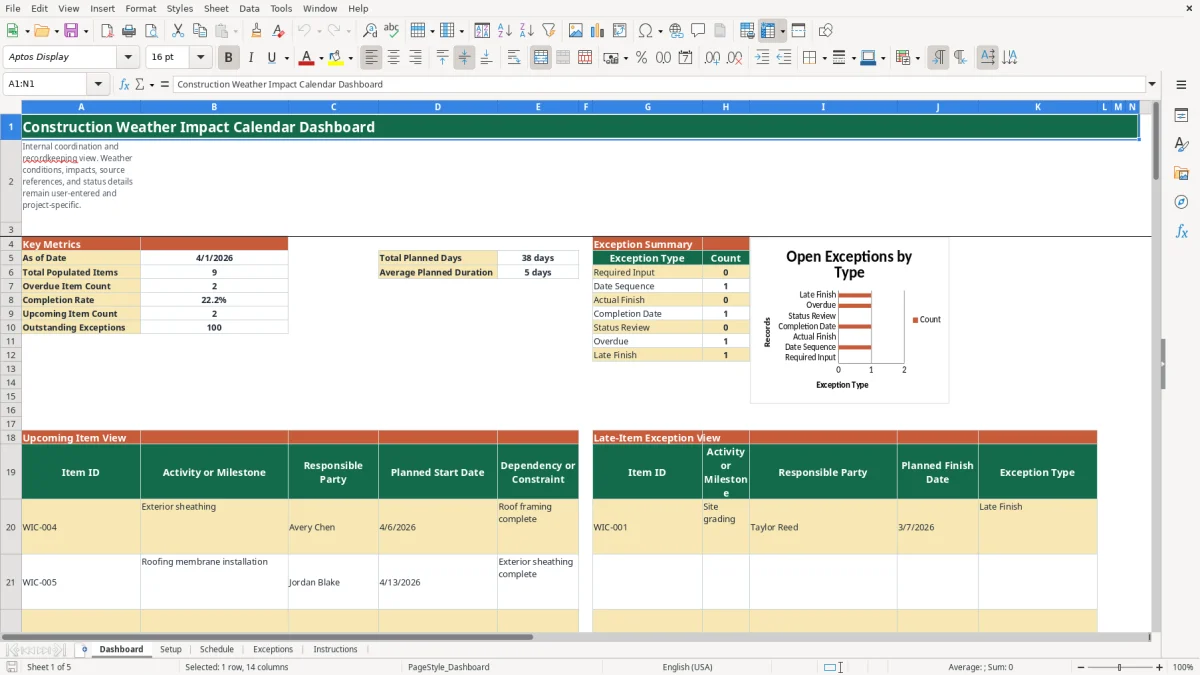
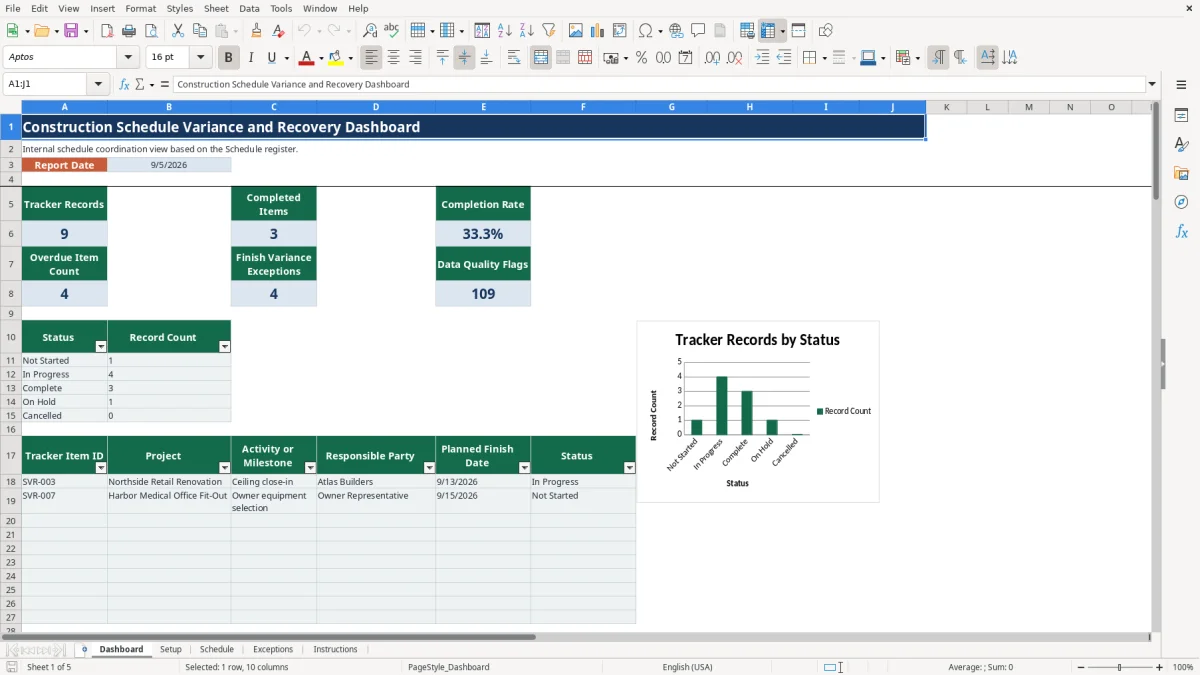
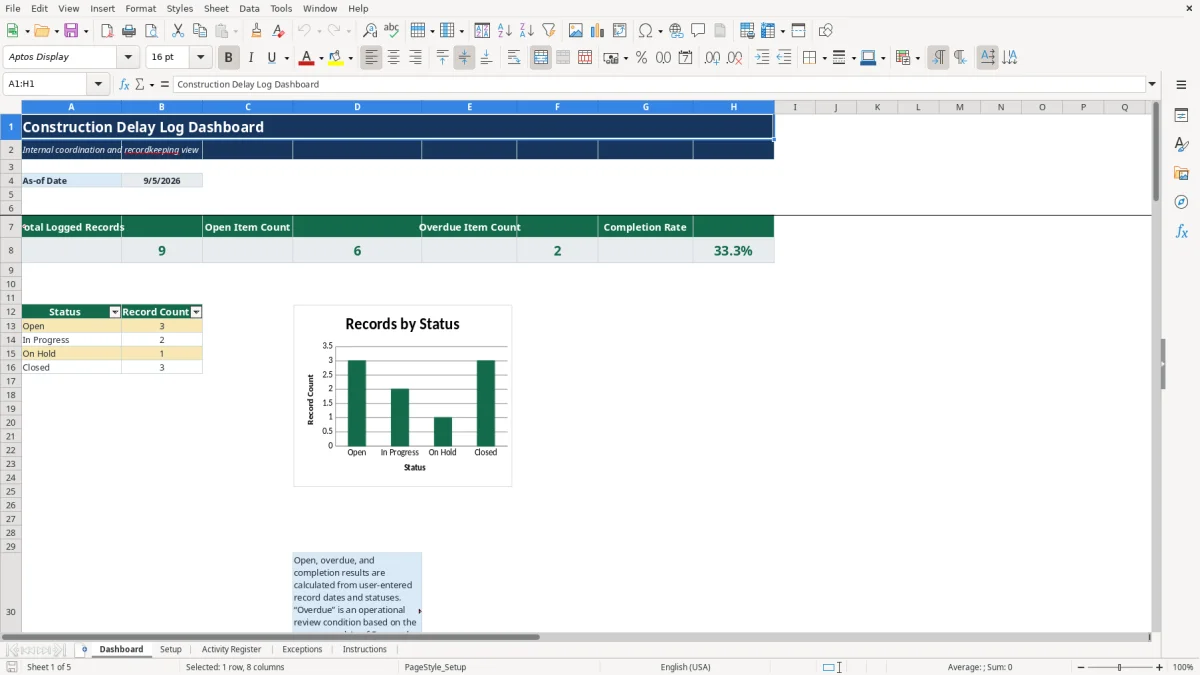
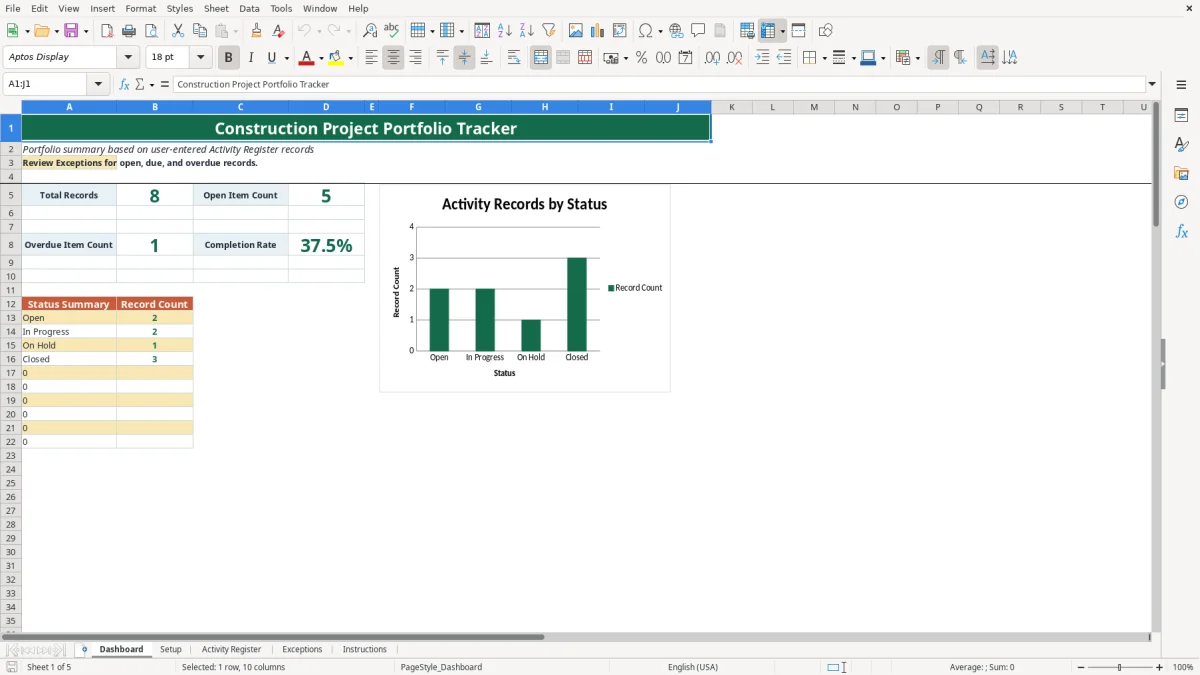
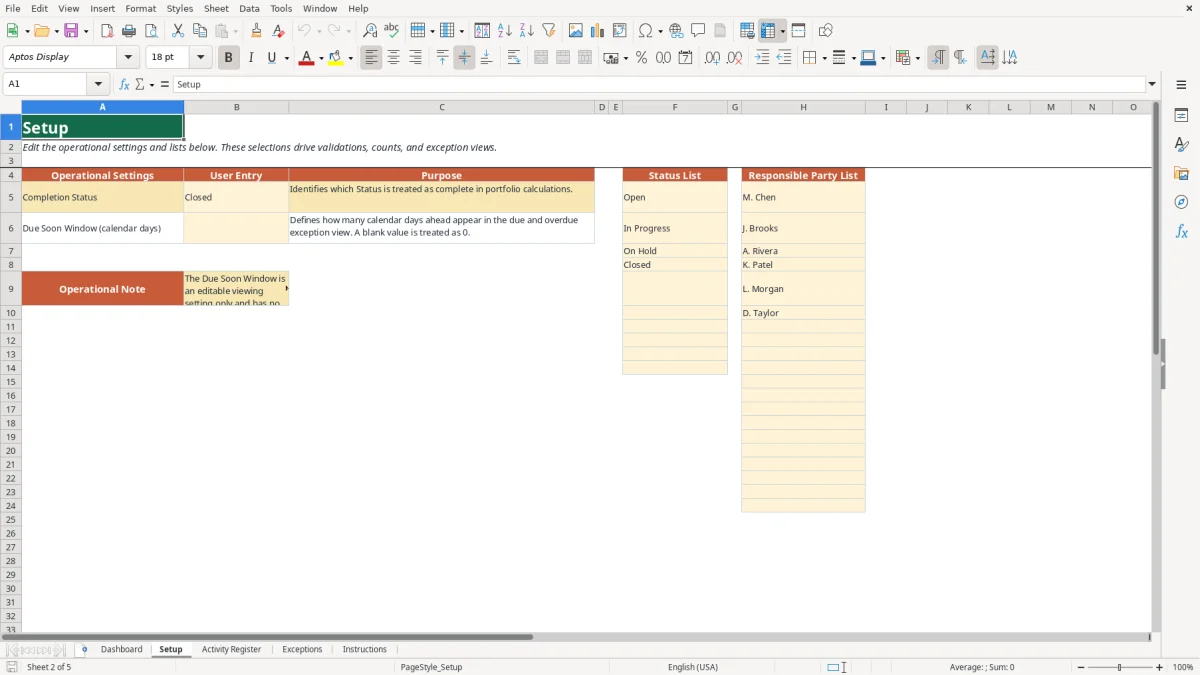
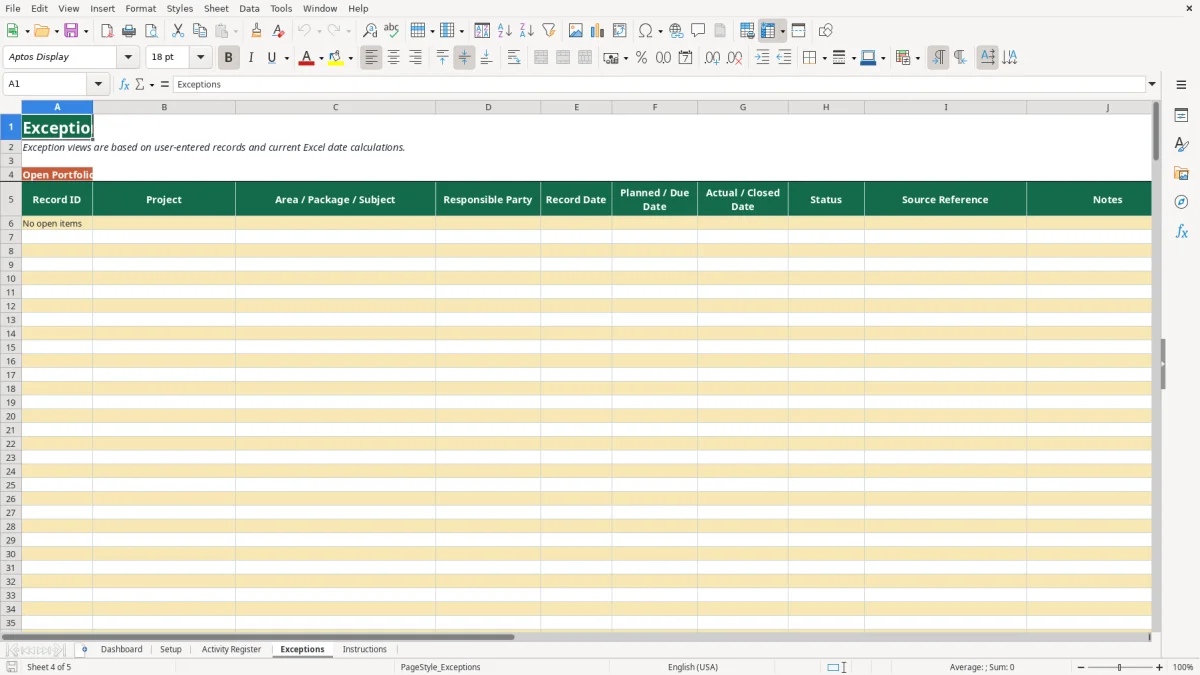
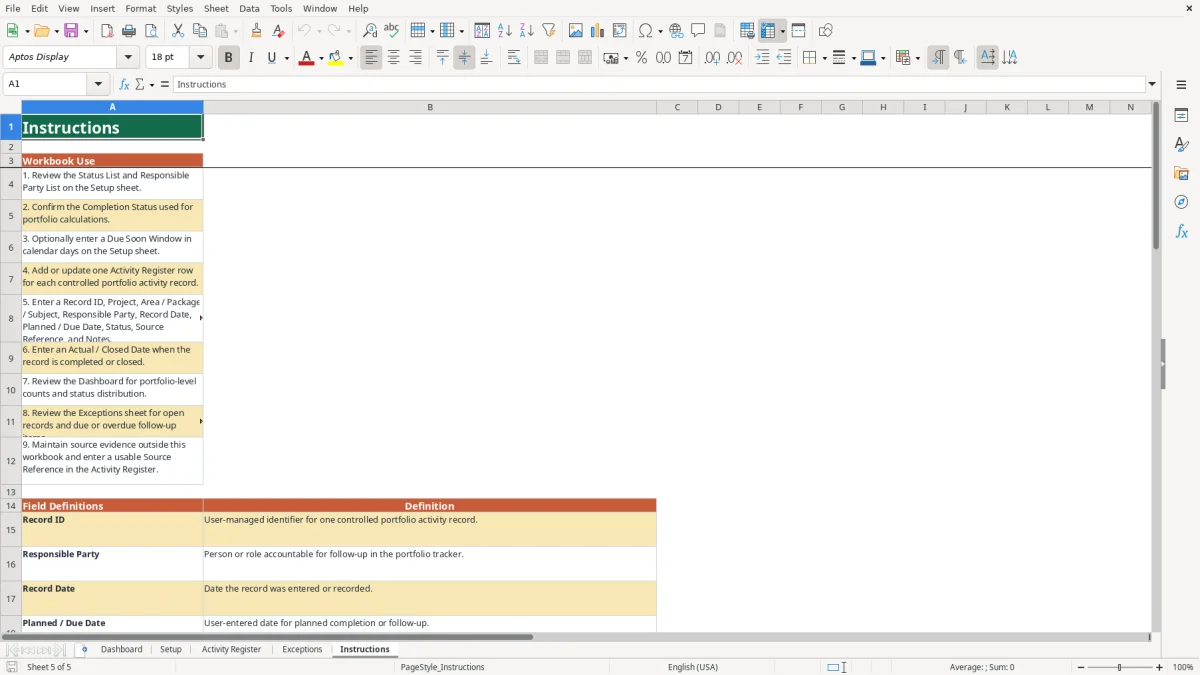
Final workbook preview
Four views generated from the verified XLSX.
How to use this workbook
Set the operating lists
Begin on Setup. Choose the Completion Status that calculations treat as complete; the starting value is Closed. Update the status and responsible-party lists for the portfolio team. Optionally enter a Due Soon Window as a nonnegative whole number of calendar days. It is a viewing setting only and has no legal, contractual, or regulatory meaning.
Enter controlled activity records
On Activity Register, enter one controlled record per row. Provide Record ID, Project, Area / Package / Subject, Responsible Party, Record Date, Planned / Due Date, Status, Source Reference, and Notes. Add Actual / Closed Date when work is completed or closed. Dates accept 1/1/2000 through 12/31/2099 and display in m/d/yyyy format. Keep supporting evidence outside the workbook.
Review exception views
Review Exceptions after Excel recalculates. The first view returns open records, meaning Status differs from the configured Completion Status. The second returns open records with a planned or due date on or before TODAY plus the Due Soon Window. It includes due-soon and overdue follow-up items.
Use the dashboard for review
Use Dashboard for Total Records, Open Item Count, Overdue Item Count, Completion Rate, and a status summary. Overdue means an open item whose planned or due date is before the current Excel date. Review the underlying register and source records before acting; the workbook does not verify them.
Benefits
Keep one activity register for portfolio follow-up across construction projects.
Assign accountable responsible parties and preserve a usable source reference.
See calculated open, overdue, and completion measures on the dashboard.
Review filtered open and due-or-overdue records in one Exceptions sheet.
Features
Uses user-entered m/d/yyyy dates and calculates elapsed calendar days.
Includes editable status and responsible-party lists on Setup.
Treats the configured completion status as closed for portfolio calculations.
Provides a dashboard status summary and one supporting chart.
A controlled portfolio record workflow
This construction project portfolio tracker Excel workbook centers on one controlled activity record per row, rather than a detailed task schedule. Each Activity Register record can identify the project, area, package, or subject; the accountable responsible party; the applicable dates; current status; notes; and an external source reference. The calculated Elapsed Days field measures calendar days from Record Date to Actual / Closed Date, or from Record Date to the current Excel date when no close date is entered. It does not confirm whether an item is complete or whether source evidence is sufficient.
Exception review based on entered dates
The Exceptions sheet provides an open-item view and a due-and-overdue open-item view from the Activity Register. An item is open when its Status does not match the Completion Status selected on Setup. The due-and-overdue view includes open records with a nonblank Planned / Due Date on or before the current Excel date plus the Due Soon Window. The due and overdue result is a review list, not a determination of priority, entitlement, notice timing, or contractual performance. Accurate review depends on maintaining dates and statuses in the register.
Portfolio controls without cost or schedule replacement
This workbook supports portfolio-level follow-up across projects by rolling record counts and status information into Dashboard. Completion Rate is completed records divided by total records with a Record ID, using the selected Completion Status. It does not replace detailed single-project scheduling, job costing, accounting records, billing records, budgets, quantities, or unit conversions. The workbook contains no USD, cost, budget, billing, accounting, quantity, or unit-conversion calculations. Teams remain responsible for project-specific review and the underlying project records.
Frequently asked questions
What information do users enter in the Activity Register?
Users enter the Record ID, Project, Area / Package / Subject, Responsible Party, Record Date, Planned / Due Date, Actual / Closed Date when applicable, Status, Source Reference, and Notes. The workbook calculates Elapsed Days. Responsible Party and Status use lists maintained on Setup, while the date-entry cells accept dates from 1/1/2000 through 12/31/2099.
How are the dashboard measures calculated?
Total Records counts rows with a Record ID. Open Item Count counts records whose Status differs from the configured Completion Status. Overdue Item Count counts open records with a Planned / Due Date before the current Excel date. Completion Rate divides completed records by total records with a Record ID. These outputs change when users update records and when Excel recalculates TODAY().
Why might the Exceptions sheet not update in an older Excel version?
The Exceptions views use Excel’s FILTER function to return matching Activity Register rows. An Excel version that supports FILTER is required for those dynamic views. If the workbook is opened in a version without that function, users should confirm compatibility before relying on the exception outputs.
Does this workbook replace a construction master schedule or job-cost report?
No. It is designed for controlled portfolio activity records, responsibilities, dates, statuses, and unresolved exceptions across projects. It does not provide detailed single-project task scheduling, job costing, accounting, billing, budget, quantity, USD, or unit-conversion functions. Use the workbook alongside the project records and review process your team maintains.
Workbook file
Ready to put this workbook to work?
Download the verified XLSX, keep an untouched copy, and adapt a working copy to your project.
Download verified XLSXEditorial team
About the authors

Paige Sutton Vale
Workbook Systems Editor
Paige turns construction planning, cost-control, field, and closeout workflows into clear Excel workbook guides. She focuses on inputs, calculations, outputs, and practical limits.

Maren Ellsworth Keel
Workbook QA Reviewer
Maren reviews formula behavior, field labels, project-controls terminology, and workbook instructions so each resource stays within its documented scope.
Continue exploring