Verified Excel workbook
Free 2026 Construction ITP Schedule Workbook in Excel
Plan inspection and test control points, notice dates, roles, and prerequisites in Excel with a schedule, queue, exceptions, and dashboard.
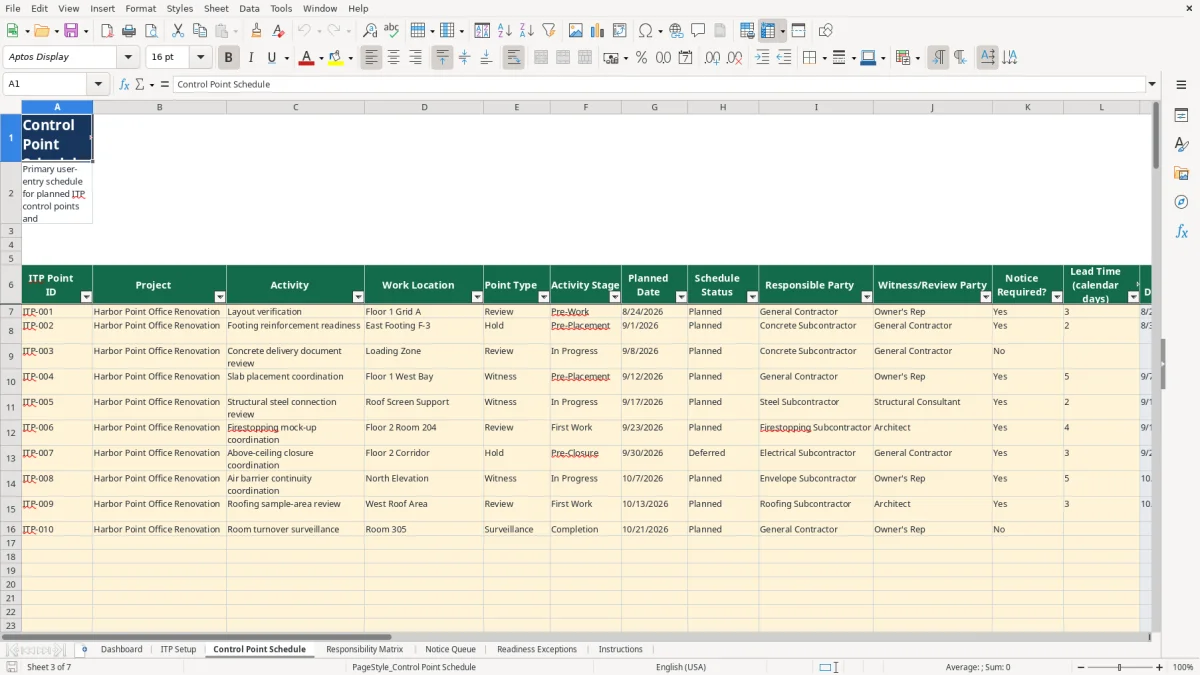
Download the Free 2026 Construction Inspection and Test Plan Schedule Workbook in Excel to organize planned hold, witness, review, and surveillance points before verification work begins. This administrative workbook brings planned dates, project activities, locations, parties, notice timing, references, and release prerequisites into one control-point schedule.
Enter project-specific information in the Control Point Schedule, then use linked views to review responsibility assignments, notice timing, and readiness exceptions. The workbook records user-entered criteria references, evidence references, observations of schedule status, and prerequisite status. It is a planning and readiness tool, not a record of technical acceptance or completed inspection results.
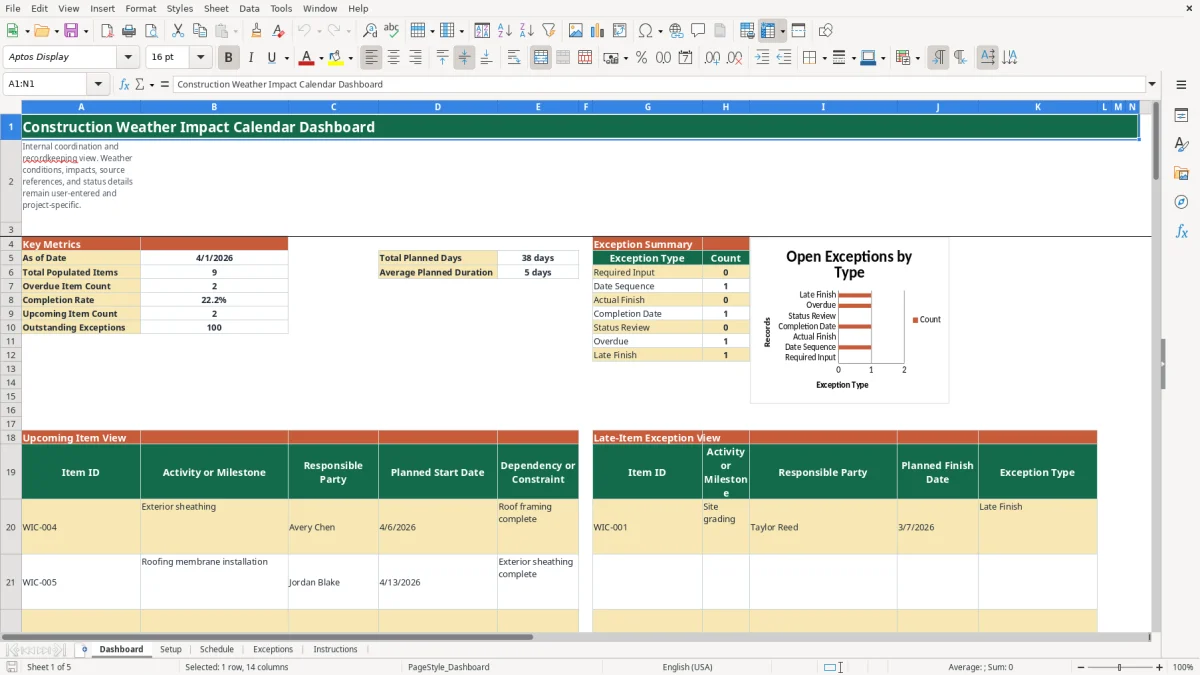
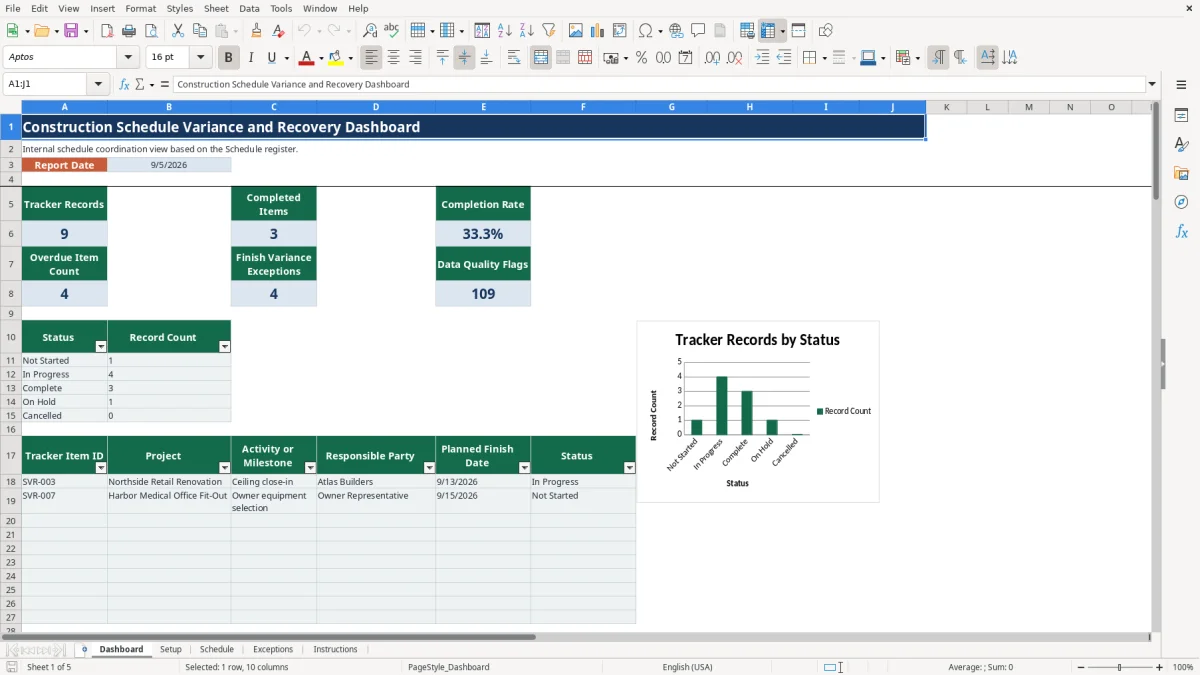
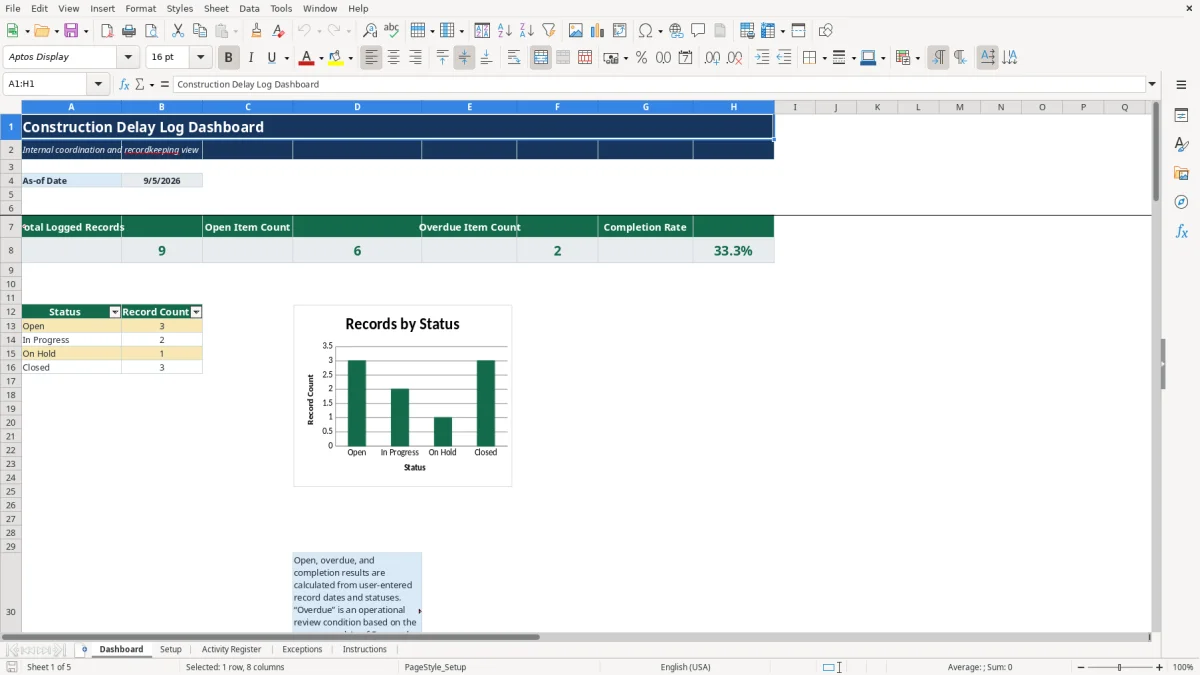
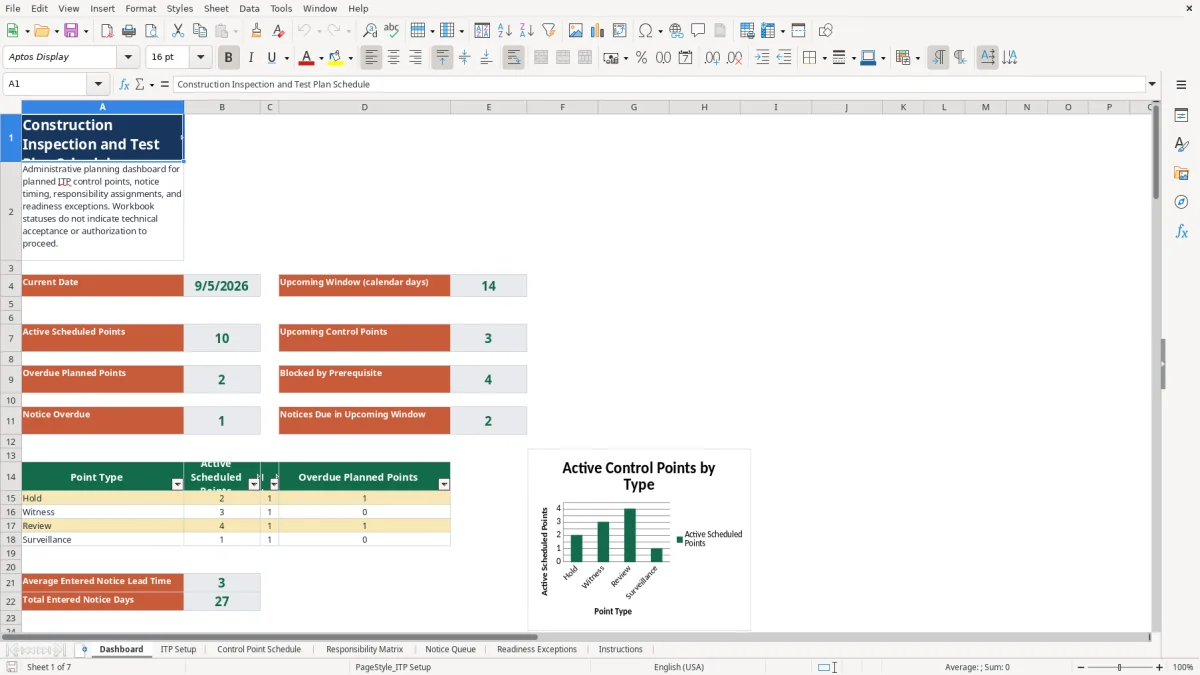
Final workbook preview
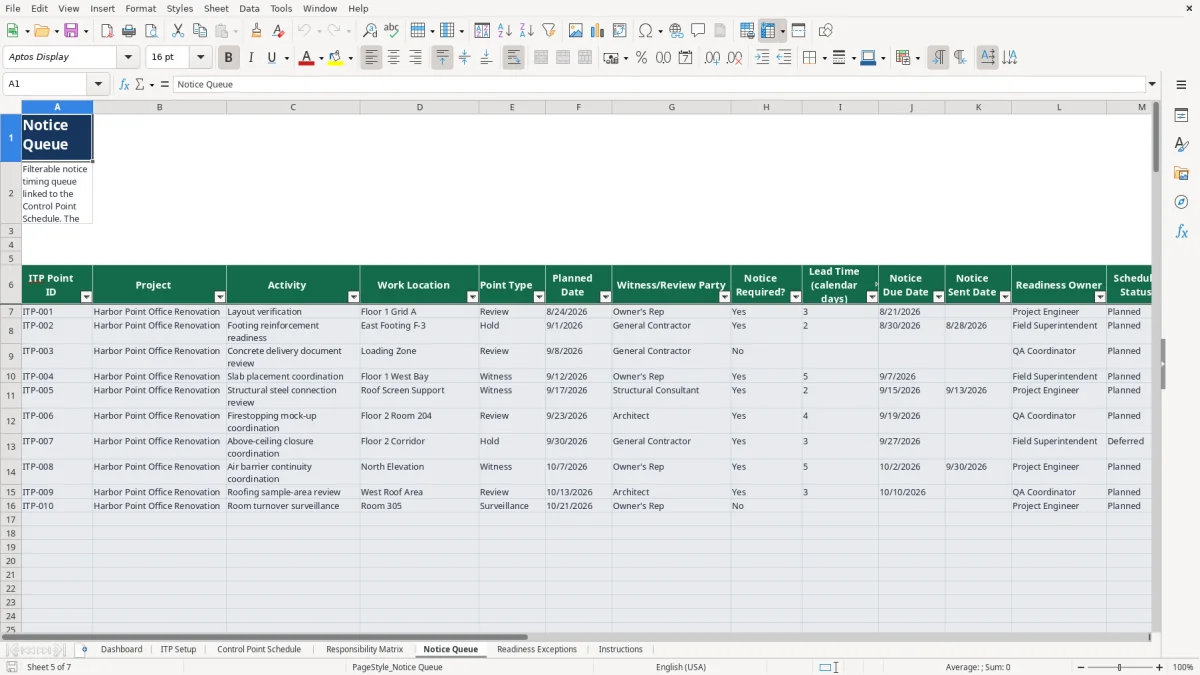
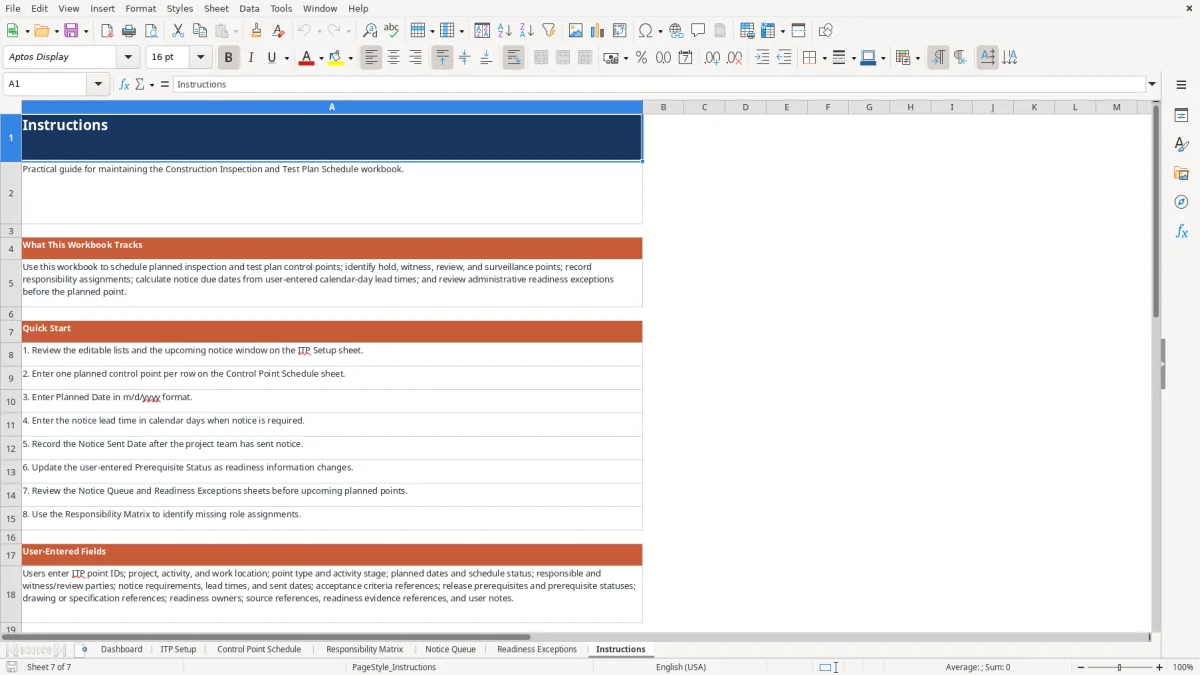
Four views generated from the verified XLSX.
How to use this workbook
Set the operating window
Start on ITP Setup. Enter the upcoming notice window in calendar days and review the available point types, activity stages, schedule statuses, notice options, and prerequisite statuses. The window is a user-defined display threshold for the Dashboard and Notice Queue; it does not establish a contract, regulatory, or acceptance requirement.
Enter each planned control point
On Control Point Schedule, use one row per planned point. Enter the ITP point ID, project, activity, work location, point type, activity stage, planned date in m/d/yyyy format, schedule status, parties, references, prerequisite, readiness owner, and notes. When notice is required, enter the witness or review party and lead time in calendar days.
Record changing schedule information
Enter the Notice Sent Date after the project team sends notice. Update the user-entered prerequisite status as project readiness information changes, and record source and readiness-evidence references supplied by the team. A Complete status is recorded as entered; the workbook does not validate the underlying work, evidence, approval, or technical adequacy.
Review linked control views
Use the Dashboard for current counts and the Responsibility Matrix for assignment checks. Review the Notice Queue before upcoming dates and use Readiness Exceptions to focus on incomplete schedule data, blocked prerequisites, overdue notices, or overdue planned points. These are calculated administrative views, not instructions to proceed with work.
Benefits
Keep planned ITP control points tied to activities, locations, and planned dates.
Calculate notice due dates from user-entered lead times in calendar days.
Review missing assignments, prerequisite blocks, and overdue planned points in linked views.
Separate pre-verification schedule control from inspection results and corrective-action records.
Features
A Control Point Schedule with prepared rows 7 through 116 for planned entries.
A Responsibility Matrix linked to schedule parties, point types, and readiness ownership.
A Notice Queue showing notice due dates, sent dates, and queue categories.
A Dashboard with active, upcoming, overdue, blocked, and notice timing counts.
Construction inspection and test plan schedule Excel workflow
This construction inspection and test plan schedule Excel workbook is built around planned ITP control points rather than completed verification. The primary schedule records the ITP point ID; project, activity, and work location; hold, witness, review, or surveillance point type; activity stage; planned date; and schedule status. It also records the responsible party, witness or review party, acceptance criteria reference, drawing or specification reference, source reference, and user notes. This creates a single administrative schedule for coordinating when a planned point is approaching and who should be identified for it.
Notice dates and responsibility assignments
For rows with a planned date and entered lead time, the workbook calculates the Notice Due Date by subtracting the entered lead time in calendar days from the planned date. The Notice Queue links the point, location, planned date, witness or review party, notice requirement, due date, sent date, readiness owner, and schedule status. Its categories distinguish excluded cancelled points, notices not required, recorded notices, overdue notices, items due within the user-defined upcoming window, and future notices. The workbook does not send notices or confirm that a recipient received them.
Readiness exceptions before verification execution
Readiness Status is calculated from the schedule information provided by the user. It can surface incomplete schedule data, a blocked release prerequisite, a notice that is overdue, or an overdue planned point. The Readiness Exceptions sheet carries forward the control-point details, prerequisite status, notice dates, source reference, and user notes, along with an exception category. These flags support follow-up; they do not determine whether work is technically ready, inspected, tested, accepted, or released. Qualified project specialists retain technical judgments and verification decisions.
Frequently asked questions
What does this workbook track?
It tracks planned ITP hold, witness, review, and surveillance points; dates; parties; notice lead times; prerequisite status; and supporting references. Its linked sheets are Dashboard, ITP Setup, Control Point Schedule, Responsibility Matrix, Notice Queue, Readiness Exceptions, and Instructions.
Which fields do users enter?
Users enter point IDs, project information, activity and location, point type, stage, planned date, schedule status, parties, notice requirement, lead time, criteria and drawing references, prerequisites, readiness ownership, evidence references, and notes. Notice Sent Date and prerequisite status are also user-entered schedule records.
What does the workbook calculate?
Calculated outputs include notice due dates, control-point readiness status, Dashboard counts, Notice Queue categories, responsibility assignment checks, and readiness exception categories. The Dashboard also identifies upcoming control points, overdue planned points, points blocked by incomplete prerequisites, and notice timing counts.
Does a Complete prerequisite status approve the work?
No. A Complete prerequisite status is a user-entered record and does not validate evidence, approval, technical adequacy, or completed work. The workbook is not a technical verification record and does not certify inspection, testing, commissioning, calibration, surveying, or acceptance.
When should another project record be used?
Use this workbook for control-point scheduling, notice timing, responsibilities, and readiness before verification execution. Use a Quality Checklist for criterion-level results, an Inspection Request for a specific administrative appointment request, and specialist logs for observations, findings, and corrective actions.
Workbook file
Ready to put this workbook to work?
Download the verified XLSX, keep an untouched copy, and adapt a working copy to your project.
Download verified XLSXEditorial team
About the authors

Paige Sutton Vale
Workbook Systems Editor
Paige turns construction planning, cost-control, field, and closeout workflows into clear Excel workbook guides. She focuses on inputs, calculations, outputs, and practical limits.

Maren Ellsworth Keel
Workbook QA Reviewer
Maren reviews formula behavior, field labels, project-controls terminology, and workbook instructions so each resource stays within its documented scope.
Continue exploring