Verified Excel workbook
Free 2026 Construction Draw Workbook in Excel
Track planned, requested, and received construction draws in USD with a Free 2026 Workbook in Excel for milestone variances and funding views.
Download the Free 2026 Construction Draw Workbook in Excel to organize expected project funding by milestone. Enter a plan, then add request and receipt activity as it is recorded. The workbook keeps planned draw dates, planned USD amounts, request dates, requested USD amounts, received dates, received USD amounts, and a selected status together.
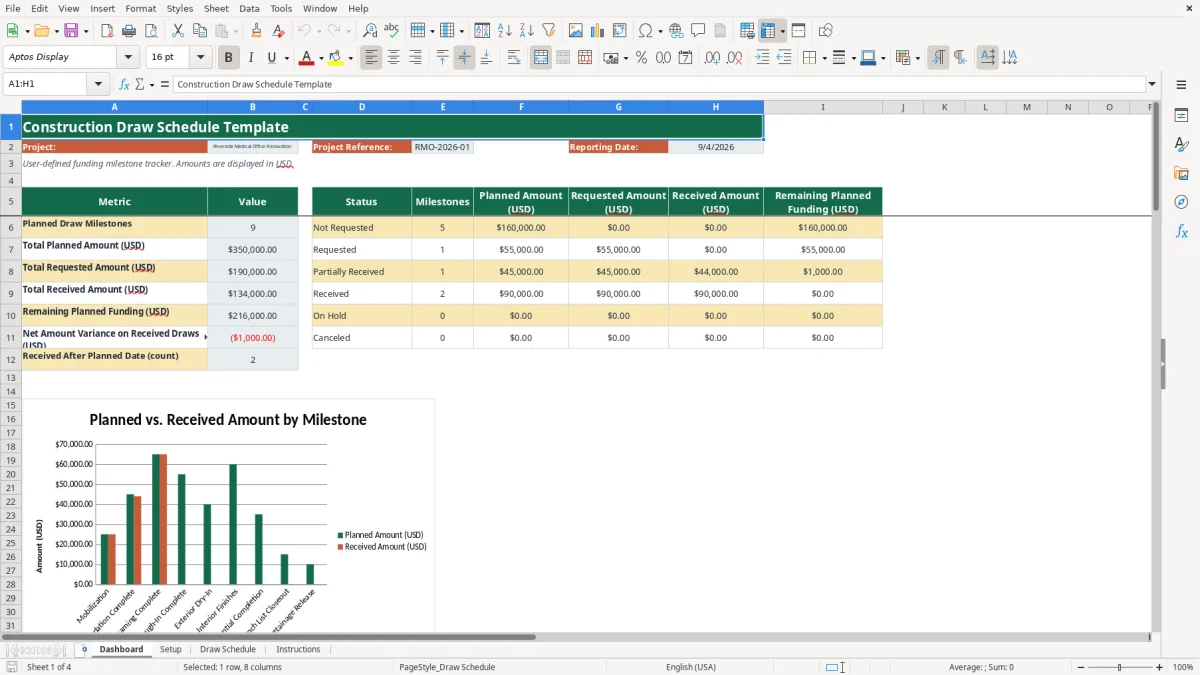
This user-defined tracker includes Dashboard, Setup, Draw Schedule, and Instructions worksheets. It is built to compare planned versus received funding, not to determine lending terms or approval. Use it for a project-level schedule; the supplied sample entries should be replaced or removed before live use for your project.
Final workbook preview
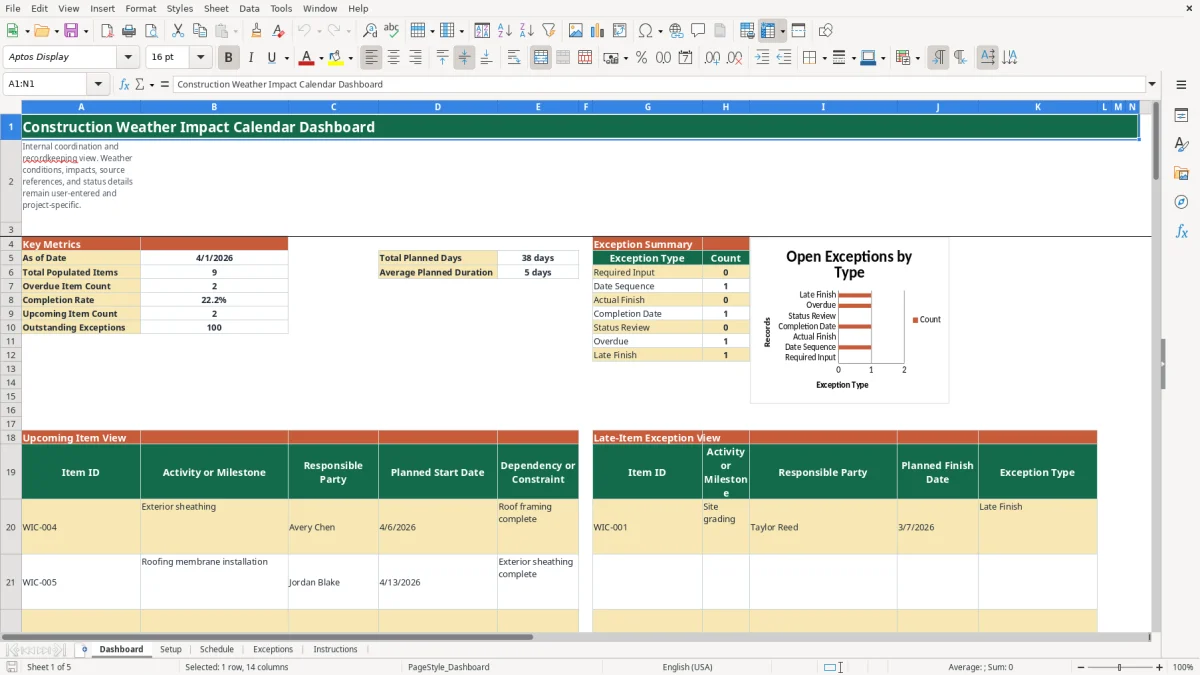
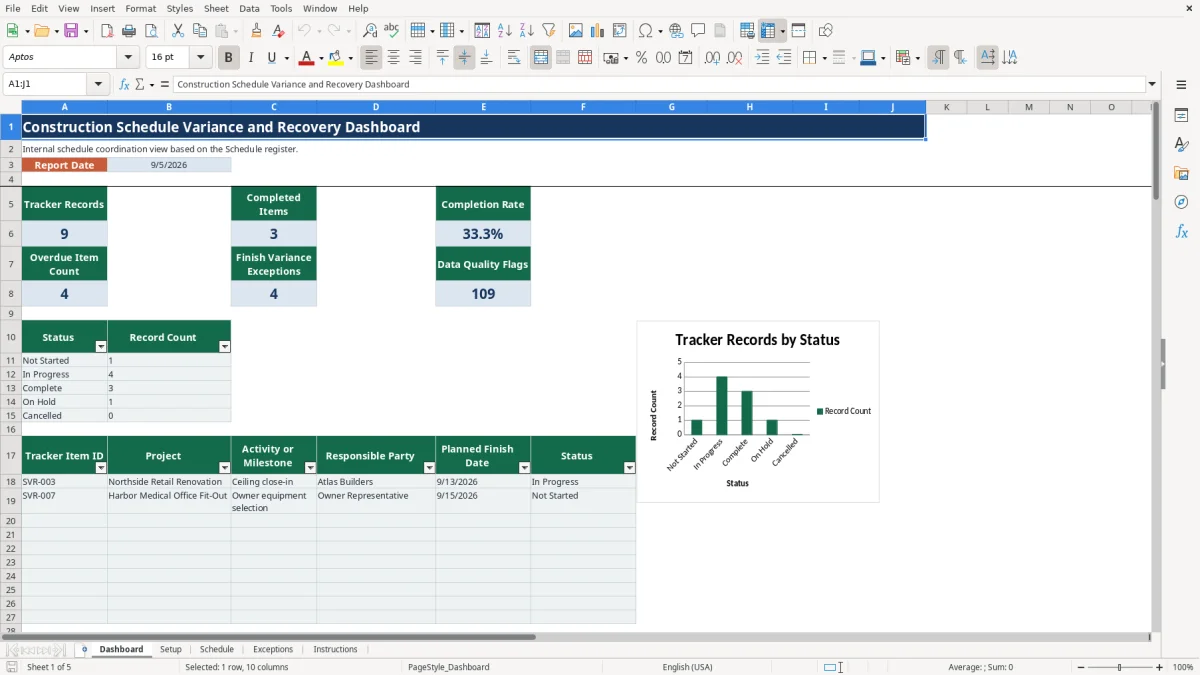
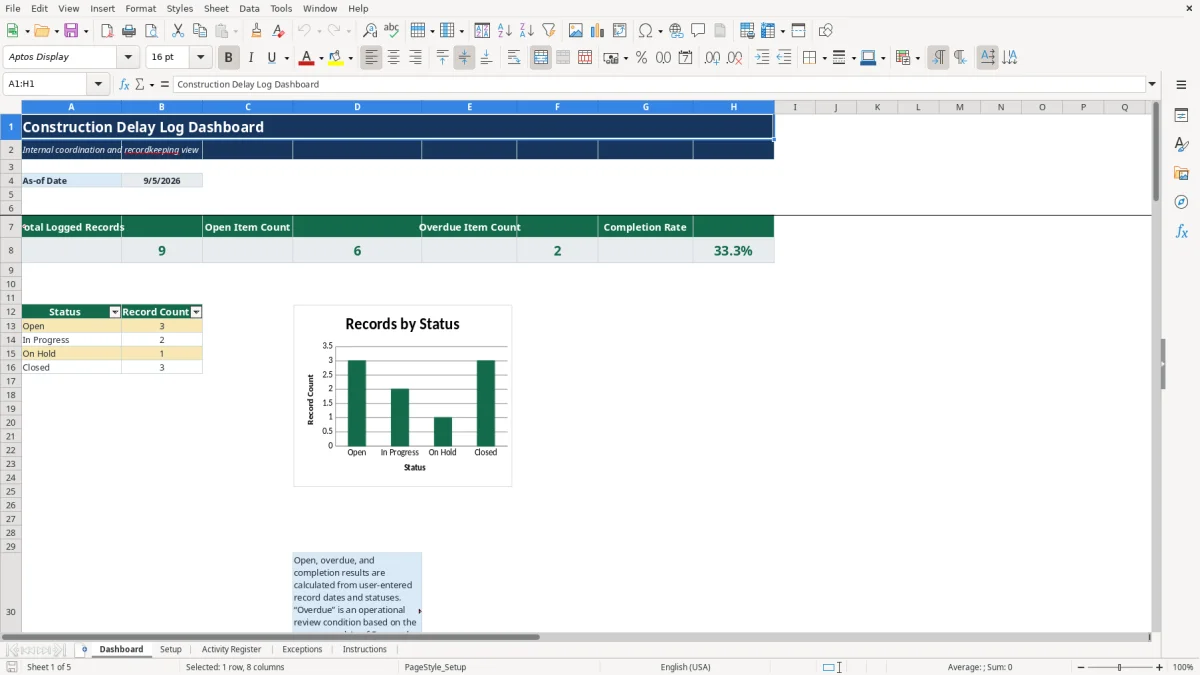
Four views generated from the verified XLSX.
How to use this workbook
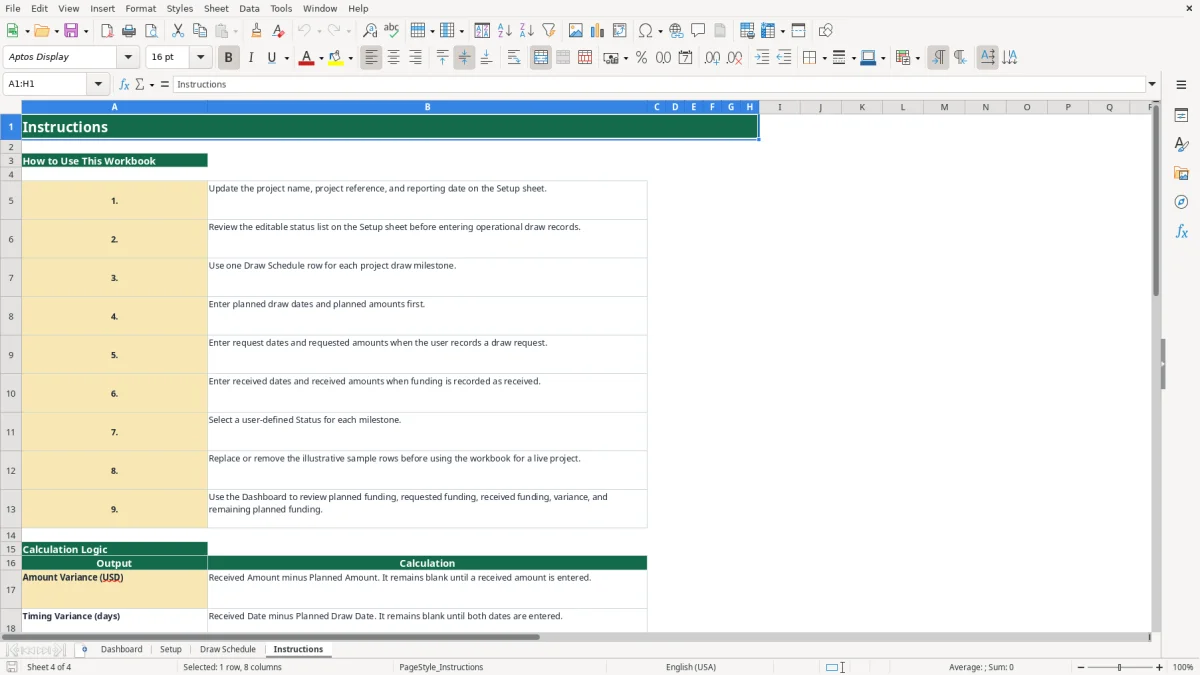
Set up project information
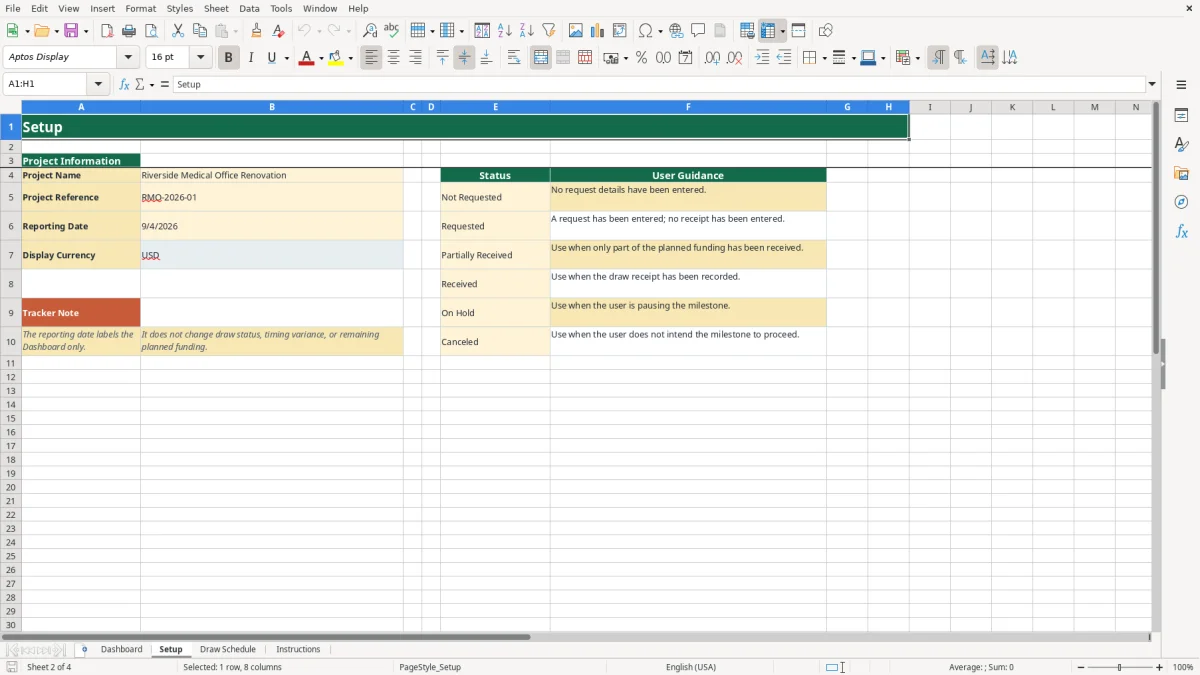
On the Setup worksheet, enter the project name, project reference, and reporting date. The reporting date labels the Dashboard only; it does not alter draw status, timing variance, or remaining planned funding. Review the editable status list, which includes Not Requested, Requested, Partially Received, Received, On Hold, and Canceled.
Enter the planned draw schedule
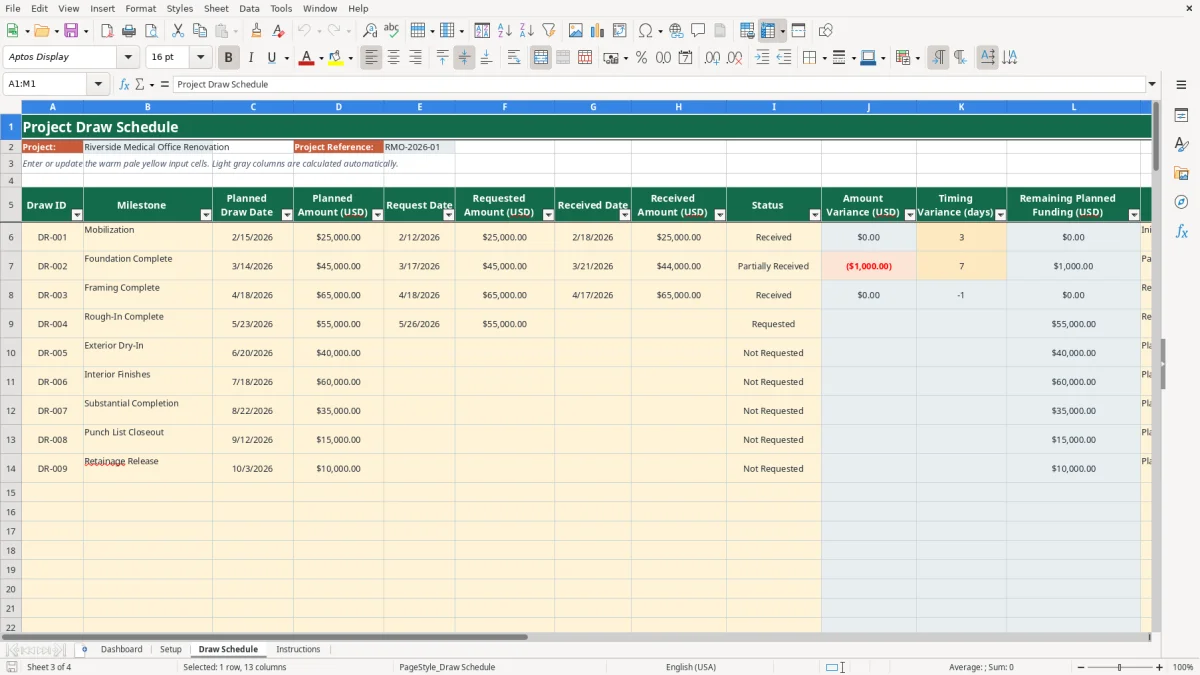
On Draw Schedule, use one row per milestone. Supply a Draw ID and milestone, then enter the planned draw date and planned USD amount first. Use date entries such as 2/15/2026. The schedule has prepared operational rows through row 105. Clear or replace illustrative sample rows before relying on the schedule.
Record requests and receipts
When a draw is requested, enter its request date and requested USD amount. When funds arrive, enter the received date and received USD amount. Select the appropriate status manually and add notes as needed. A status is a tracking label; it does not automatically change calculations, validate records, or determine whether a draw is approved.
Review calculated outputs
Open Dashboard to review milestone counts, planned, requested, and received USD totals, remaining planned funding, net amount variance on received draws, and the count received after the planned date. Review status summaries with the underlying rows because amounts are grouped by the status you select.
Benefits
Separates planned draw dates, request dates, and received dates for milestone-level tracking.
Shows USD funding differences only after a received amount is entered.
Summarizes manually selected status groups on the Dashboard for focused reviews.
Maintains remaining planned funding for entered milestones with a planned amount.
Features
Four distinct worksheets: Dashboard, Setup, Draw Schedule, and Instructions.
Prepared operational schedule area for 100 user-defined draw milestone records.
Calculated USD amount variance, timing variance in days, and remaining planned funding.
Date, nonnegative USD amount, and status-list validations on schedule input fields.
Construction draw schedule template workflow
A construction draw schedule template is useful when a project team wants one milestone-based record for planned funding, requests, and receipts. This workbook keeps those entries on Draw Schedule instead of blending them into a period-by-period cost ledger. It is a planning tracker for user-defined project draw milestones and supports a focused review of what was expected, requested, and received in USD.
Each record has a planned date and amount alongside later request and receipt fields. That sequence can show a change in funding activity without creating a receipt where no received date or received amount has been entered.
Construction draw variance calculations
The Draw Schedule calculates amount variance as received amount minus planned amount. The result remains blank until the milestone, planned amount, and received amount are present. A negative result reflects a received amount below the planned amount, while a positive result reflects a received amount above the planned amount.
Timing variance is received date minus planned draw date and remains blank until both dates are entered. Remaining planned funding is planned amount less received amount, with a minimum displayed value of $0.00. These outputs compare the user-entered schedule fields; they do not evaluate an outside funding requirement.
Status summaries and funding limits
The Dashboard groups milestone counts and planned, requested, received, and remaining USD amounts by the manually selected status. This can help a user review milestones marked Requested, Partially Received, Received, On Hold, or another listed status. Status selection does not automatically verify the record or modify the underlying formulas.
The workbook tracks draw milestones, requests, and receipts. It does not provide a complete cash flow view of all project receipts and outflows by period. It also does not calculate loan eligibility, lender requirements, interest, legal rights, or lender-specific draw procedures.
Frequently asked questions
What does the workbook calculate?
For each entered milestone, it calculates amount variance, timing variance, and remaining planned funding. Amount variance uses received amount less planned amount. Timing variance uses received date less planned draw date. Remaining planned funding uses planned amount less received amount, without displaying less than $0.00.
Can this workbook be used as a lender submission?
No. The workbook does not produce a lender form and does not calculate lender requirements, loan eligibility, interest, legal rights, or lender-specific procedures. It is a user-defined planning tracker for recording project draw milestones, requests, and receipts.
How many draw records are prepared in the workbook?
The Draw Schedule contains 100 prepared schedule rows, from row 6 through row 105. Adding records beyond that prepared area requires extending formulas, data validations, Dashboard ranges, and chart source ranges. Review those changes before relying on added rows.
Does the reporting date change draw results?
No. The reporting date entered on Setup labels the Dashboard only. It does not change a selected status, timing variance, amount variance, remaining planned funding, or any receipt and request entry.
How should status be used?
Select a status for each milestone based on your project tracking practice. The workbook provides Not Requested, Requested, Partially Received, Received, On Hold, and Canceled in its status list. The selection supports Dashboard grouping, but it does not determine approval or validate project records.
Workbook file
Ready to put this workbook to work?
Download the verified XLSX, keep an untouched copy, and adapt a working copy to your project.
Download verified XLSXEditorial team
About the authors

Paige Sutton Vale
Workbook Systems Editor
Paige turns construction planning, cost-control, field, and closeout workflows into clear Excel workbook guides. She focuses on inputs, calculations, outputs, and practical limits.

Maren Ellsworth Keel
Workbook QA Reviewer
Maren reviews formula behavior, field labels, project-controls terminology, and workbook instructions so each resource stays within its documented scope.
Continue exploring